


Car Zone Battle Royale
Play on PC with BlueStacks – the Android Gaming Platform, trusted by 500M+ gamers.

Page Modified on: Mar 15, 2026
Play Car Zone Battle Royale on PC
Master Every Game Mode:
- Head-to-Head: Pure skill. Face off against challenging AI opponents in a direct clash of speed. No excuses, only one champion!
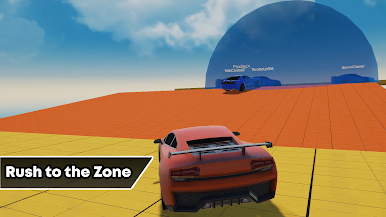
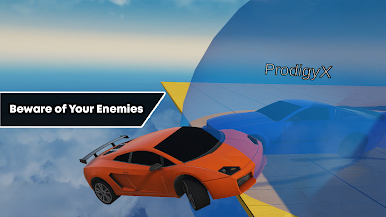
- Sumo Challenge: The zone is shrinking! Use your car’s power to stay inside the safety circle before the timer hits zero. Don't get pushed out of the Car Zone!
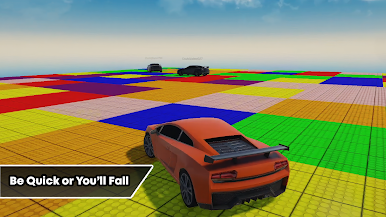
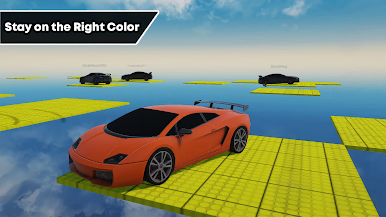
- Color Pick: Stay sharp! When the color is announced, rush to the matching tile. If you’re on the wrong color when the floor drops, it’s game over!
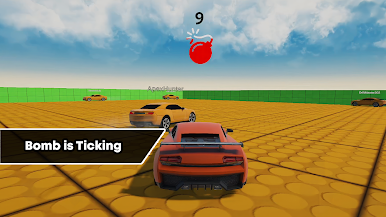
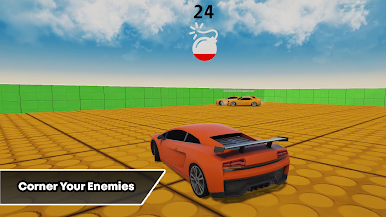
- Bomb Run: High-speed Hot Potato! You start with a ticking bomb—crash into an AI opponent to pass it on. Don’t be the one holding it when the countdown reaches zero!
Game Features:
- Addictive Offline Gameplay: Play Car Zone Battle Royale anytime, anywhere without needing an internet connection.
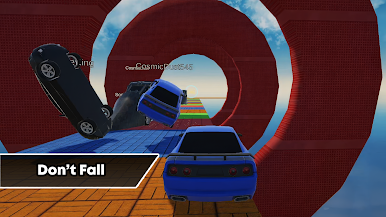
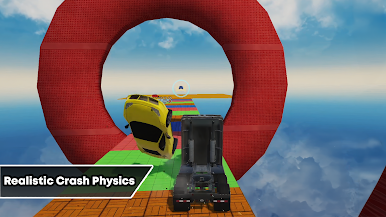
- Physics-Based Chaos: Realistic car handling that makes every collision and turn feel intense.
- Challenging AI: Face smart opponents in a true Battle Royale format that will push your driving skills to the limit.
- High-Speed Action: Vibrant arenas designed for non-stop excitement and quick sessions.
Rev your engines and take on the challenge! Can you survive the Car Zone and become the ultimate driver?
Play Car Zone Battle Royale on PC. It’s easy to get started.
-
Download and install BlueStacks on your PC
-
Complete Google sign-in to access the Play Store, or do it later
-
Look for Car Zone Battle Royale in the search bar at the top right corner
-
Click to install Car Zone Battle Royale from the search results
-
Complete Google sign-in (if you skipped step 2) to install Car Zone Battle Royale
-
Click the Car Zone Battle Royale icon on the home screen to start playing

