

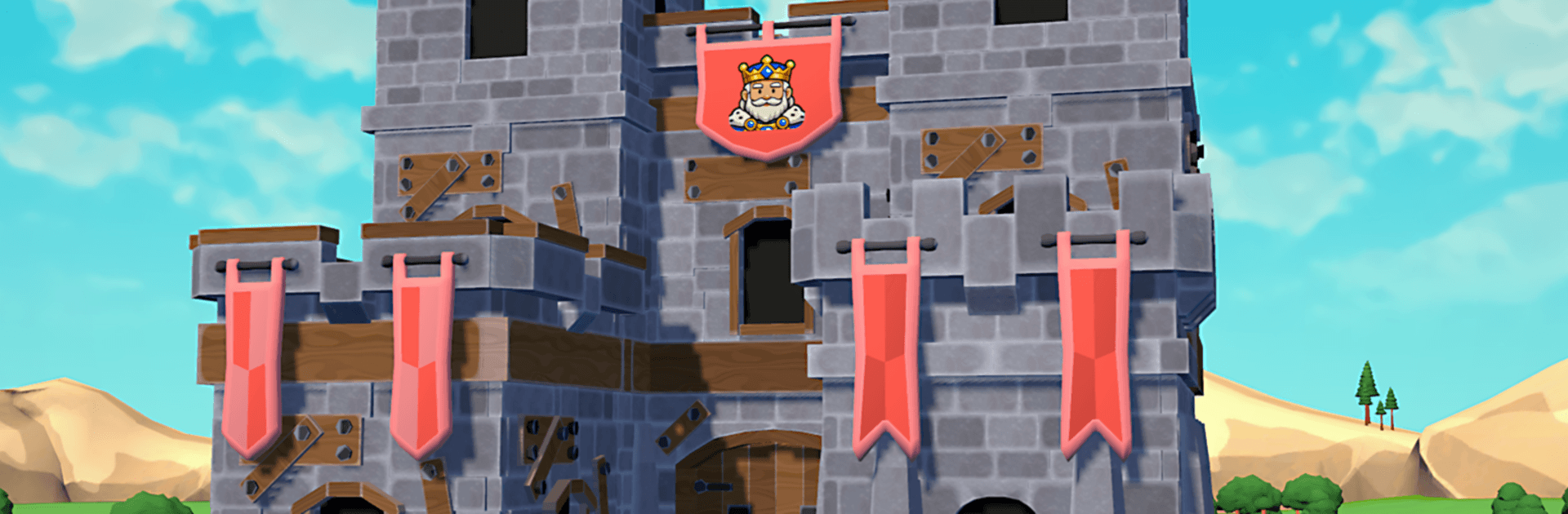
Castle Rivals
Play on PC with BlueStacks – the Android Gaming Platform, trusted by 500M+ gamers.

Page Modified on: Apr 21, 2026
Play Castle Rivals on PC or Mac
Step into the World of Castle Rivals, a thrilling Action game from the house of Salt Castle Studio. Play this Android game on BlueStacks App Player and experience immersive gaming on PC or Mac.
About the Game
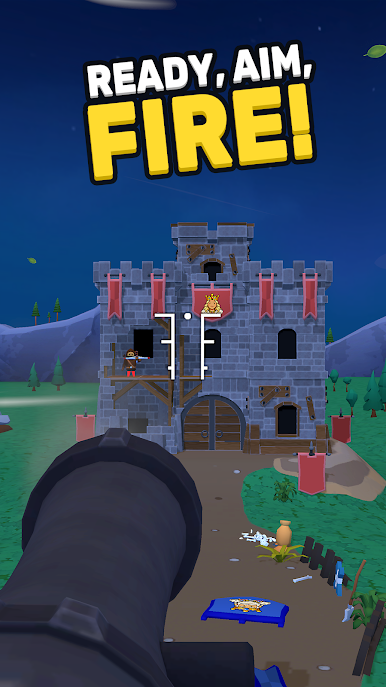
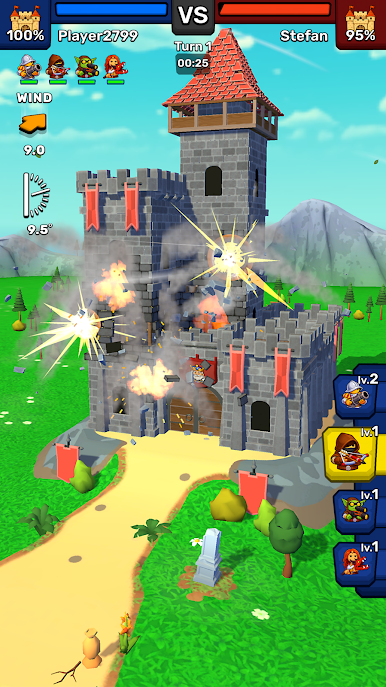
Castle Rivals throws you into quick, head-to-head sieges where brains and aim matter as much as firepower. This Action title from Salt Castle Studio mixes sharp shooting with smart decision-making—choose a hero, line up the perfect arc, and watch entire sections of the enemy fortress buckle under real physics. Every round feels like a fresh puzzle with explosions.
Game Features
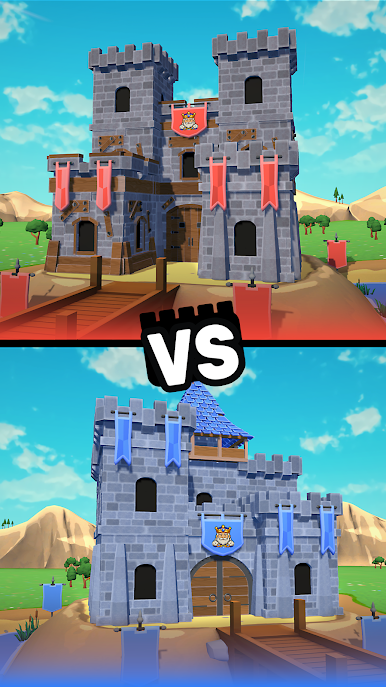
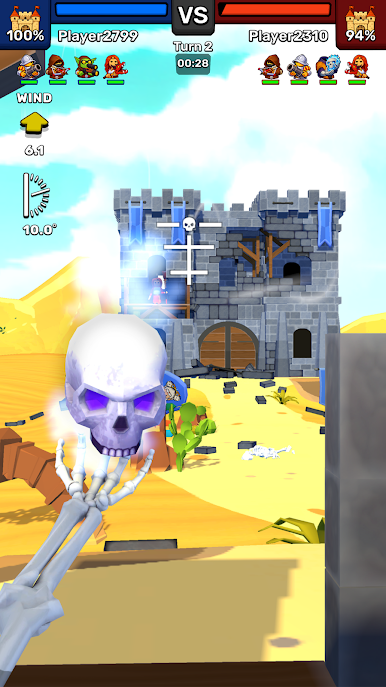
- Head-to-Head Sieges: Face real opponents in tense 1v1 matches where only one castle makes it out in one piece.
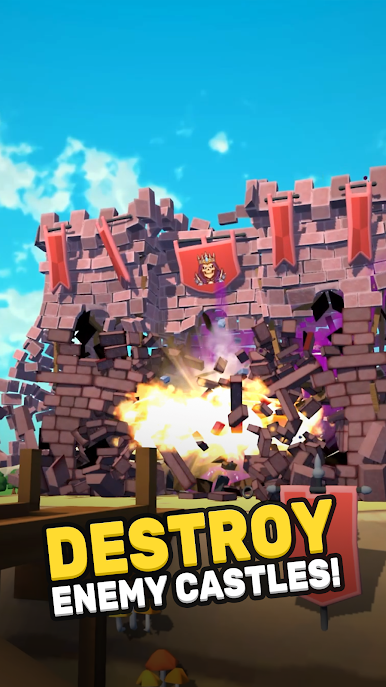
- Real Physics, Real Collapse: Shots don’t just do damage—they shift weight, snap beams, and send towers sliding in messy, satisfying ways.
- Aiming That Matters: Adjust power and angle, read the wind-up, and thread shots through weak spots for maximum payoff.
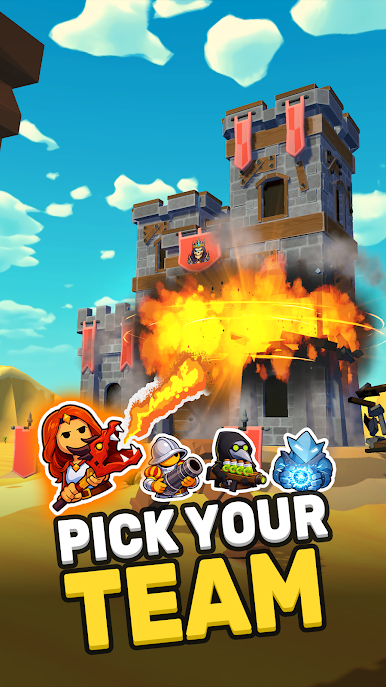
- Heroes With Firepower: Unlock unique heroes, each bringing distinct weapons and abilities that change how you crack a fortress.
- Think Before You Blast: Target load-bearing walls, trigger chain reactions, and set up brutal follow-up shots—it’s not just brute force.
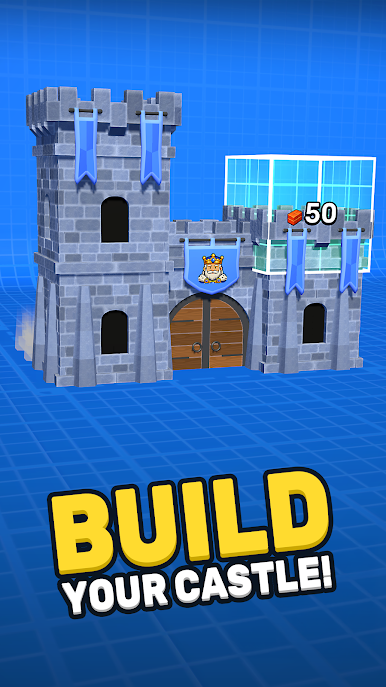
- Fortify Your Stronghold: Upgrade defenses to keep your keep standing longer, forcing rivals to work for every brick they break.
- Fresh Fights, Every Time: Because structures fall differently each match, tactics evolve on the fly and no two wins look the same.
- Plays Nicely on PC: Prefer a bigger screen and precise controls? Castle Rivals runs smoothly on BlueStacks without making a fuss.
Start your journey now. Download the game on BlueStacks, invite your friends, and march on a new adventure.
Play Castle Rivals on PC. It’s easy to get started.
-
Download and install BlueStacks on your PC
-
Complete Google sign-in to access the Play Store, or do it later
-
Look for Castle Rivals in the search bar at the top right corner
-
Click to install Castle Rivals from the search results
-
Complete Google sign-in (if you skipped step 2) to install Castle Rivals
-
Click the Castle Rivals icon on the home screen to start playing

