


脱出ゲーム Seaside House
Play on PC with BlueStacks – the Android Gaming Platform, trusted by 500M+ gamers.

Page Modified on: Jun 3, 2022
Play 脱出ゲーム Seaside House on PC
タップだけで遊べ、最後まで無料でプレイできます
オートセーブ付きなので、いつでも続きから再開できます
遊び方
・タップして色々な場所を調べます
・アイテムをタップして選択します
・2回タップしたらアイテムを拡大します
・拡大したアイテムに他のアイテムを選択してタップすると合成できます
・謎が分からないときはメニューからヒントが見れます
BGM by Float 11
プライバシーポリシー
https://uktiavic.hatenablog.com/entry/2022/01/20/230957
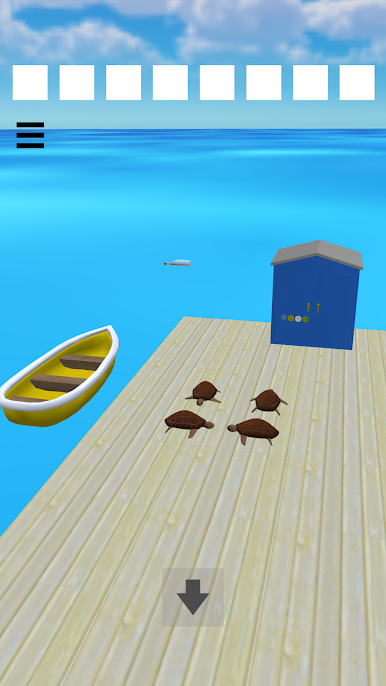
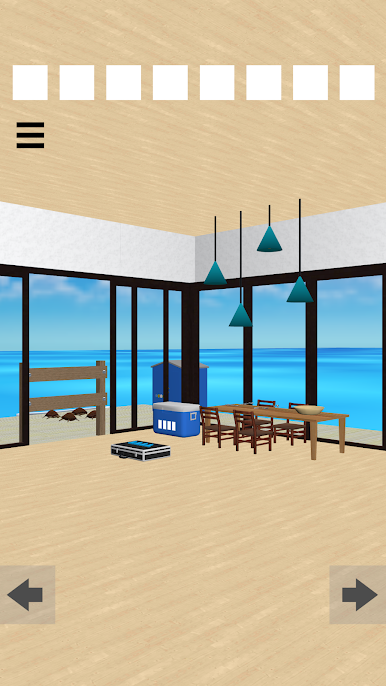
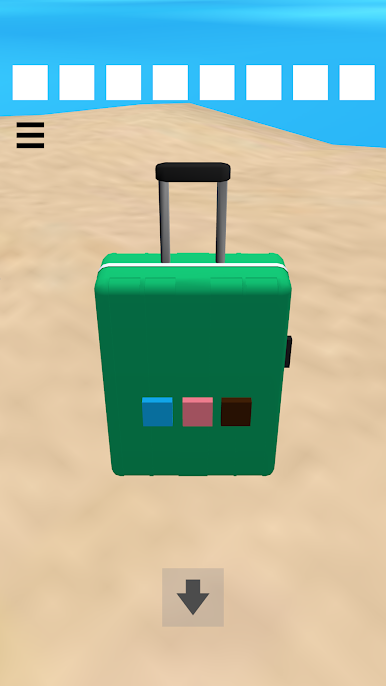
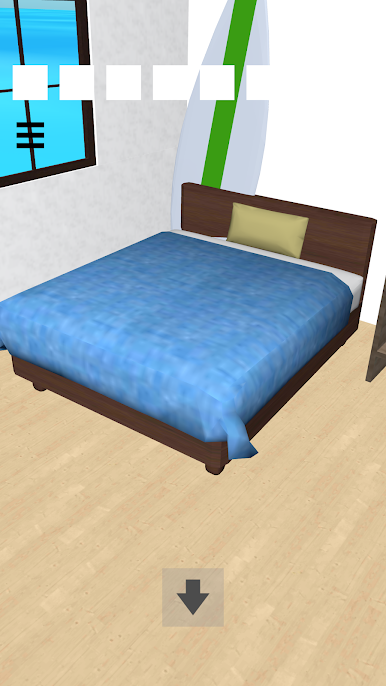
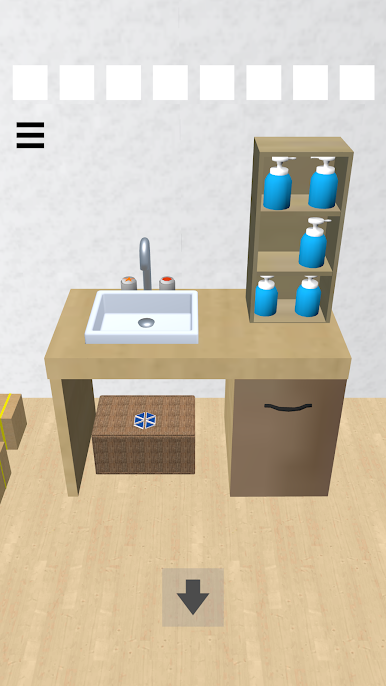
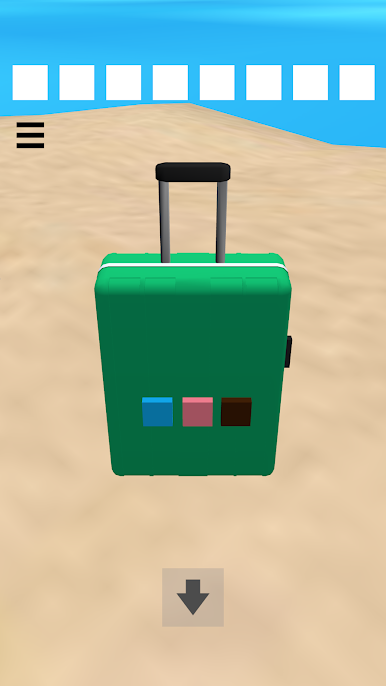
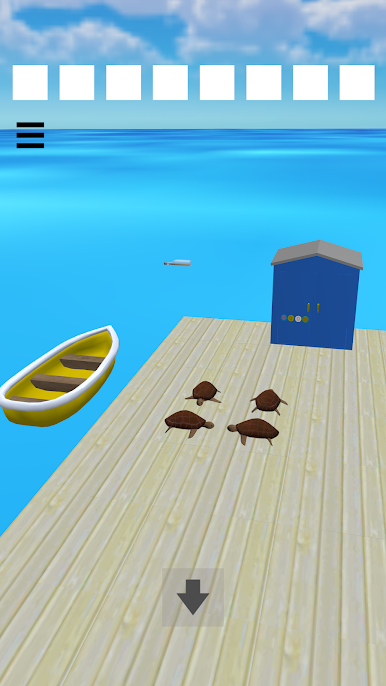
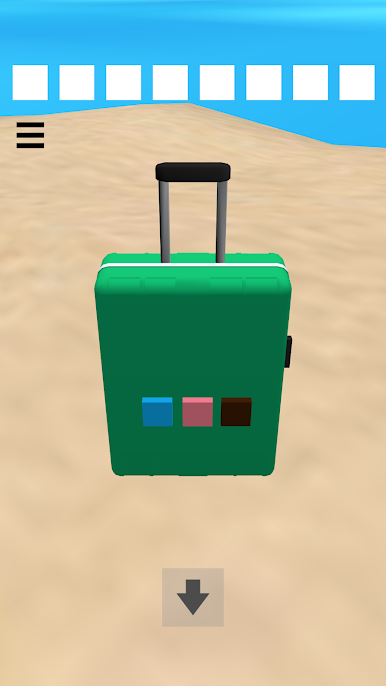
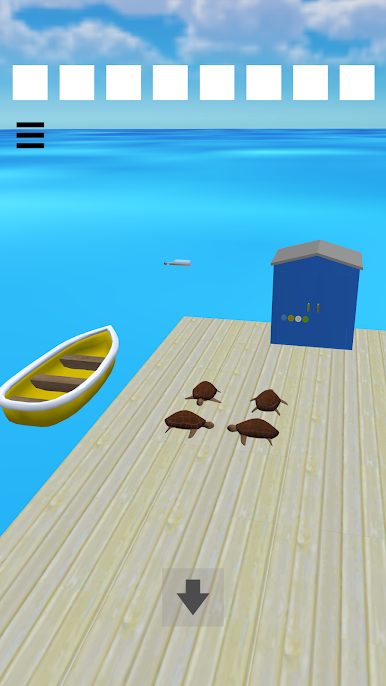
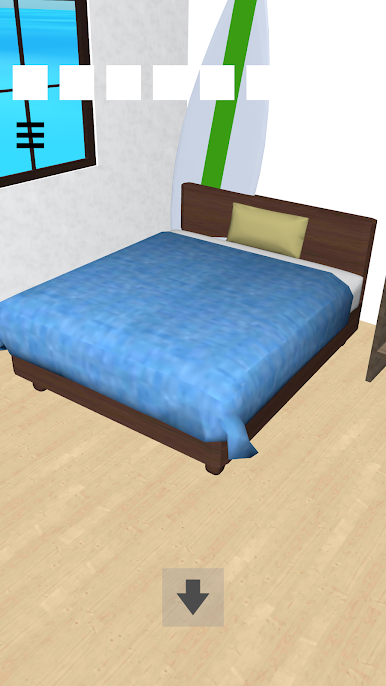
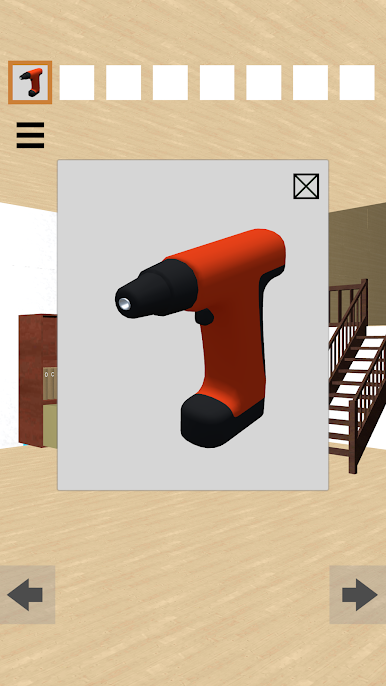
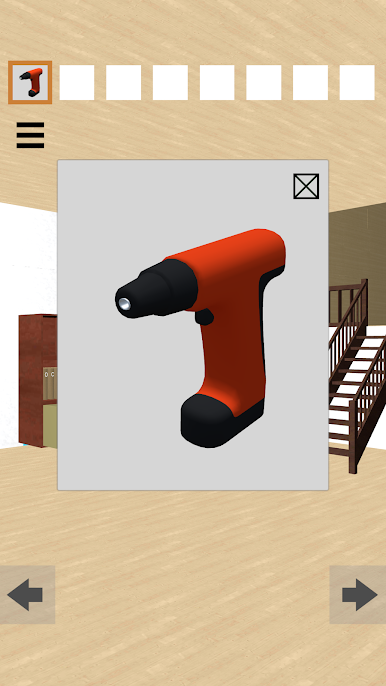
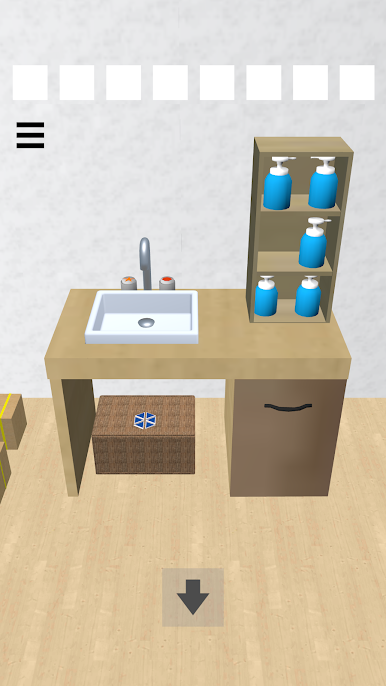
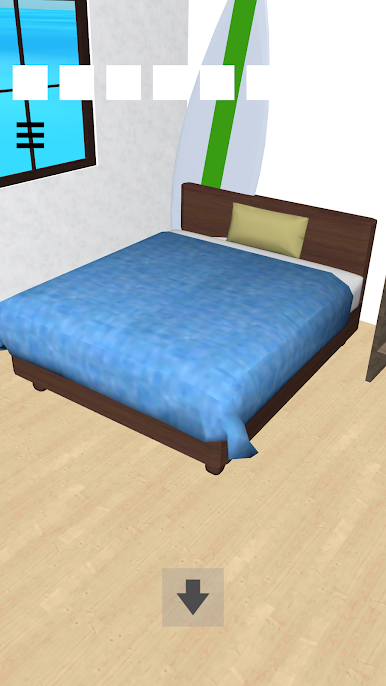
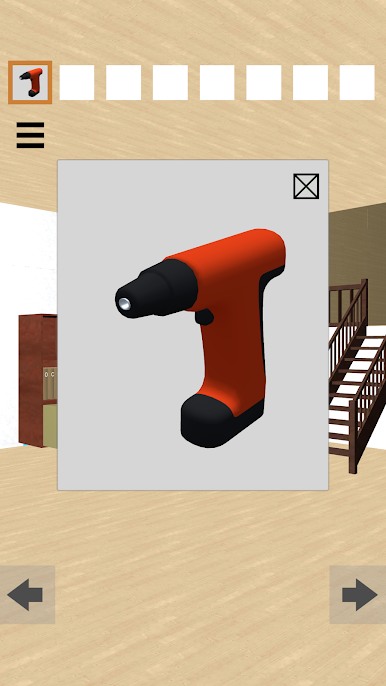
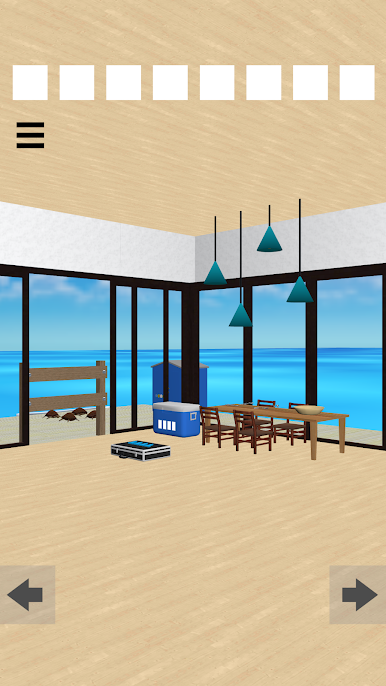
Play 脱出ゲーム Seaside House on PC. It’s easy to get started.
-
Download and install BlueStacks on your PC
-
Complete Google sign-in to access the Play Store, or do it later
-
Look for 脱出ゲーム Seaside House in the search bar at the top right corner
-
Click to install 脱出ゲーム Seaside House from the search results
-
Complete Google sign-in (if you skipped step 2) to install 脱出ゲーム Seaside House
-
Click the 脱出ゲーム Seaside House icon on the home screen to start playing

