


Truck Crash Simulator Accident
Play on PC with BlueStacks – the Android Gaming Platform, trusted by 500M+ gamers.

Page Modified on: May 24, 2026
Main Truck Crash Simulator Accident on PC
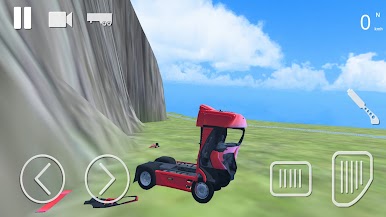
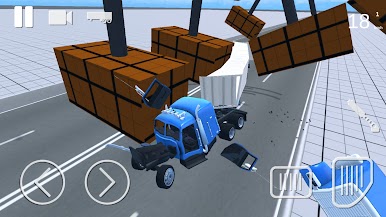
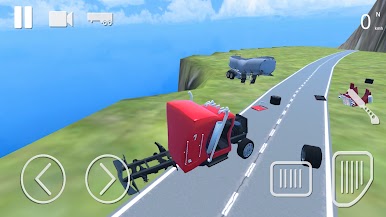
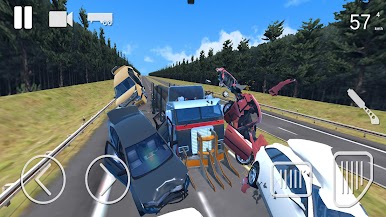
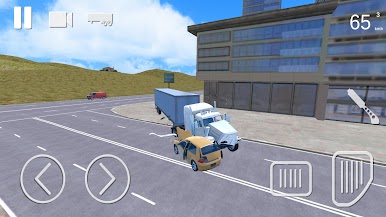
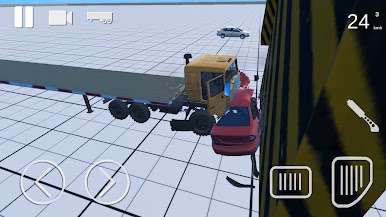
You will be able to choose between several maps for the destruction of the truck, from mountains where you can launch yourself and enjoy truck smashing, to a city full of cars where you can cause car accident and truck accident without anyone getting hurt.
Several types of trucks to choose from, American trucks, European trucks and more! Choose if you prefer to take a trailer or not, you have several to choose from, hook it up to destroy it along with the truck and cause more chaos.
Download and have fun with truck accident simulation game. Enjoy the deformation of trucks now.
Play Truck Crash Simulator Accident on PC. It’s easy to get started.
-
Download and install BlueStacks on your PC
-
Complete Google sign-in to access the Play Store, or do it later
-
Look for Truck Crash Simulator Accident in the search bar at the top right corner
-
Click to install Truck Crash Simulator Accident from the search results
-
Complete Google sign-in (if you skipped step 2) to install Truck Crash Simulator Accident
-
Click the Truck Crash Simulator Accident icon on the home screen to start playing

