


Shark Simulator
Play on PC with BlueStacks – the Android Gaming Platform, trusted by 500M+ gamers.

Page Modified on: Nov 28, 2025
Overview
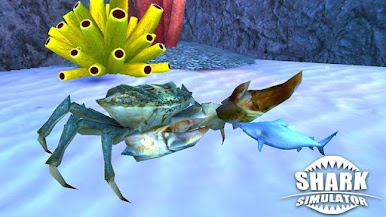
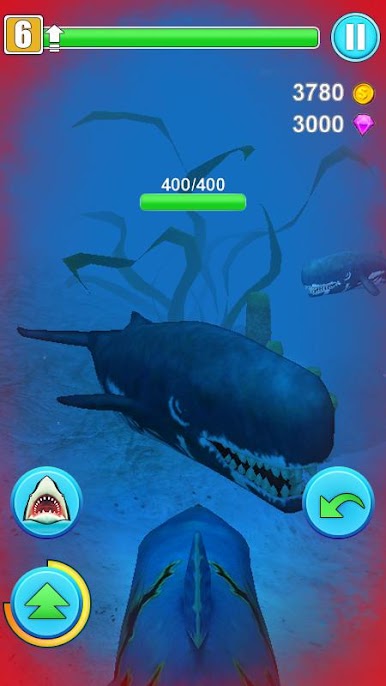
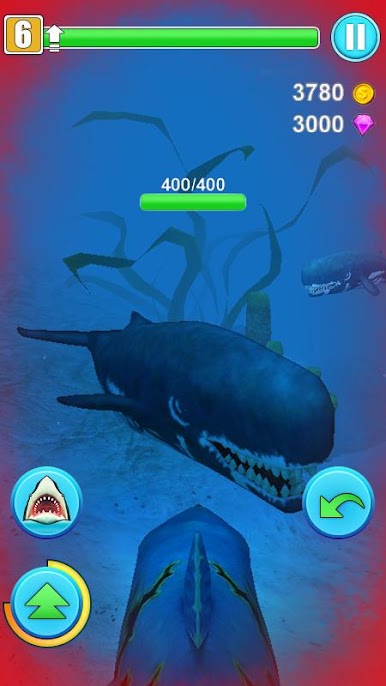
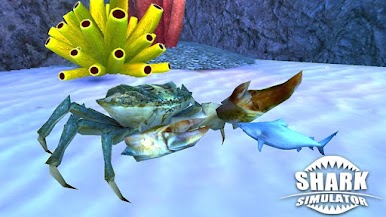
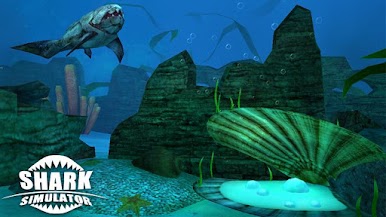
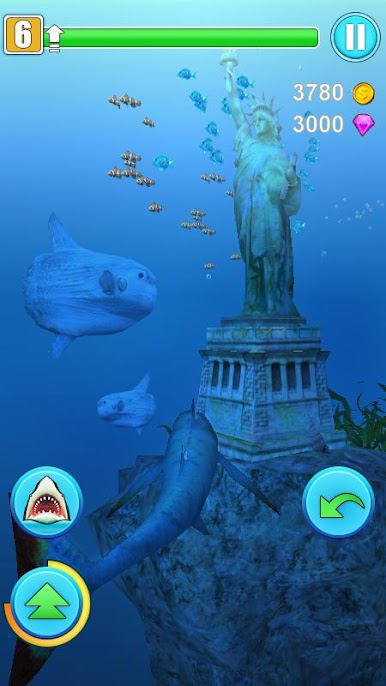
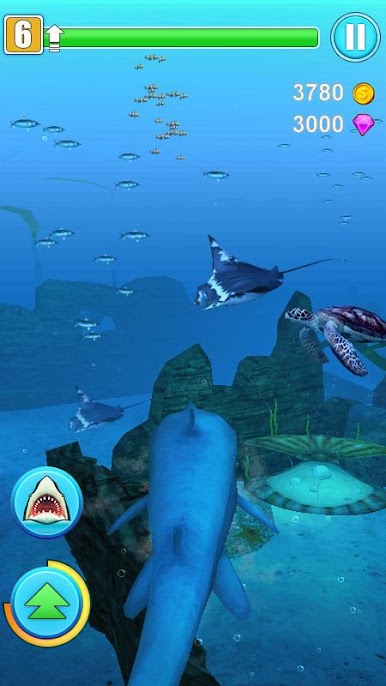
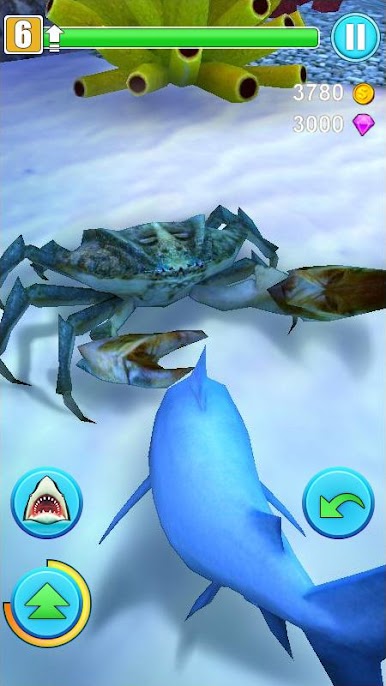
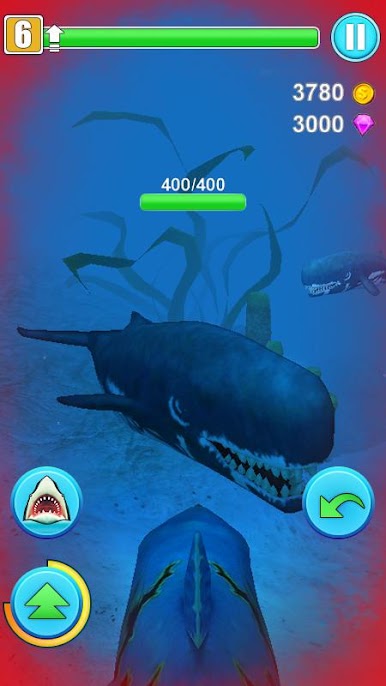
The shark is hungry and enjoys the taste of humans especially. Now control the shark rushing from meal to meal, terrorizes the waters, go on a frantic ocean rampage, and come back with a full stomach. But be careful, you are not the only predator in the ocean!
Game Features:
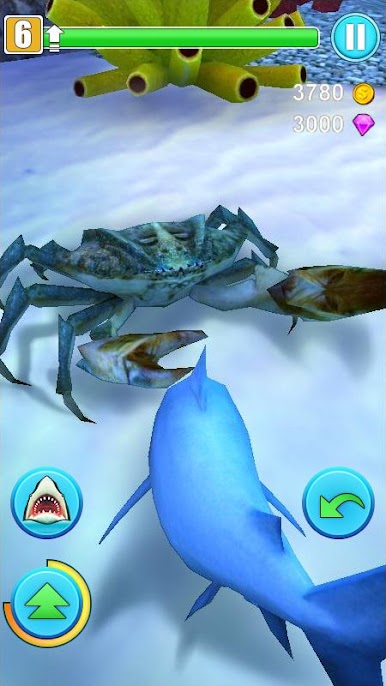
- Dozens of playable sharks including great white shark, tiger shark, blue shark, mako shark, thresher shark, and hammerhead shark
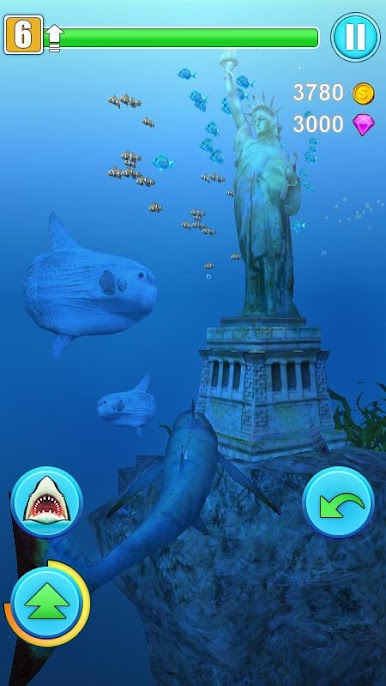
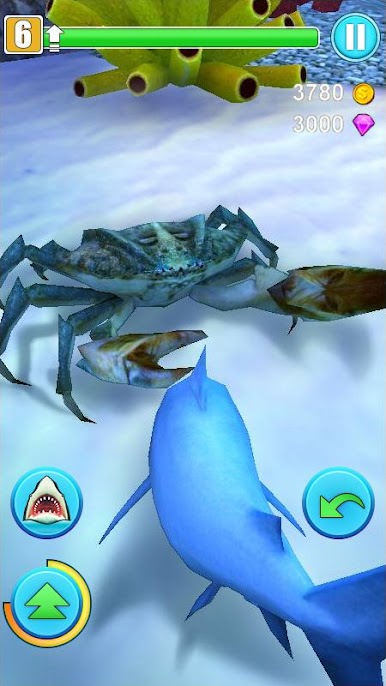
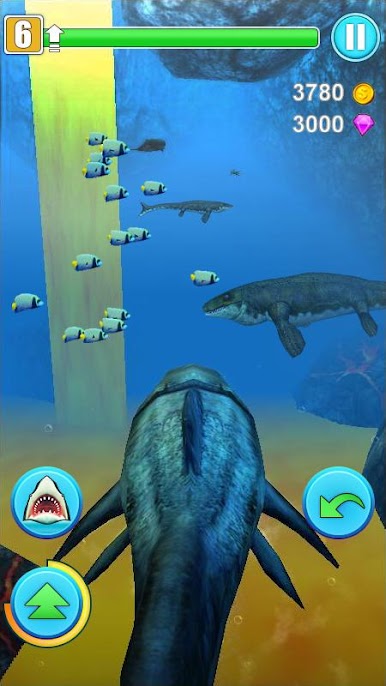
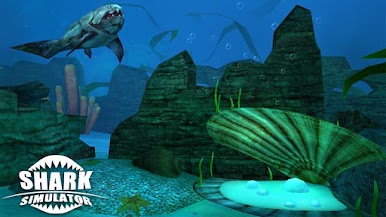
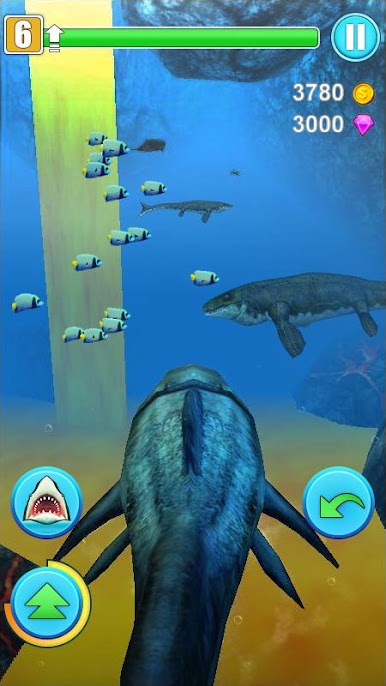
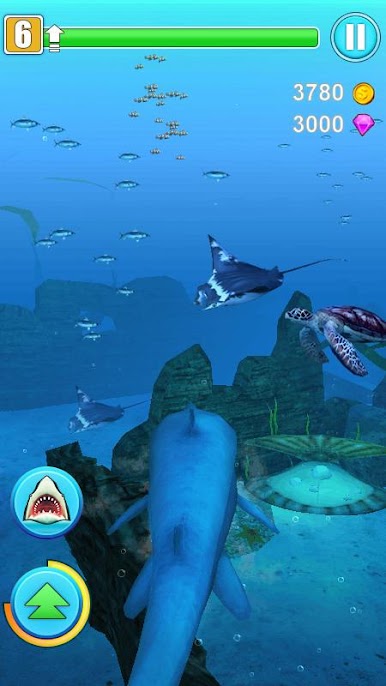
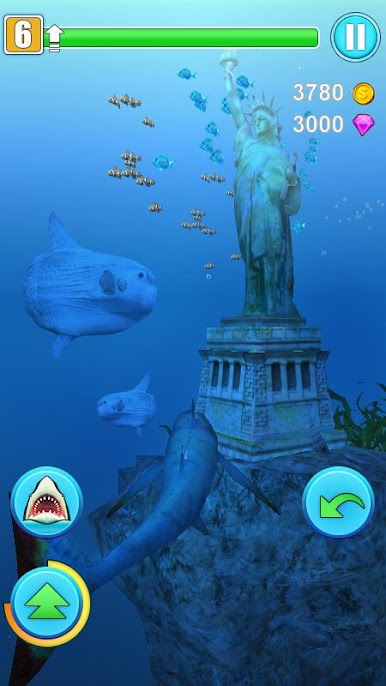
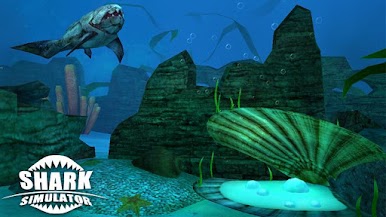
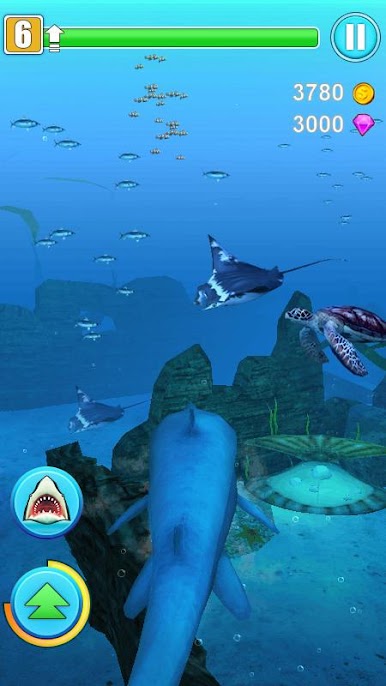
- Huge 3D open sea world for you to free roam and hunt for survival
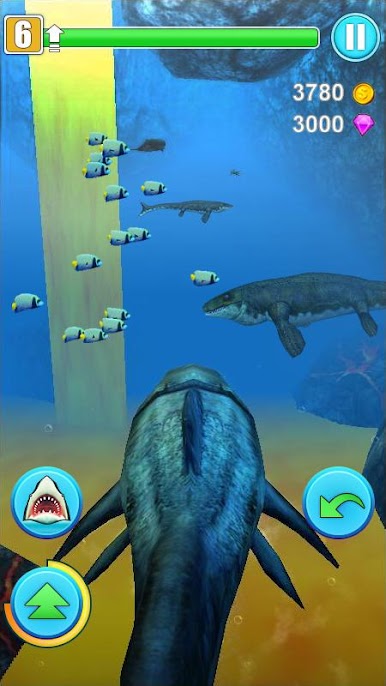
- Animated aquatic animals including shark, turtle, whale, dolphin, jellyfish and etc.
- Real water physics, jawsome shark movements and animations



Play Shark Simulator on PC. It’s easy to get started.
-
Download and install BlueStacks on your PC
-
Complete Google sign-in to access the Play Store, or do it later
-
Look for Shark Simulator in the search bar at the top right corner
-
Click to install Shark Simulator from the search results
-
Complete Google sign-in (if you skipped step 2) to install Shark Simulator
-
Click the Shark Simulator icon on the home screen to start playing

