

Speed Keyboard: Parkour Escape
Play on PC with BlueStacks – the Android Gaming Platform, trusted by 500M+ gamers.

Page Modified on: Jun 19, 2026
Play Speed Keyboard: Parkour Escape on PC or Mac
Step into the World of Speed Keyboard: Parkour Escape, a thrilling Casual game from the house of Blox Global. Play this Android game on BlueStacks App Player and experience immersive gaming on PC or Mac.
About the Game
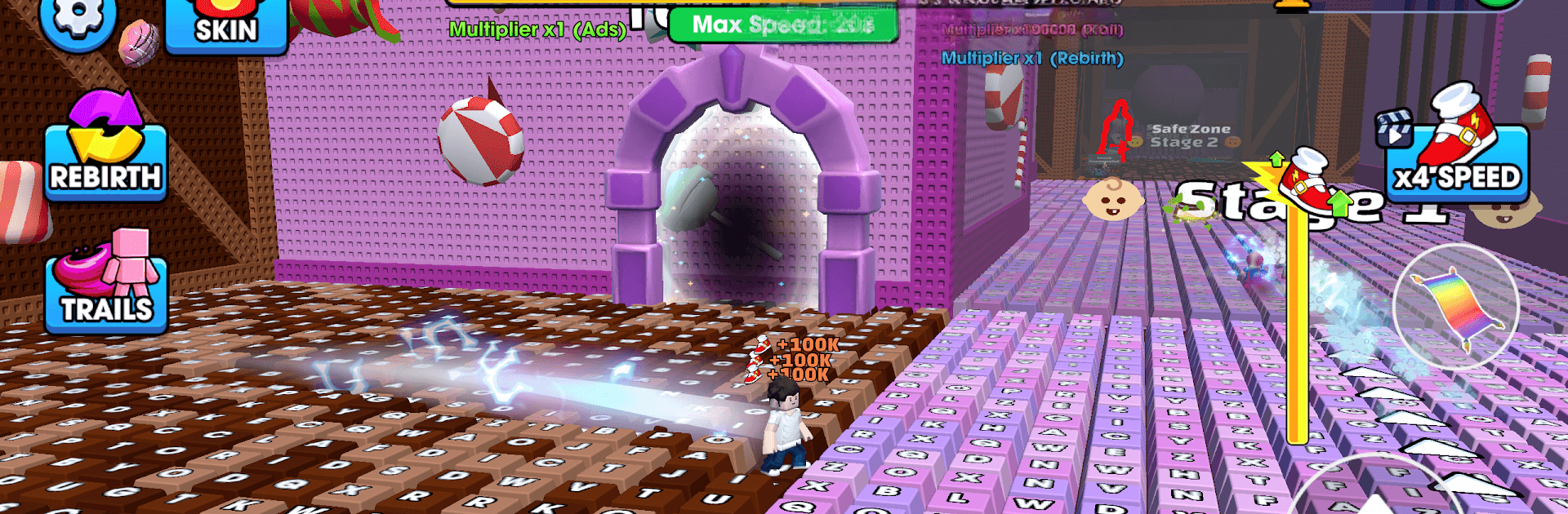
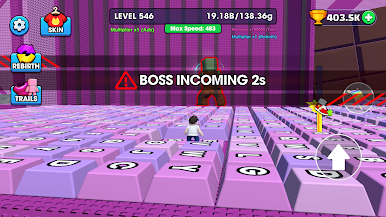
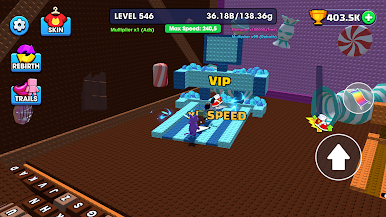
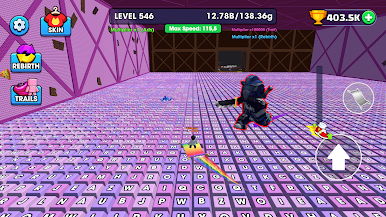
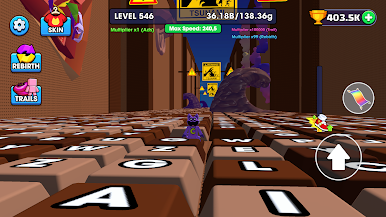
Speed Keyboard: Parkour Escape turns a giant keyboard into your personal obstacle course. You’re sprinting across oversized keys, timing jumps, and threading through hazards while everything clicks and clacks beneath your feet. It’s a quick-hit Casual rush that feels great on touch, and it runs smoothly on BlueStacks if you’re playing on PC.
Game Features
- Keyboard Parkour: Dash over massive keys and spacebars, hop gaps, and weave through tight layouts built like a living typing board.
- Clicky ASMR Vibes: Every step, slide, and jump pops with crisp typing sounds that make each run oddly satisfying.
- Fast, Fluid Runs: Snappy controls keep you moving—miss a beat and you’ll feel it, nail the rhythm and you’ll fly.
- Traps and Obstacles: Spikes, moving hazards, and sneaky setups keep you on your toes; survive by reading the course and reacting fast.
- Fresh Twists Each Level: New patterns and surprises show up as you go, so the routes never feel “samey.”
- Precision Meets Speed: It’s all about clean timing—short levels invite quick retries until you stick the perfect line.
- Clean, Readable Design: Bold platforms and clear cues make it easy to spot your path while you focus on timing.
- Built for Quick Sessions: Jump in for a minute or chase that flawless run for an hour—either way, it’s instantly pick-up-and-play.
Get ready for a buttery smooth, high-performance gaming action only on BlueStacks.
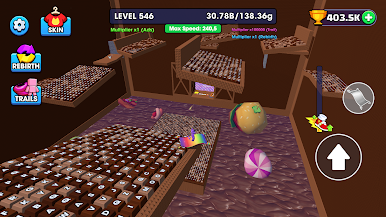
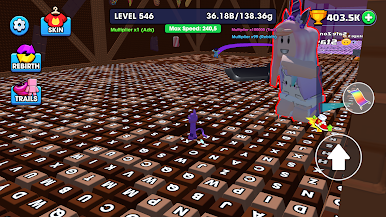
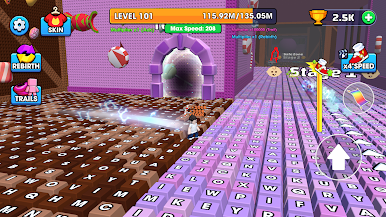
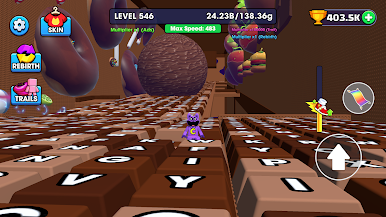
Play Speed Keyboard: Parkour Escape on PC. It’s easy to get started.
-
Download and install BlueStacks on your PC
-
Complete Google sign-in to access the Play Store, or do it later
-
Look for Speed Keyboard: Parkour Escape in the search bar at the top right corner
-
Click to install Speed Keyboard: Parkour Escape from the search results
-
Complete Google sign-in (if you skipped step 2) to install Speed Keyboard: Parkour Escape
-
Click the Speed Keyboard: Parkour Escape icon on the home screen to start playing

