


Keyboard Escape: Speed Parkour
Play on PC with BlueStacks – the Android Gaming Platform, trusted by 500M+ gamers.

Page Modified on: Jun 26, 2026
Main Keyboard Escape: Speed Parkour on PC
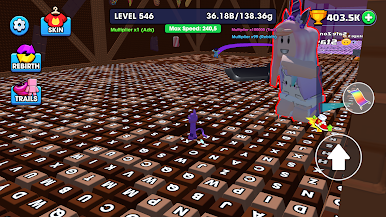
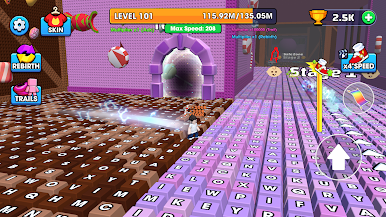
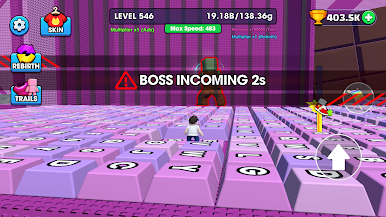
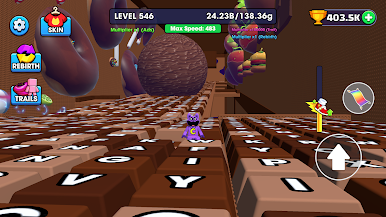
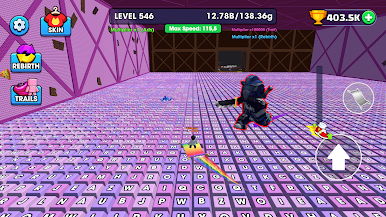
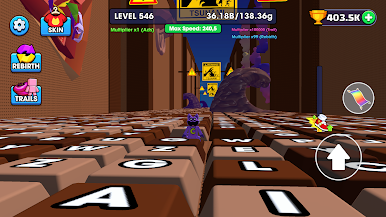
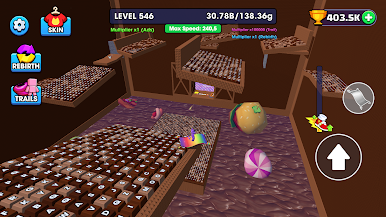
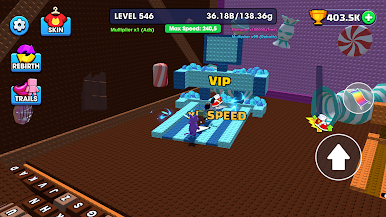
Run across giant keyboard platforms, jump over tricky obstacles, and escape challenging parkour courses. Every level brings new surprises that will test your speed and precision.
🎮 Game Features 🎮
⌨️ Exciting keyboard-themed parkour gameplay
🎧 Enjoy satisfying ASMR keyboard typing sounds with every move
⚡ Fast-paced challenges and smooth controls
🏃 Dodge traps, jump obstacles, and keep running
Can you escape the keyboard world and become the ultimate speed runner?
Play Keyboard Escape: Speed Parkour now and put your reflexes to the test!
Play Keyboard Escape: Speed Parkour on PC. It’s easy to get started.
-
Download and install BlueStacks on your PC
-
Complete Google sign-in to access the Play Store, or do it later
-
Look for Keyboard Escape: Speed Parkour in the search bar at the top right corner
-
Click to install Keyboard Escape: Speed Parkour from the search results
-
Complete Google sign-in (if you skipped step 2) to install Keyboard Escape: Speed Parkour
-
Click the Keyboard Escape: Speed Parkour icon on the home screen to start playing

