


Spaceflight Simulator
Play on PC with BlueStacks – the Android Gaming Platform, trusted by 500M+ gamers.

Page Modified on: May 9, 2026
Main Spaceflight Simulator on PC
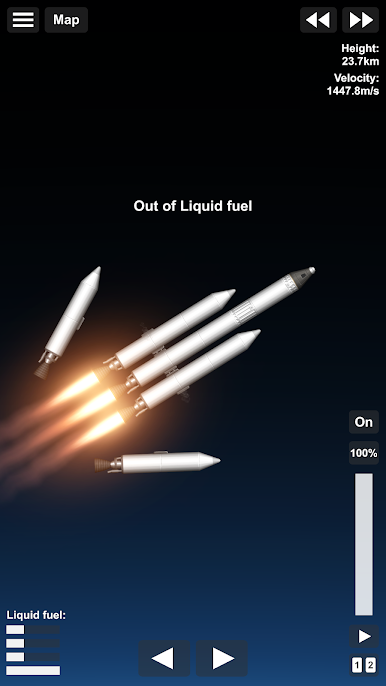
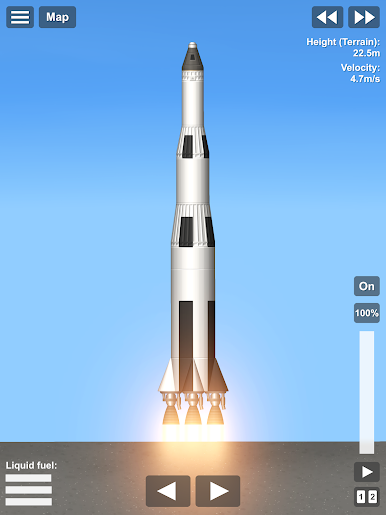
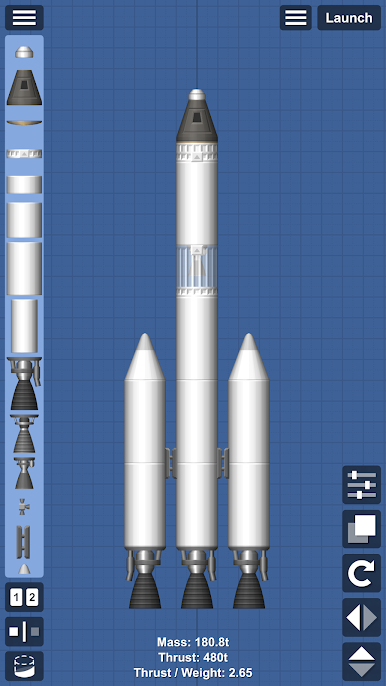
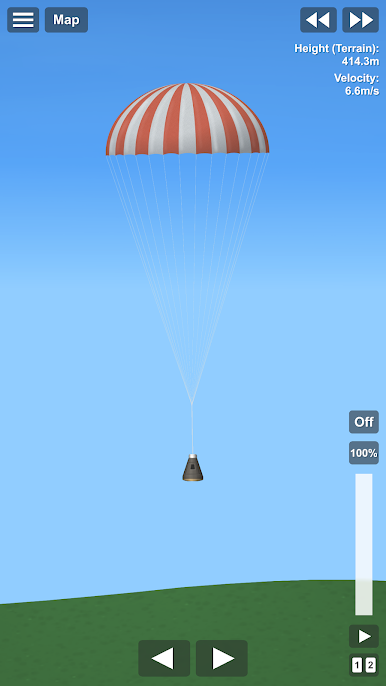
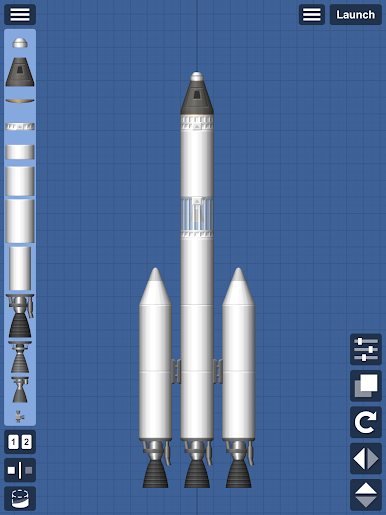
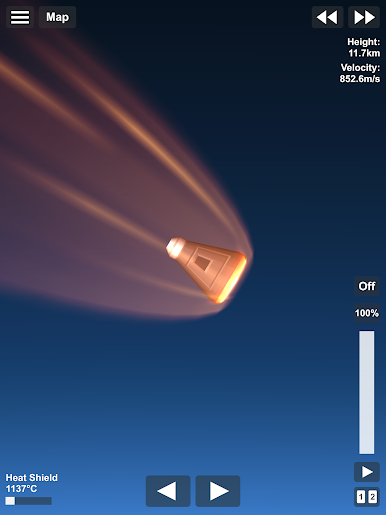
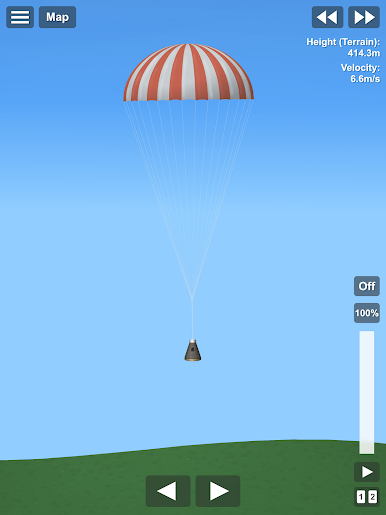
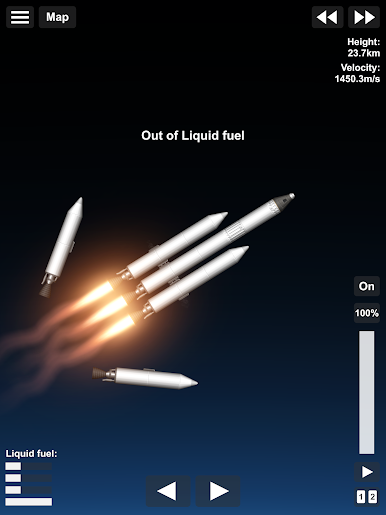
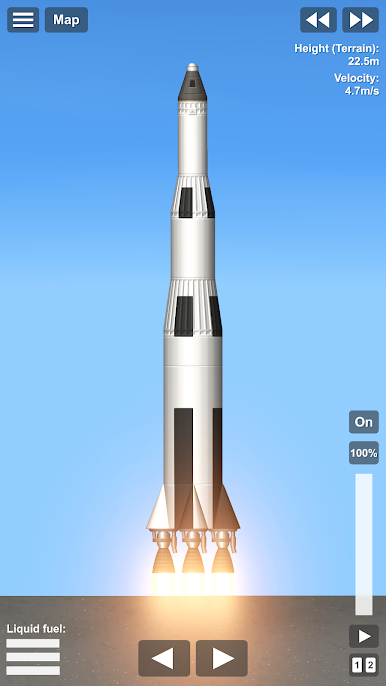
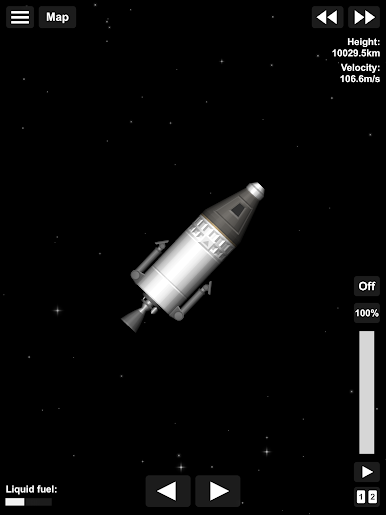
This is a game about building your own rocket from parts and launching it to explore space!
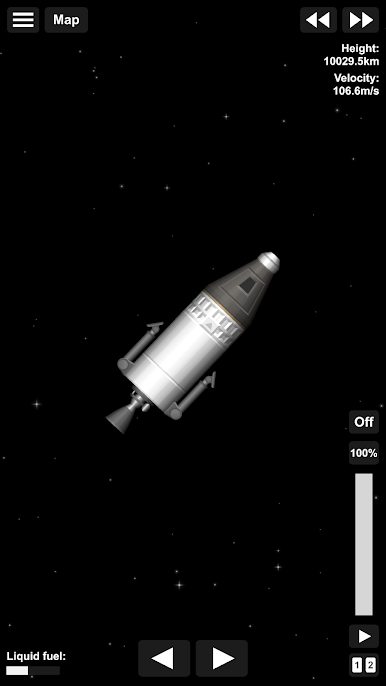
• Use parts to create any rocket you want!
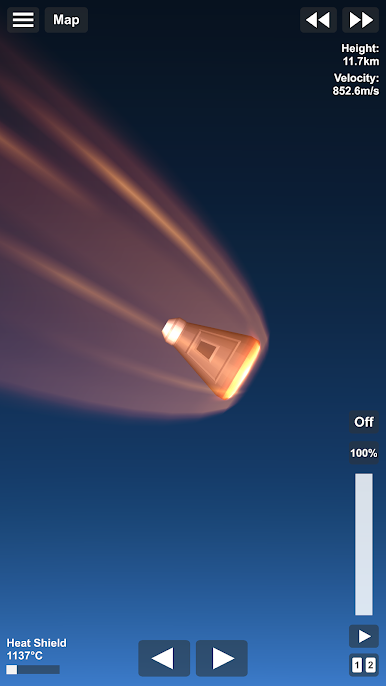
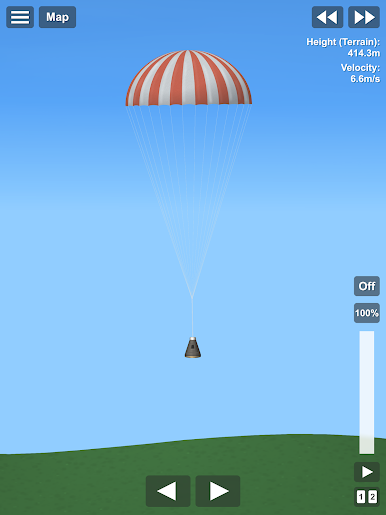
• Completely accurate rocket physics!
• Realistically scaled planets!
• Open universe, if you see something in the distance, you can go there, no limits, no invisible walls!
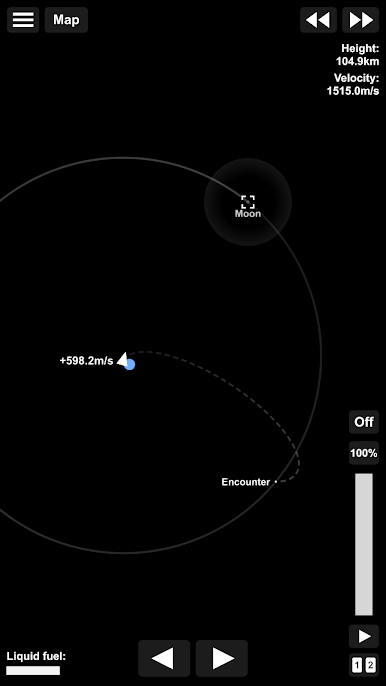
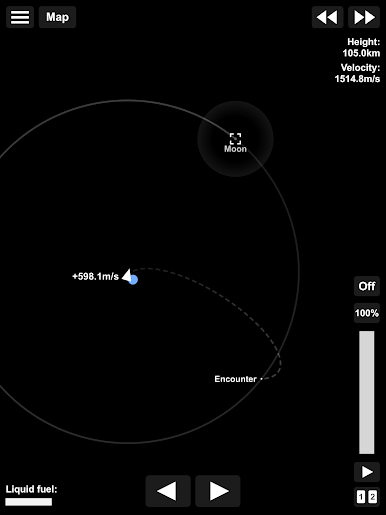
• Realistic orbital mechanics!
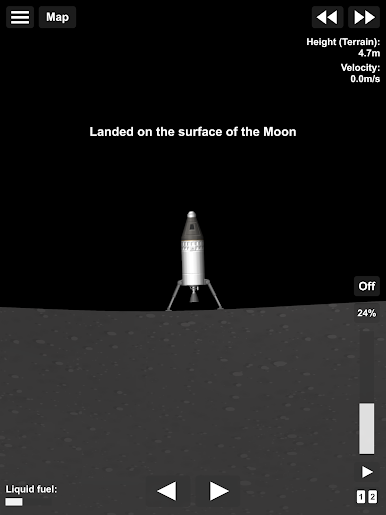
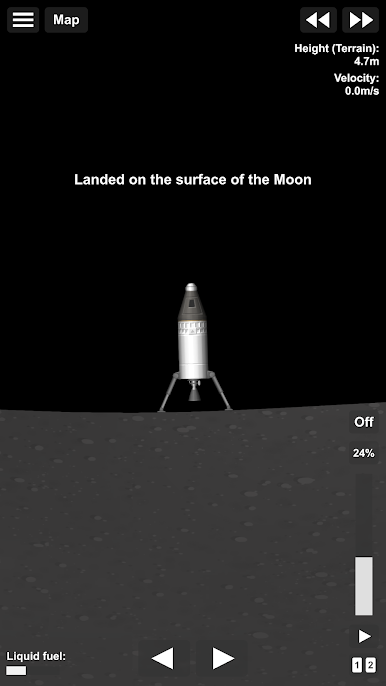
• Reach orbit, land on the Moon or Mars!
• Recreate your favorite SpaceX Apollo and NASA launches!
Current planets and moons:
• Mercury
• Venus ( A planet with a extremely dense and hot atmosphere)
• Earth ( Our home, our pale blue dot :) )
• Moon ( Our celestial neighbour)
• Mars ( The red planet with a thin atmosphere)
• Phobos ( Mars inner moon, with rough terrain and low gravity)
• Deimos ( Mars outer moon, with a extremely low gravity and a smooth surface)
We have a really active discord community!
https://discordapp.com/invite/hwfWm2d
Video tutorials:
Orbit tutorial: https://youtu.be/5uorANMdB60
Moon landing: https://youtu.be/bMv5LmSNgdo
Play Spaceflight Simulator on PC. It’s easy to get started.
-
Download and install BlueStacks on your PC
-
Complete Google sign-in to access the Play Store, or do it later
-
Look for Spaceflight Simulator in the search bar at the top right corner
-
Click to install Spaceflight Simulator from the search results
-
Complete Google sign-in (if you skipped step 2) to install Spaceflight Simulator
-
Click the Spaceflight Simulator icon on the home screen to start playing

