


Pixel Car Racer
Play on PC with BlueStacks – the Android Gaming Platform, trusted by 500M+ gamers.

Page Modified on: Feb 9, 2024
Main Pixel Car Racer on PC
FEATURES
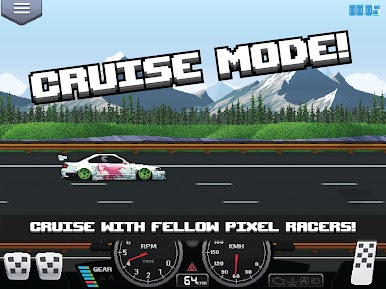
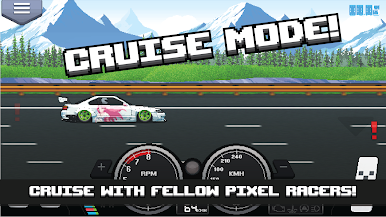
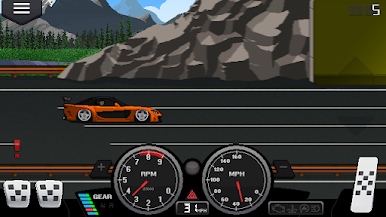
• Drag and Street Game Modes
• Over 100+ Cars!
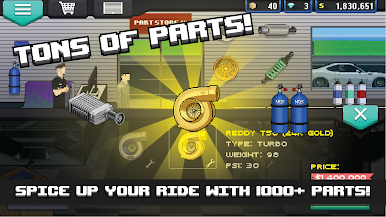
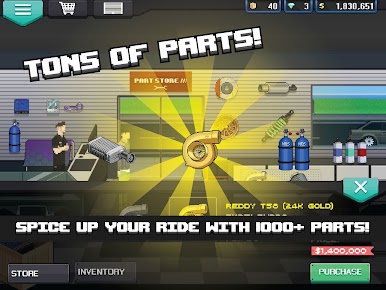
• 1000+ Car Parts!
• RPG Style Tuning
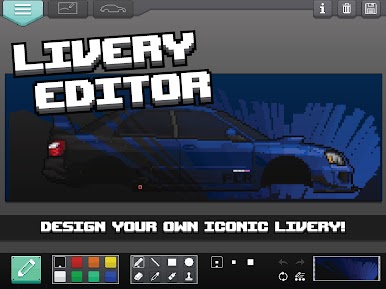
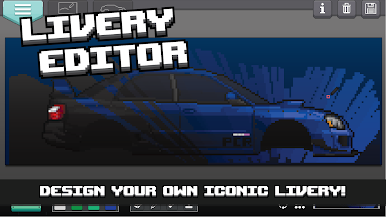
• In-game Livery Designer
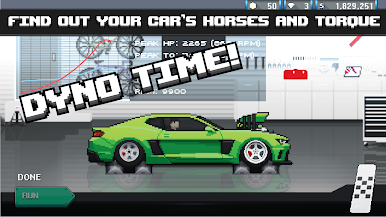
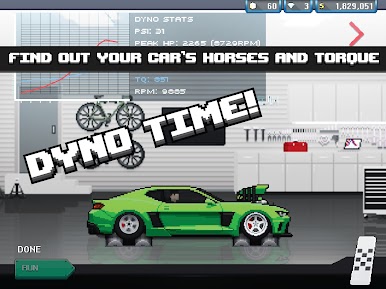
• Dyno Tuning
• 100+ Car Liveries
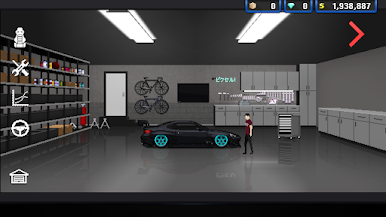
• Beautiful pixel art graphics
• Burnouts
• Realistic Engine System
• Manual Gear Shifting
• Racing style pedals including clutch!
• Japan, Euro, US style Cars/Parts.
• Active Community
• Cloud Saving
• Facebook Login
• Updates frequent with new content and features.
• Designed for car enthusiasts worldwide
PCR website: http://www.pixelcarracer.com/
PCR facebook: https://www.facebook.com/PixelCarRacer/
STUDIO FURUKAWA website: http://www.studiofurukawa.com/
IMPORTANT
Android 4.X or higher is required. 1GB of RAM or higher is recommended.
TROUBLESHOOTING
If experiencing crashing or any bugs, please contact us.



Play Pixel Car Racer on PC. It’s easy to get started.
-
Download and install BlueStacks on your PC
-
Complete Google sign-in to access the Play Store, or do it later
-
Look for Pixel Car Racer in the search bar at the top right corner
-
Click to install Pixel Car Racer from the search results
-
Complete Google sign-in (if you skipped step 2) to install Pixel Car Racer
-
Click the Pixel Car Racer icon on the home screen to start playing

