


Classic Sudoku
Play on PC with BlueStacks – the Android Gaming Platform, trusted by 500M+ gamers.

Page Modified on: Dec 7, 2025
Play Classic Sudoku on PC or Mac
Classic Sudoku brings the Board genre to life, and throws up exciting challenges for gamers. Developed by Studio Goya LLC, this Android game is best experienced on BlueStacks, the World’s #1 app player for PC and Mac users.
About the Game
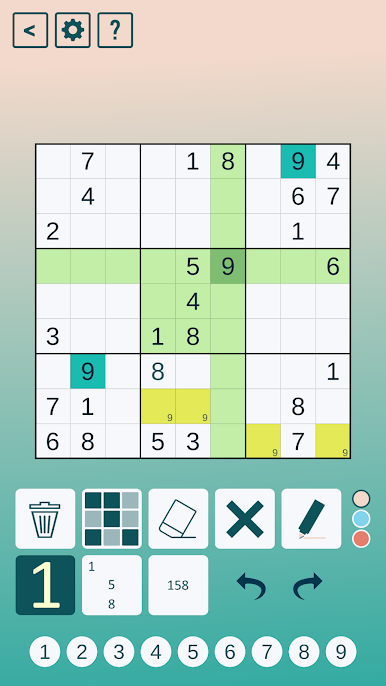
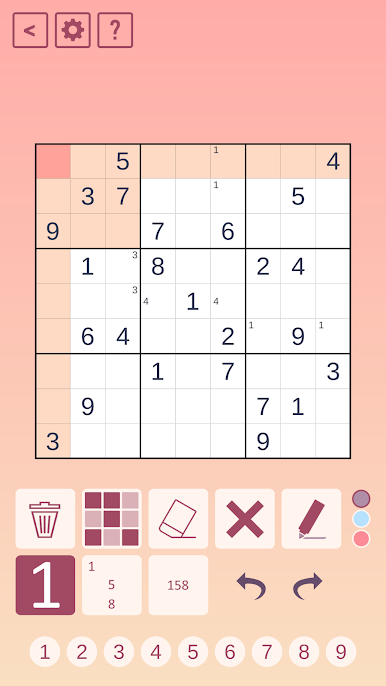
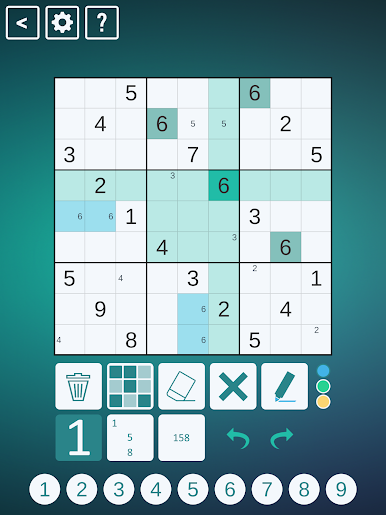
Classic Sudoku by Studio Goya LLC takes your love for the classic puzzle and cranks it up a notch. Whether you’re a total newbie or a seasoned puzzle-lover, you’ll find a seriously engaging variety of challenges in here. Handpicked and thoughtfully tested by the team behind Cracking The Cryptic, every single puzzle feels crafted just for genuine sudoku fans.
Game Features
-
Expertly Crafted Puzzles
No random generators here—each puzzle’s made by real sudoku lovers, including Simon Anthony and Mark Goodliffe (yup, those guys from YouTube). Every one gets the human touch and is picked for a reason. -
Wide Range of Difficulty
Want a warm-up? Or something that’ll have you scratching your head? The puzzles span the spectrum, so everyone finds just their right level of challenge. -
Evolve As You Play
You start with zero stars, but as you solve puzzles, you rack up stars and unlock even tougher ones. Only the most persistent make it to the end. -
Monthly Puzzle Drops
Been through the initial 40 puzzles? Don’t worry—five fresh puzzles land every month for the first year, adding up to 100 in total. -
In-Depth Hints
Stuck? Instead of vague tips, get hints straight from Mark and Simon. They break down tricky moves and advanced strategies in the clearest way possible. -
Renowned Puzzle Authors
Besides Simon and Mark, you’ll solve puzzles created by some of the channel’s most popular guest setters—their styles keep things fresh every time. -
Optimized for BlueStacks
Enjoy all these features with smooth controls and crisp visuals when playing on BlueStacks.
Classic Sudoku isn’t just another board game app; it’s a carefully curated collection for folks who truly love working their way through numbers, one clever deduction at a time.
Slay your opponents with your epic moves. Play it your way on BlueStacks and dominate the battlefield.
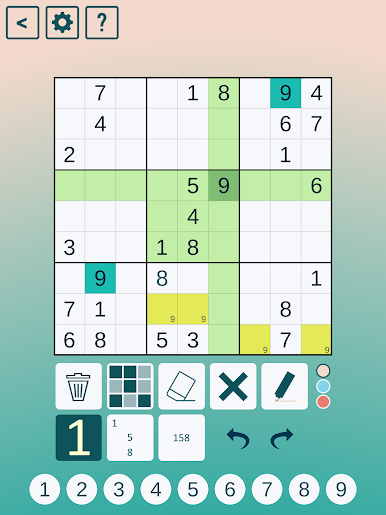
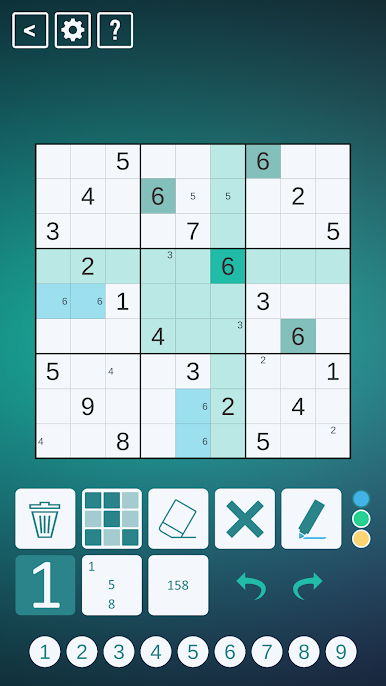
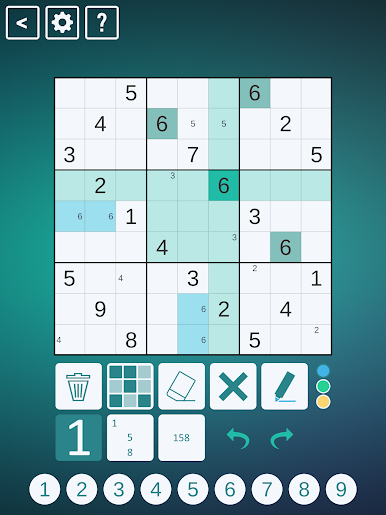
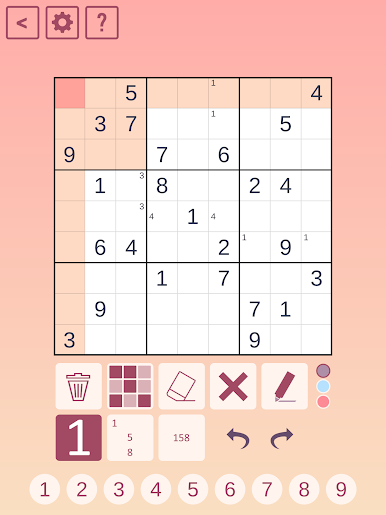
Play Classic Sudoku on PC. It’s easy to get started.
-
Download and install BlueStacks on your PC
-
Complete Google sign-in to access the Play Store, or do it later
-
Look for Classic Sudoku in the search bar at the top right corner
-
Click to install Classic Sudoku from the search results
-
Complete Google sign-in (if you skipped step 2) to install Classic Sudoku
-
Click the Classic Sudoku icon on the home screen to start playing

