


Love Beam Run
Play on PC with BlueStacks – the Android Gaming Platform, trusted by 500M+ gamers.

Page Modified on: Jul 21, 2026
Play Love Beam Run on PC
Love Beam Run combines fast-paced runner gameplay with character collection.
Dash through stages, interact with unique characters, and expand your roster.
Gather resources along the way and upgrade your abilities to progress further.
🔑 Key Features
- Runner Meets Charm Mechanics
Dash through stages while using your charm at the right moment.
Timing and positioning shape your success.
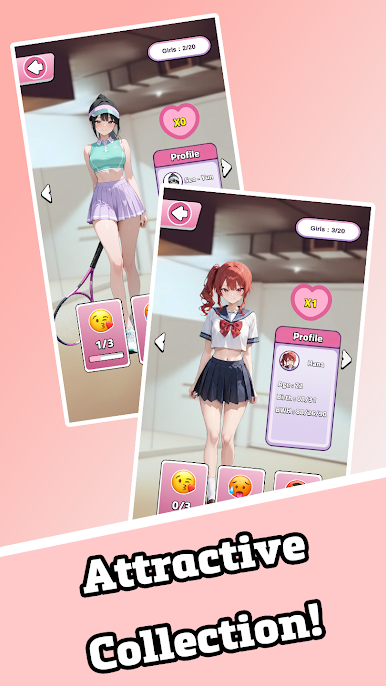
- Character Collection
Meet a variety of unique characters with distinct styles.
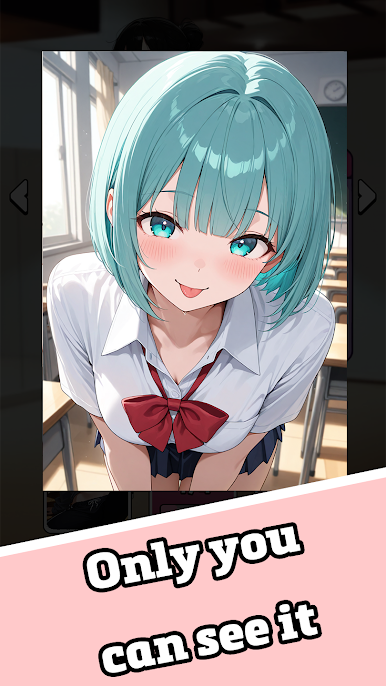
Unlock collectible illustrations as you progress.
- Upgrade System
Collect in-game resources to enhance your abilities.
Become faster, stronger, and more efficient.
- Expanding Stages
Explore stages with increasing difficulty and variety.
Each run offers new challenges.
- Easy to Play, Progress to Mastery
Simple controls make it accessible,
while progression systems add depth and strategy.



Play Love Beam Run on PC. It’s easy to get started.
-
Download and install BlueStacks on your PC
-
Complete Google sign-in to access the Play Store, or do it later
-
Look for Love Beam Run in the search bar at the top right corner
-
Click to install Love Beam Run from the search results
-
Complete Google sign-in (if you skipped step 2) to install Love Beam Run
-
Click the Love Beam Run icon on the home screen to start playing

