


GT Manager
Play on PC with BlueStacks – the Android Gaming Platform, trusted by 500M+ gamers.

Page Modified on: Feb 13, 2025
Main GT Manager on PC
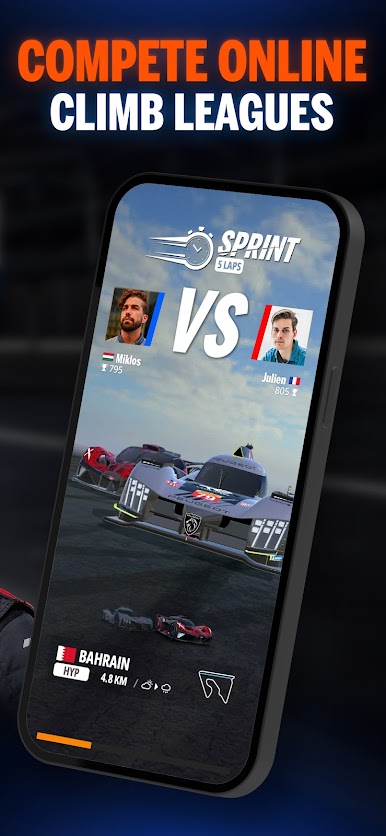
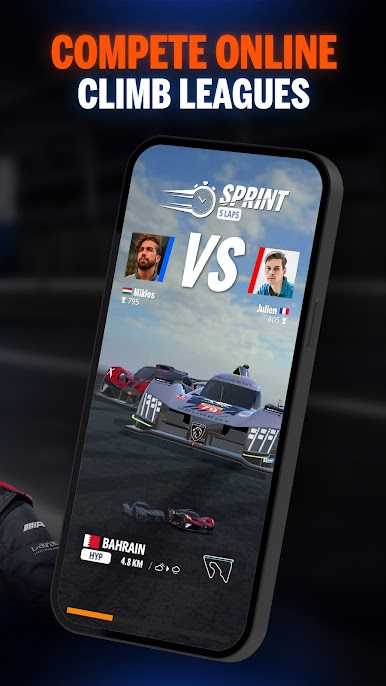
Compete head to head online to join the world’s best players
competing in the HYPERCAR category.
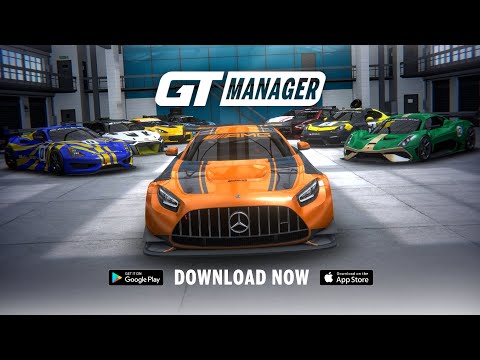
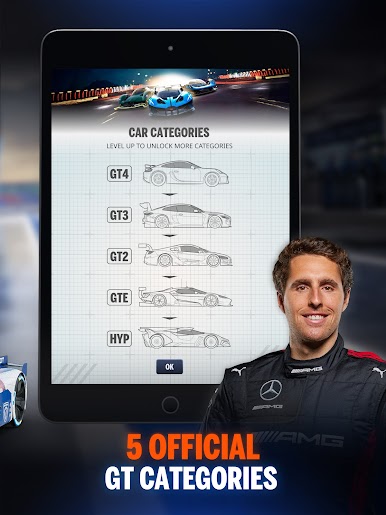
COLLECT 30 OFFICIAL GT RACING CARS
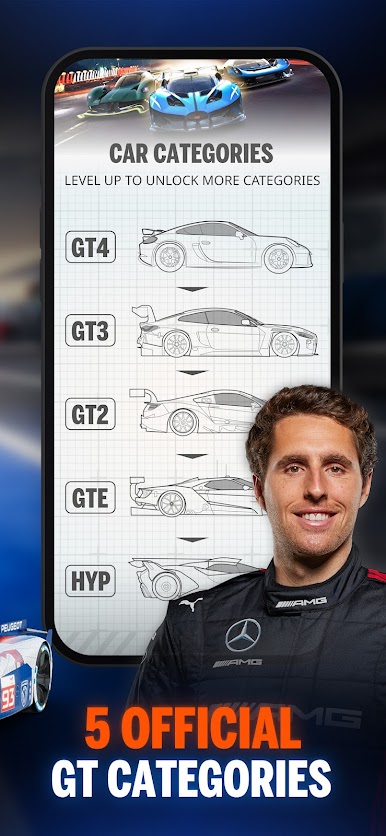
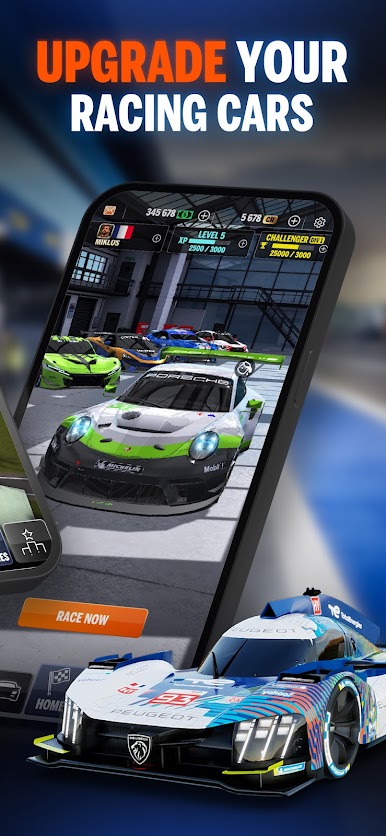
Acquire cars from the GT4, GT3, GT2 and GTE categories and take your team to the next level and reach the HYPERCAR category!
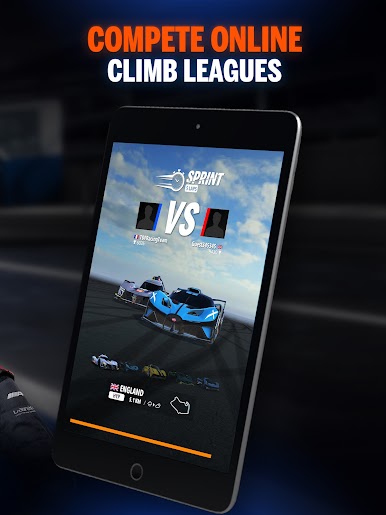
COMPETE HEAD TO HEAD ONLINE
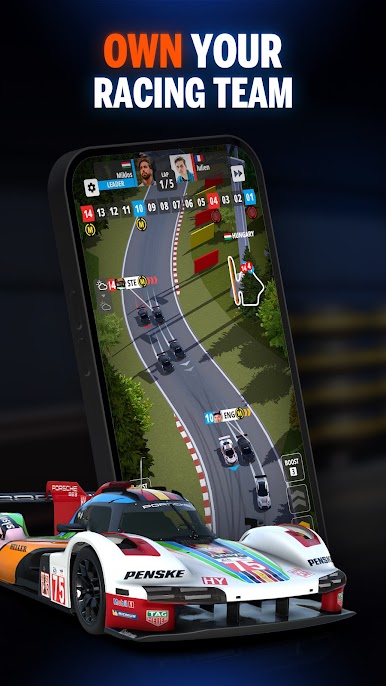
Race in sprint and endurance races over 11 different circuits. Enter weekly and daily 24H and 48H endurance series to earn more rewards and boost your team progression.
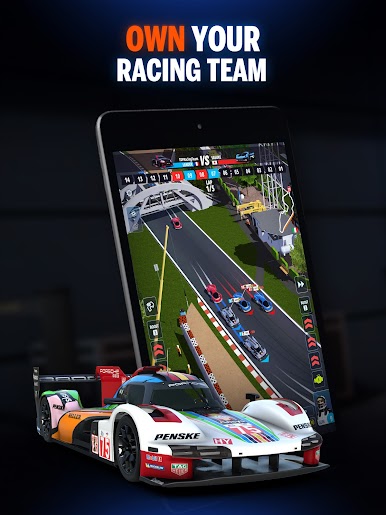
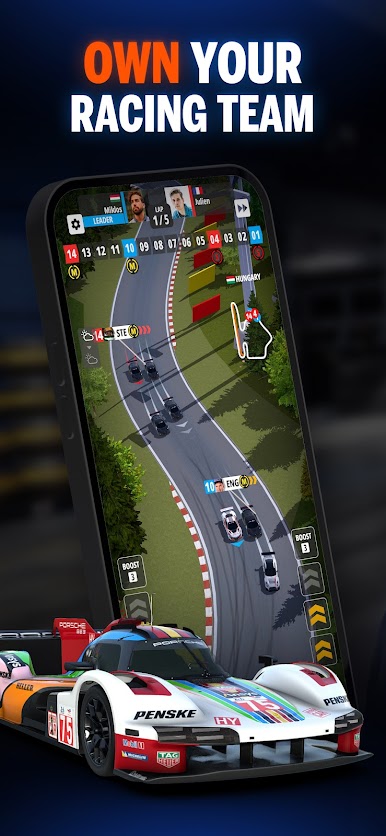
MASTER RACE STRATEGIES
React quickly to the changing weather and grip conditions to change your tires at the perfect time. Tell your drivers to push when the track is clear ahead, preserve their tires or overtake opponents on track.
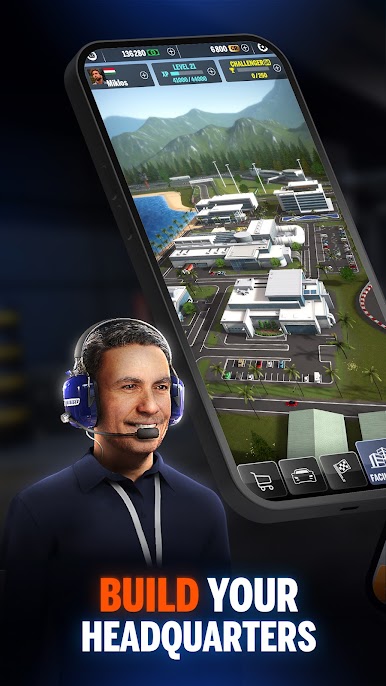
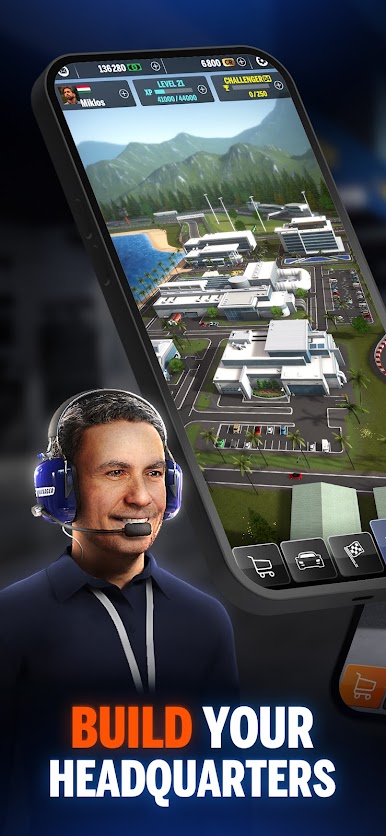
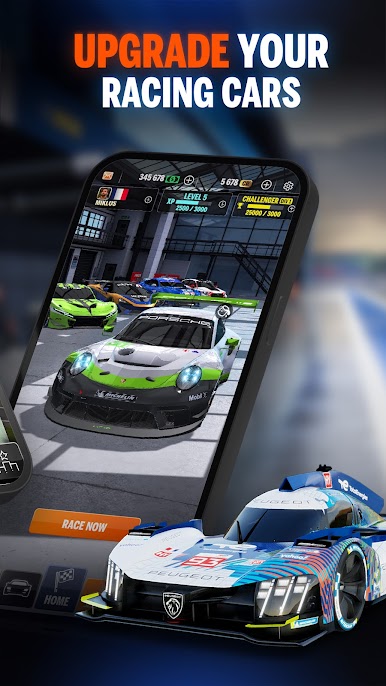
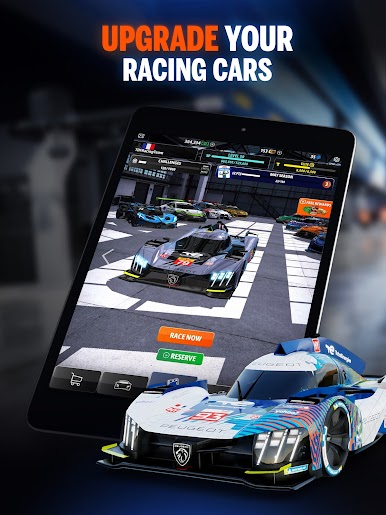
UPGRADE YOUR CARS AND REACH THE ELITE LEAGUE
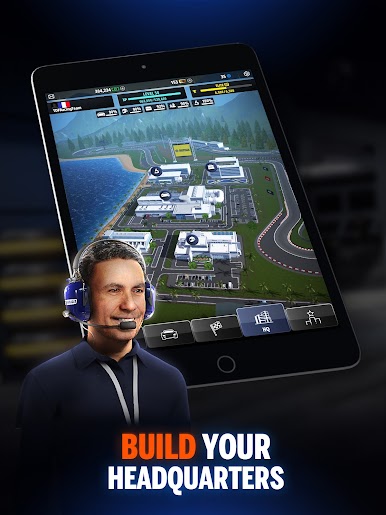
Sign new sponsors to earn more rewards and upgrade your cars. Score championship points and climb rankings to move up to the Elite League to compete with the world’s best players.
GT MANAGER is free to download and play, however, some in-game items can also be purchased for real money.
Developer Website: https://tinydigitalfactory.com/
Play GT Manager on PC. It’s easy to get started.
-
Download and install BlueStacks on your PC
-
Complete Google sign-in to access the Play Store, or do it later
-
Look for GT Manager in the search bar at the top right corner
-
Click to install GT Manager from the search results
-
Complete Google sign-in (if you skipped step 2) to install GT Manager
-
Click the GT Manager icon on the home screen to start playing

