


Wheel Engine Shot
Play on PC with BlueStacks – the Android Gaming Platform, trusted by 500M+ gamers.

Page Modified on: Mar 23, 2026
Play Wheel Engine Shot on PC
Collect bonuses mid-air, avoid obstacles, and unlock new upgrades to make every launch even more powerful. The better your upgrades, the higher and longer your wheel will fly!
Ready to reach new heights?
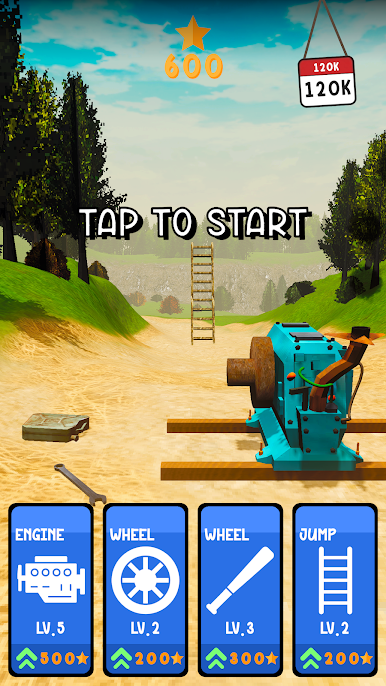
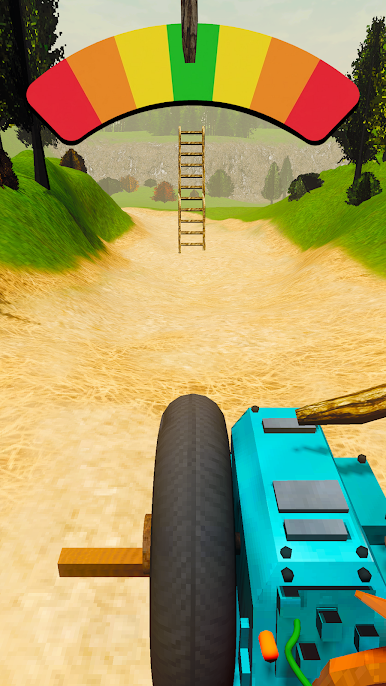

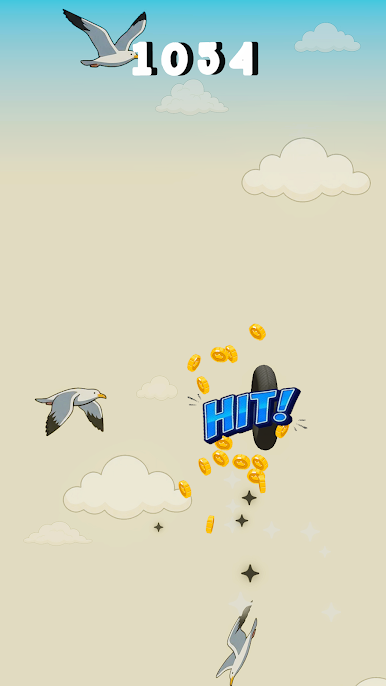
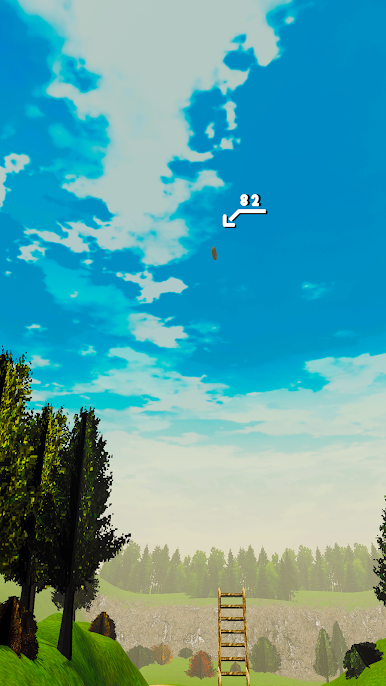
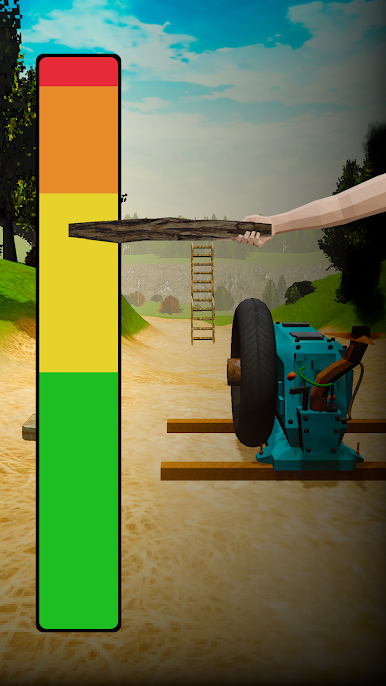

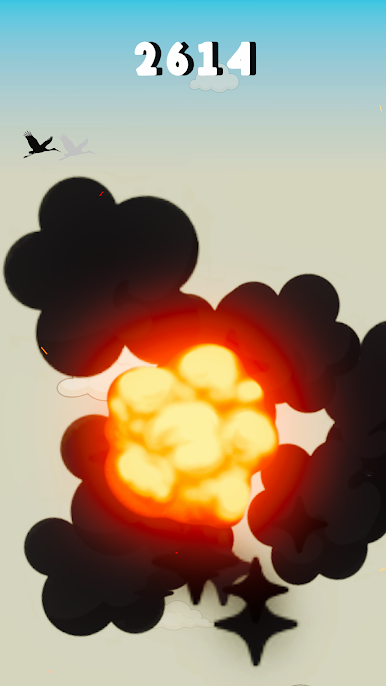
Play Wheel Engine Shot on PC. It’s easy to get started.
-
Download and install BlueStacks on your PC
-
Complete Google sign-in to access the Play Store, or do it later
-
Look for Wheel Engine Shot in the search bar at the top right corner
-
Click to install Wheel Engine Shot from the search results
-
Complete Google sign-in (if you skipped step 2) to install Wheel Engine Shot
-
Click the Wheel Engine Shot icon on the home screen to start playing

