


Magic Defense: Co-op Wizard TD
Play on PC with BlueStacks – the Android Gaming Platform, trusted by 500M+ gamers.

Page Modified on: Aug 26, 2026
Main Magic Defense: Co-op Wizard TD on PC
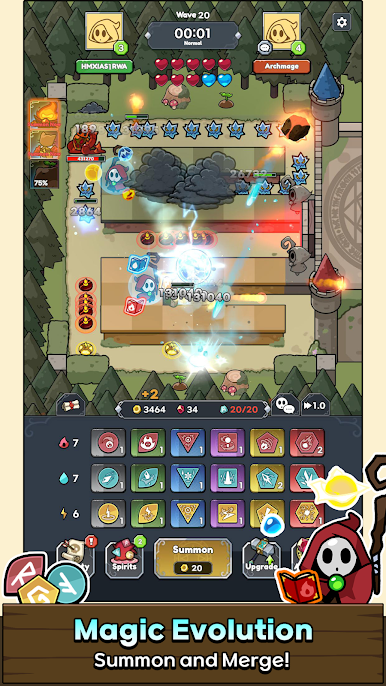
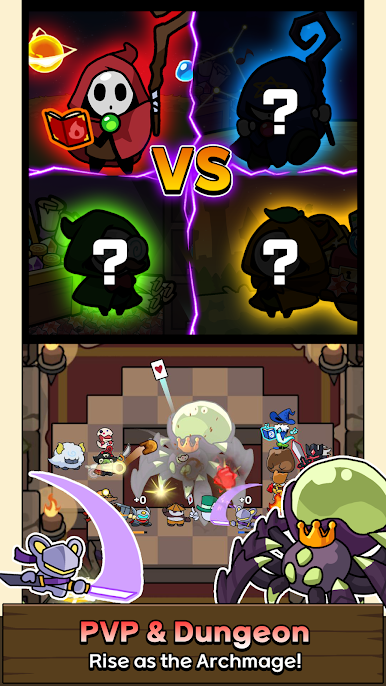
To fend off the monster legions swarming from all sides, team up with fellow mages!
Chant spells, merge magic, and summon powerful spirits!
■ Co-op Tower Defense
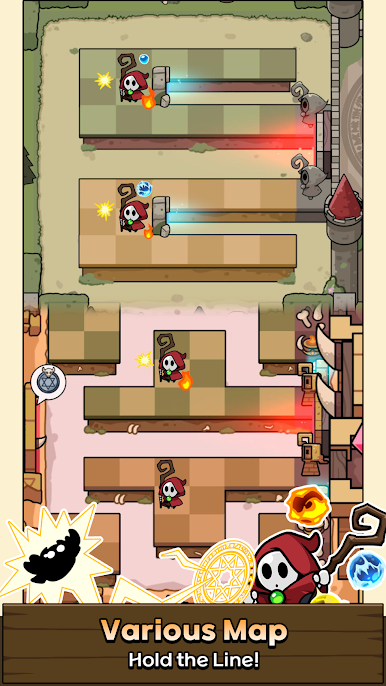
Stand together with the surviving mages and defend the Magic Tower!
Become the Archmage and lead your allies to victory!
■ Random Spell Summons
Magic is generated randomly in the heat of battle.
Unleash Fire, Frost, and Lightning elemental magic to wipe out the incoming monsters!
■ Merge to Upgrade
Combine spells of the same tier to unlock higher-tier magic.
Even basic spells can become an Archmage's ultimate weapon through merging.
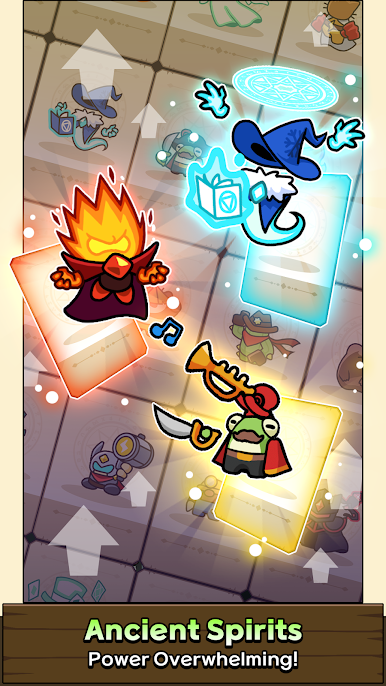
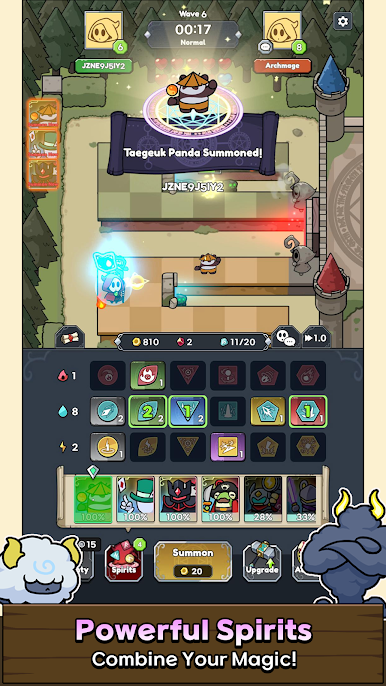
■ Magic Combos & Spirit Summons!
Every spirit requires a unique combination of magic!
Complete the combinations to bring mighty spirits to the battlefield to aid your defense.
■ Endless Monster Waves
The monster horde never stops.
Keep merging spells, upgrading magic, and summoning spirits to survive the increasingly brutal attacks.
■ Grow Stronger After Battle
Use battle rewards to permanently upgrade your spells and spirits.
Rise as the Archmage, take on the challenge once more, and save the realm!
Mage Defense: Co-op Wizard!
Defend the Magic Tower now!
Terms of Service: https://rocketdan21.blogspot.com/2025/03/terms-of-service.html


Play Magic Defense: Co-op Wizard TD on PC. It’s easy to get started.
-
Download and install BlueStacks on your PC
-
Complete Google sign-in to access the Play Store, or do it later
-
Look for Magic Defense: Co-op Wizard TD in the search bar at the top right corner
-
Click to install Magic Defense: Co-op Wizard TD from the search results
-
Complete Google sign-in (if you skipped step 2) to install Magic Defense: Co-op Wizard TD
-
Click the Magic Defense: Co-op Wizard TD icon on the home screen to start playing

