


Wiggle Defender: Strategy TD
Play on PC with BlueStacks – the Android Gaming Platform, trusted by 500M+ gamers.

Page Modified on: Feb 6, 2026
Main Wiggle Defender: Strategy TD on PC
Stop the unknown alien creatures as they endlessly wriggle and swarm toward you.
Now, it’s your turn to take command.
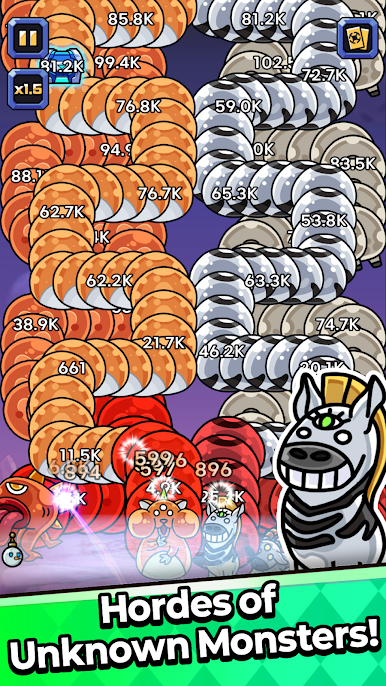
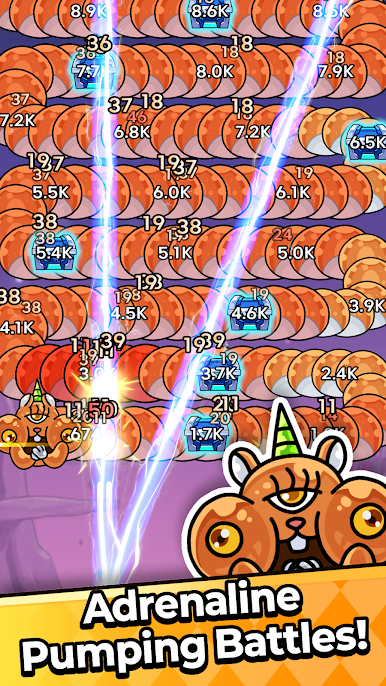
🐍 The Invasion of Wriggling Monsters
Gigantic creatures slither forward along fixed paths
The more you cut through their bodies, the more viciously they rage
Each rage stage triggers mutations, drastically increasing the threat!
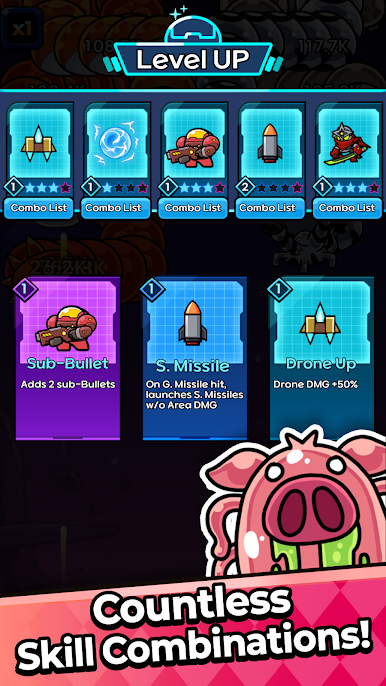
⚔️ Combat Builds That Evolve Mid-Battle
New choices appear every time you level up
Roguelike combinations create a completely different strategy each run
The strongest build of this battle is entirely up to you!
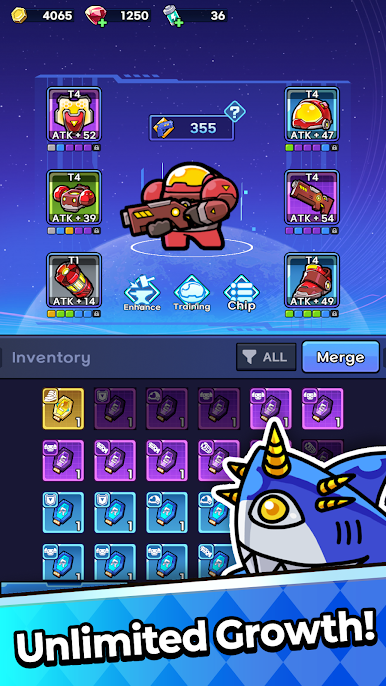
⚙️ Grow Stronger After Every Battle
Defeat more enemies to earn a variety of valuable loot
Upgrade equipment, enhance skills, and rebuild your strategy
Preparation is essential to stop even stronger wriggling foes
🚀 Join Wriggle Defense Squad Now!
Hold back the endless alien onslaught
Fight your way to defeat the ultimate wriggling boss
The universe is waiting for your command.


Play Wiggle Defender: Strategy TD on PC. It’s easy to get started.
-
Download and install BlueStacks on your PC
-
Complete Google sign-in to access the Play Store, or do it later
-
Look for Wiggle Defender: Strategy TD in the search bar at the top right corner
-
Click to install Wiggle Defender: Strategy TD from the search results
-
Complete Google sign-in (if you skipped step 2) to install Wiggle Defender: Strategy TD
-
Click the Wiggle Defender: Strategy TD icon on the home screen to start playing

