

Blade of Shadows
Play on PC with BlueStacks – the Android Gaming Platform, trusted by 500M+ gamers.

Page Modified on: May 24, 2026
Play Blade of Shadows on PC or Mac
Blade of Shadows brings the Adventure genre to life, and throws up exciting challenges for gamers. Developed by PlayStormRed, this Android game is best experienced on BlueStacks, the World’s #1 app player for PC and Mac users.
About the Game
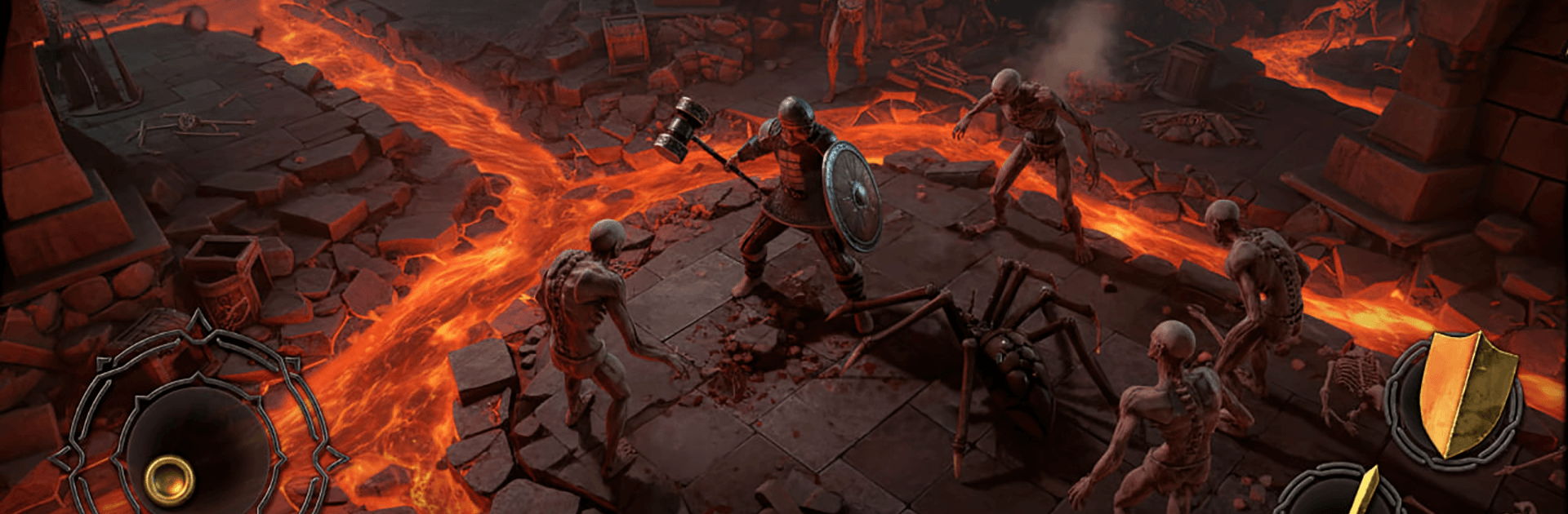
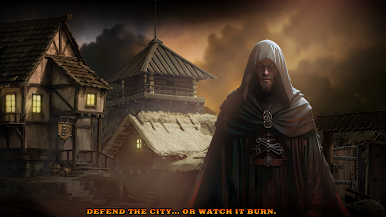
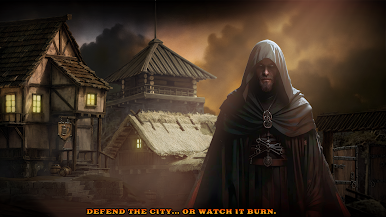
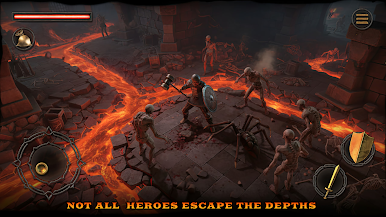
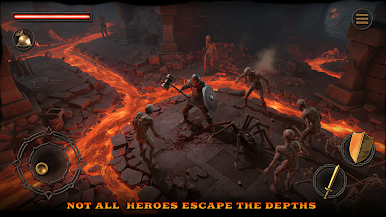
Blade of Shadows is a fast, roguelike Adventure that keeps you on your toes from one room to the next. Each run plays out differently: new layouts, new threats, and new ways to tweak your build. Expect quick, crunchy combat, sneaky traps, and loot that can completely change how you play. Prefer a bigger screen and precise controls? It also feels great on PC with BlueStacks.
Game Features
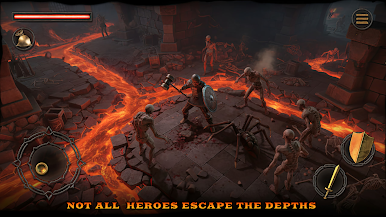
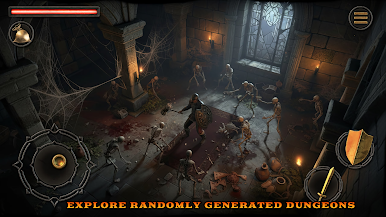
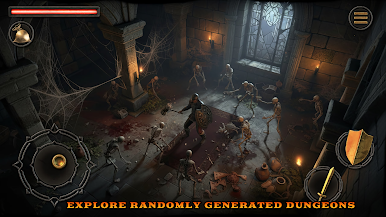
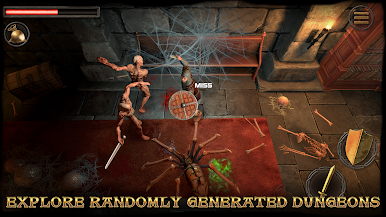
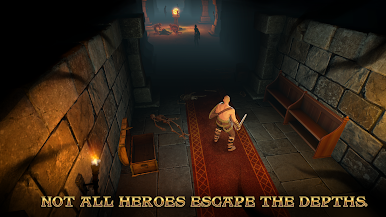
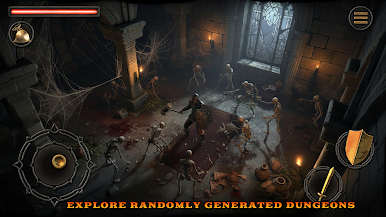
- Shifting Dungeons: Procedurally generated floors mean no two journeys are the same—fresh layouts, hidden rooms, and unpredictable enemy mixes keep the tension high.
- Fast, Skill-First Combat: Swing, dodge, and unleash abilities in tight, responsive battles that reward timing and positioning as much as raw power.
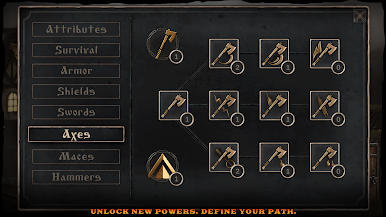
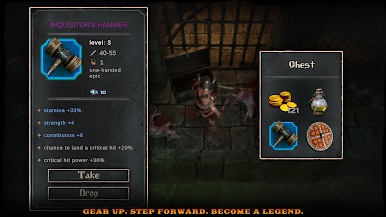
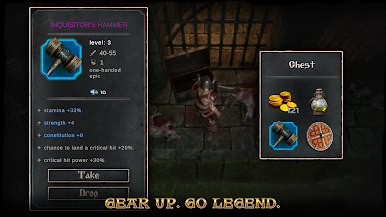
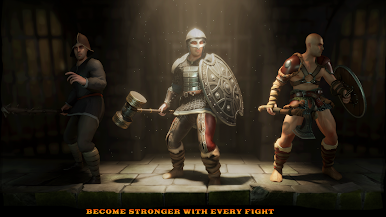
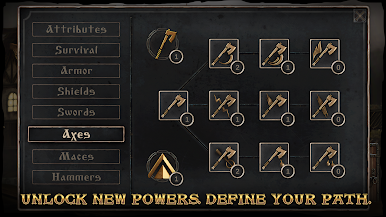
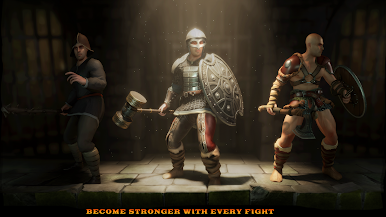
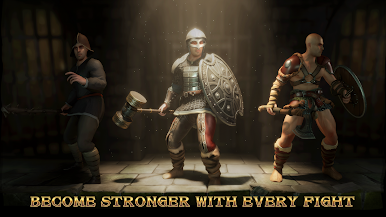
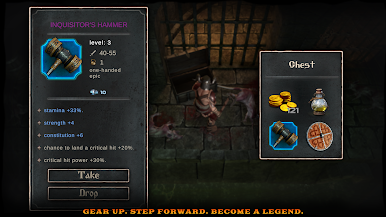
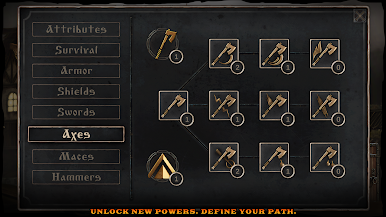
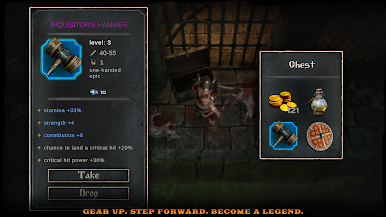
- Build Your Warrior: Find weapons, armor, and skill upgrades that stack into wild synergies—tune your loadout to match your favorite playstyle.
- Bosses With Bite: Face towering foes with patterns to learn and punish—each victory feels earned, not handed out.
- Traps and Secrets: Watch for pressure plates, spike lanes, and other nasty surprises while you sniff out stashes tucked just off the main path.
- Loot That Matters: Chase rare drops and turn hard-won materials into standout gear that reshapes your strategy for the next encounter.
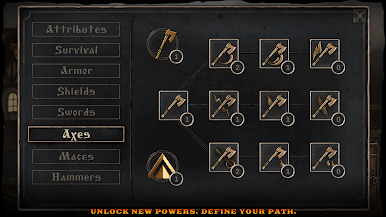
- Long-Game Progression: Between runs, unlock perks and options that broaden your toolkit without dulling the high-stakes, one-more-try feeling.
BlueStacks gives you more room to focus on the game and less time adjusting around mobile limitations.

Play Blade of Shadows on PC. It’s easy to get started.
-
Download and install BlueStacks on your PC
-
Complete Google sign-in to access the Play Store, or do it later
-
Look for Blade of Shadows in the search bar at the top right corner
-
Click to install Blade of Shadows from the search results
-
Complete Google sign-in (if you skipped step 2) to install Blade of Shadows
-
Click the Blade of Shadows icon on the home screen to start playing

