


Blade of Shadows
Play on PC with BlueStacks – the Android Gaming Platform, trusted by 500M+ gamers.

Page Modified on: Aug 20, 2026
Main Blade of Shadows on PC
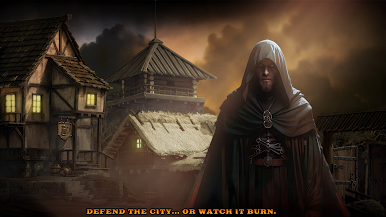
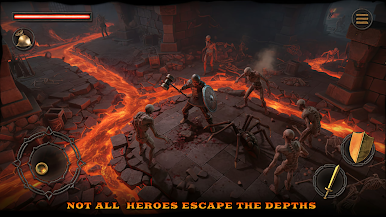
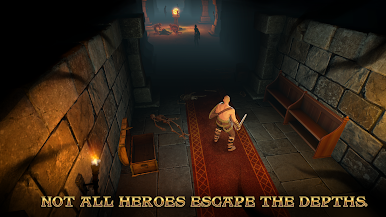
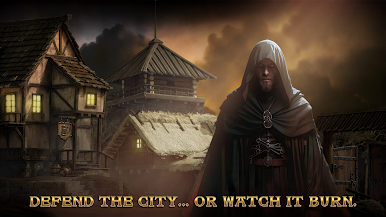
Dive into a thrilling dungeon crawler RPG where every run is a new challenge! Face powerful boss fights, collect legendary loot, and customize your hero with unique skills. Survive dangerous traps, uncover hidden treasures, and test your strategy in intense roguelike battles.
🔥 Key Features:
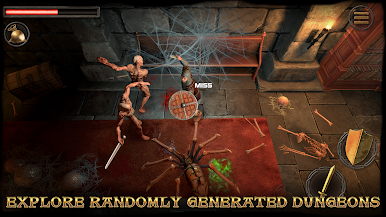
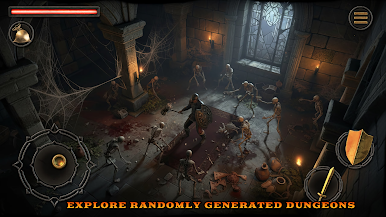
Procedurally generated dungeons for endless exploration
Fast-paced hack & slash combat against terrifying monsters
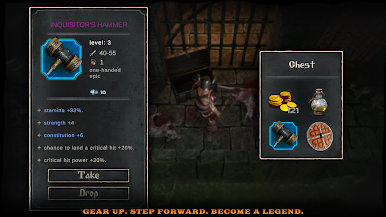
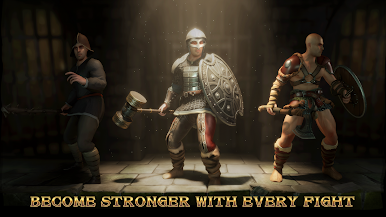
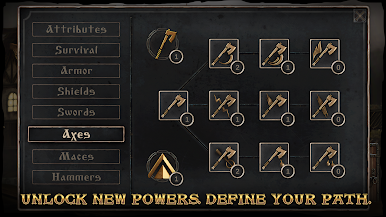
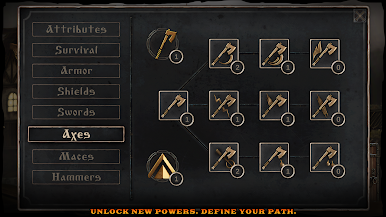
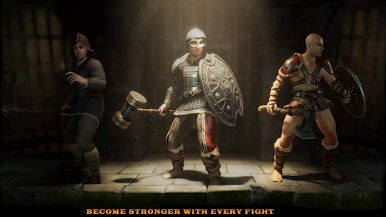
Upgrade weapons, armor, and abilities to build your perfect warrior
Classic roguelike mechanics with deep RPG progression
Epic boss battles and challenging survival gameplay
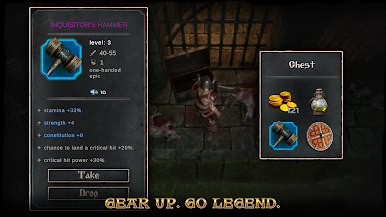
Collect rare loot and forge legendary gear
Are you ready to conquer the dungeons and become a legend? Download now and start your adventure!

Play Blade of Shadows on PC. It’s easy to get started.
-
Download and install BlueStacks on your PC
-
Complete Google sign-in to access the Play Store, or do it later
-
Look for Blade of Shadows in the search bar at the top right corner
-
Click to install Blade of Shadows from the search results
-
Complete Google sign-in (if you skipped step 2) to install Blade of Shadows
-
Click the Blade of Shadows icon on the home screen to start playing

