


Idle Planet Miner
Play on PC with BlueStacks – the Android Gaming Platform, trusted by 500M+ gamers.

Page Modified on: Jun 4, 2026
Main Idle Planet Miner on PC
IDLE PLANET MINER FEATURES
Idle Gameplay
● Check how much your galaxy evolved while idle
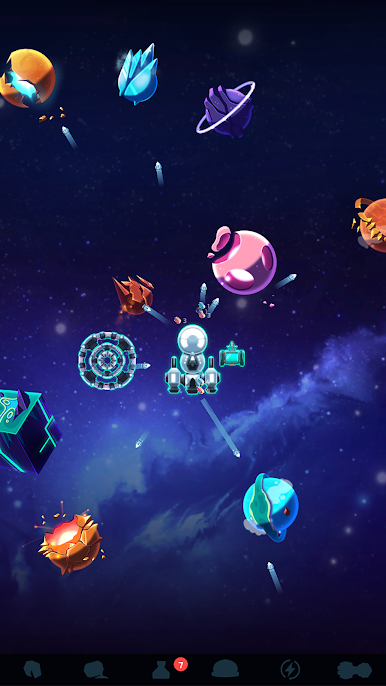
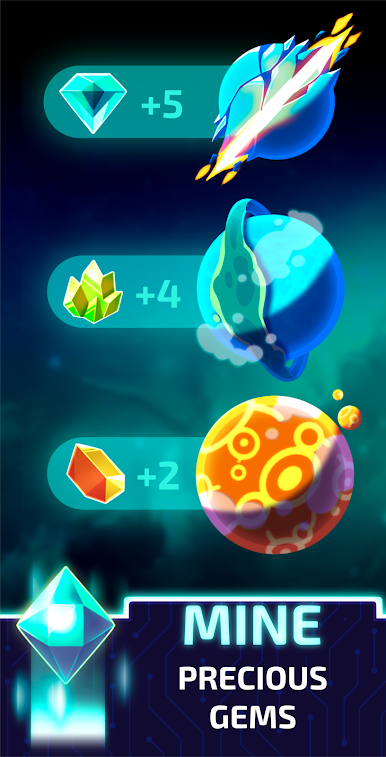
● Upgrade mining planets to increase your ore capacities
● Turn that ore into more valuable items by smelting or crafting it
● Tap to smash asteroids and earn rare ore!
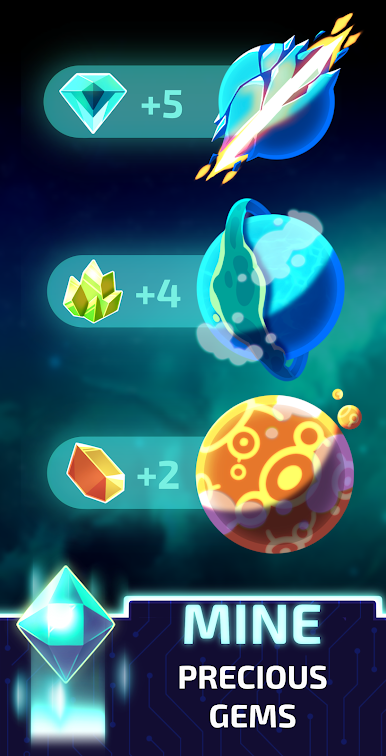
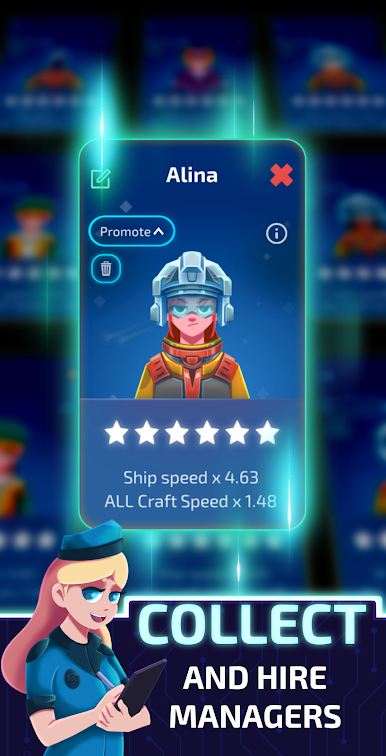
● Mine: Earn coins and hire managers to help your mining company
Incremental Upgrades
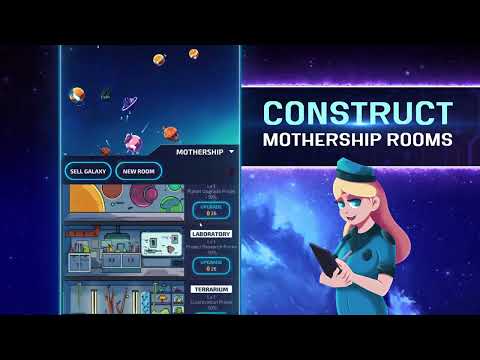
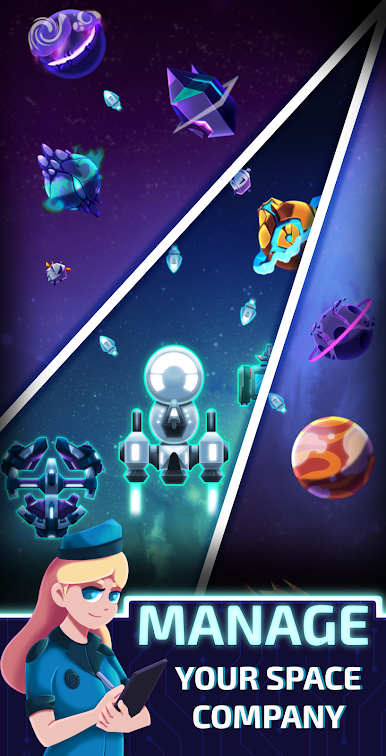
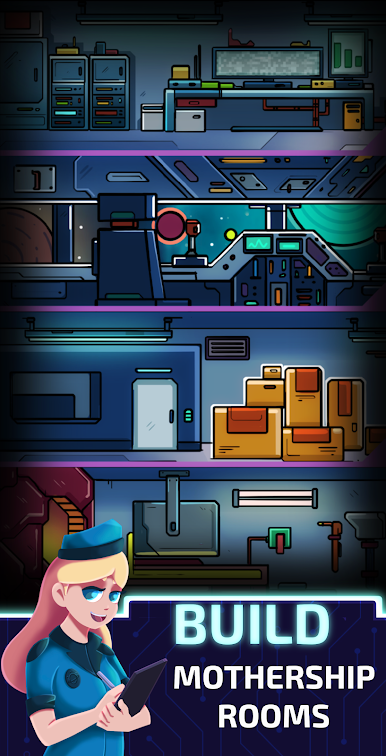
● Create an Empire Across the stars!
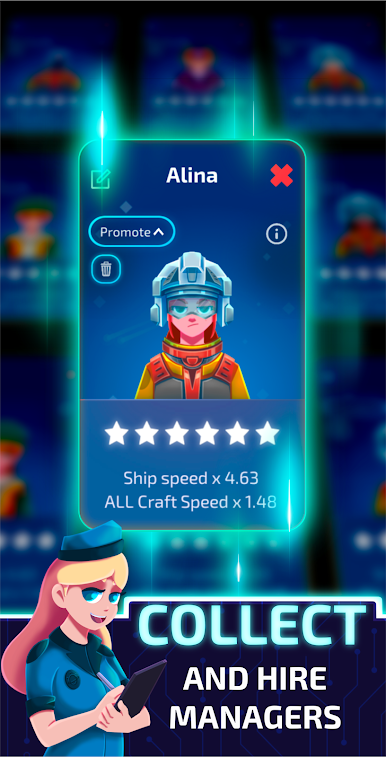
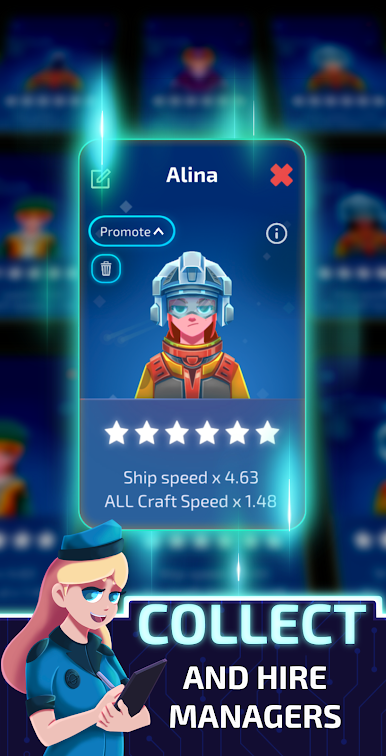
● Hire managers to improve your output!
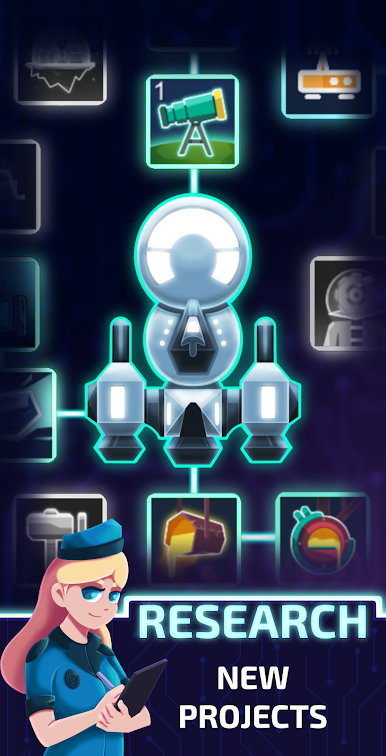
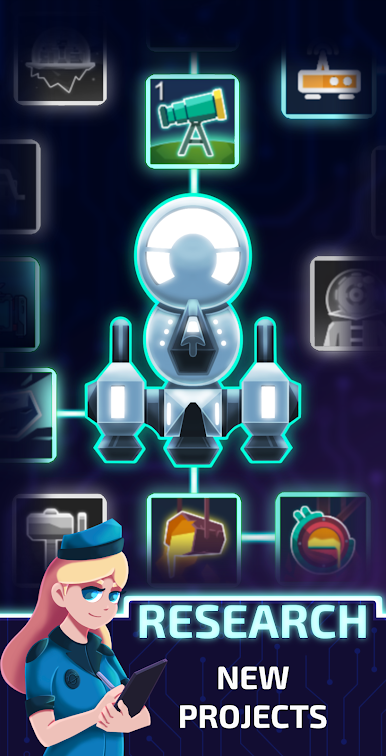
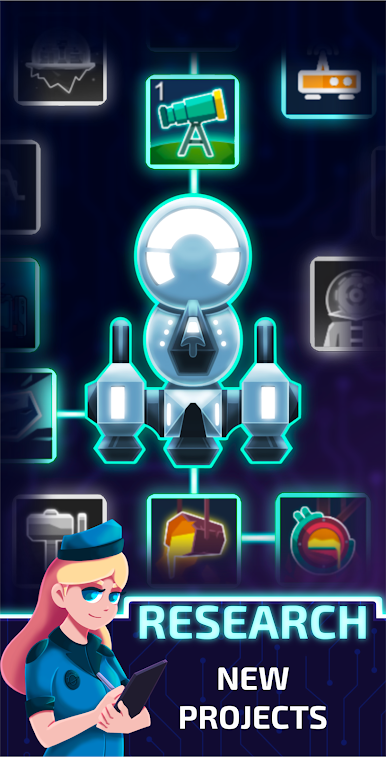
● Evolve your digging strategy! Research special projects to improve your output!
Upgrade Your Mining Ship
● Play the Market: respond to supply & demand across the galaxy to maximize profits!
● Terraform outlying planets to improve their output
● Rewards to permanently upgrade your mining ship are everywhere!
Idle Mining
● Earn ore and coins when you're not playing
● Quests- complete quests to earn premium rewards
● Compete - in live multiplayer tournaments against other real players every week
Idle Planet Miner is the perfect incremental clicker / idle game for fans of endless fun. Idle the day away digging for ore, rare metals, coins, and more! Dig deep and have fun.
Idle Planet Miner - Dig your way through the stars!





Play Idle Planet Miner on PC. It’s easy to get started.
-
Download and install BlueStacks on your PC
-
Complete Google sign-in to access the Play Store, or do it later
-
Look for Idle Planet Miner in the search bar at the top right corner
-
Click to install Idle Planet Miner from the search results
-
Complete Google sign-in (if you skipped step 2) to install Idle Planet Miner
-
Click the Idle Planet Miner icon on the home screen to start playing

