


Path of Kings
Play on PC with BlueStacks – the Android Gaming Platform, trusted by 500M+ gamers.

Page Modified on: Sep 18, 2026
Main Path of Kings on PC
Enter the shadows of a twisted fantasy world, where danger lurks in every corner and only the strongest survive.
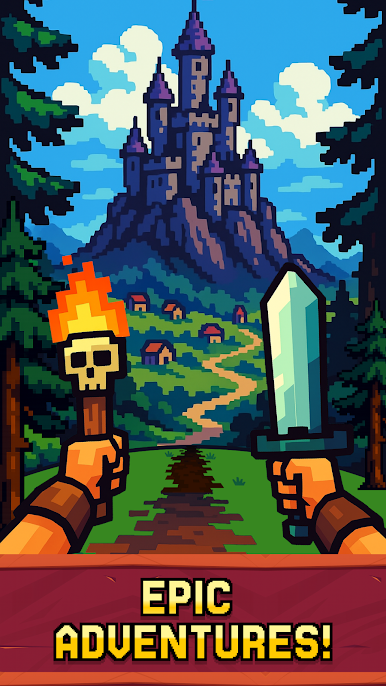
Path of Kings is a fast-paced, first-person action RPG designed for vertical play. Explore cursed lands, battle nightmarish creatures, and forge your path to power—one epic fight at a time.
🗡️ Fight Horrific Monsters
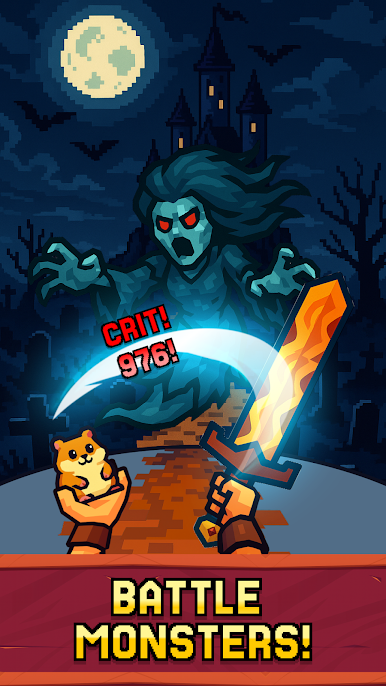
Face waves of terrifying enemies. Dodge, strike, and unleash powerful abilities in real-time combat built for mobile.
🌍 Explore Dark Fantasy Realms
Travel through haunted forests, ruined castles, and fiery dungeons. Each location is beautifully stylized and packed with secrets, enemies, and loot.
🛡️ Customize Your Hero
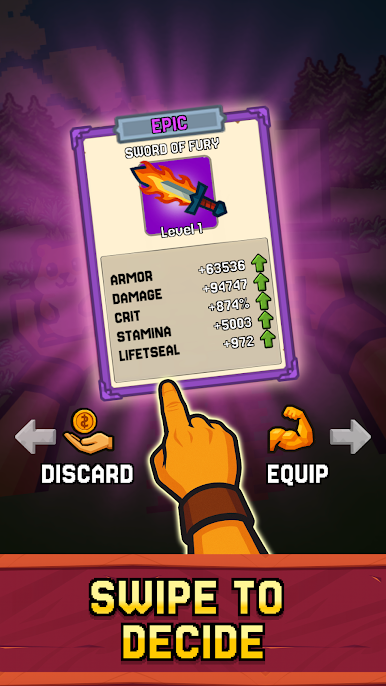
Craft your build: choose different weapons and equipment combinations to suit your playstyle. Become the swift rogue, brutal warrior, or dark mage.
📱 Vertical Gameplay, Full Immersion
Designed for vertical play, jump straight into the action with no wasted time. Perfect for quick sessions or long grinds.
🎮 Key Features:
* First-person action combat
* Epic battles
* Dark, immersive world design
* Easy controls
* Constant new locations and enemies
⚔️ Can you survive the darkness and rise as the ultimate monster slayer?
Download Path of Kings now and begin your journey!



Play Path of Kings on PC. It’s easy to get started.
-
Download and install BlueStacks on your PC
-
Complete Google sign-in to access the Play Store, or do it later
-
Look for Path of Kings in the search bar at the top right corner
-
Click to install Path of Kings from the search results
-
Complete Google sign-in (if you skipped step 2) to install Path of Kings
-
Click the Path of Kings icon on the home screen to start playing

