


UC Browser-Safe, Fast, Private
Play on PC with BlueStacks – the Android Gaming Platform, trusted by 500M+ gamers.

Page Modified on: Sep 18, 2026
Run UC Browser-Safe, Fast, Private on PC or Mac
UC Browser – Secure, Free & Fast Video Downloader is a browsing tool app developed by UCWeb Singapore Pte. The BlueStacks app player is the best platform to run this Android app on your PC or Mac for a pleasurable user experience!
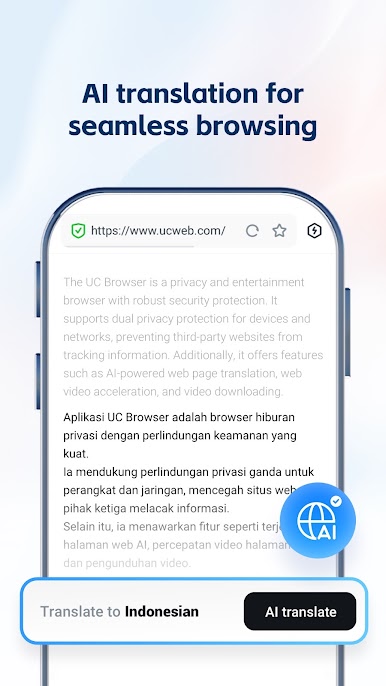
Run UC Browser on PC and enjoy this app from the large and gorgeous display on your PC! You can now enjoy fast, free, and secure web browsing from the comfort of your PC! Begin to enjoy an excellent and smart browsing experience today!
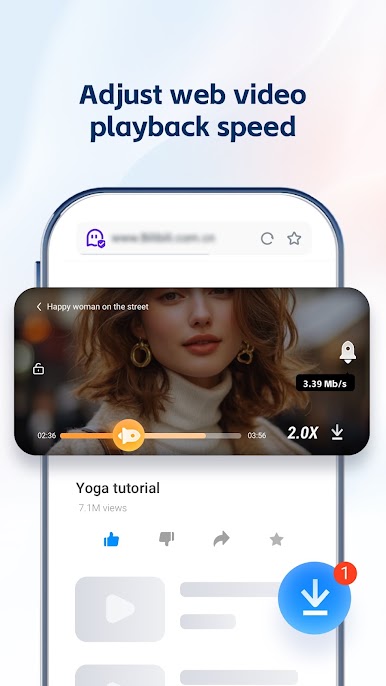
With the UC Browser PC app, there’s so much to enjoy! Thanks to the unique U4 engine and in-built video player, this browser guarantees remarkable experiences when surfing the internet, downloading files, or watching videos! It also saves data and blocks ads!
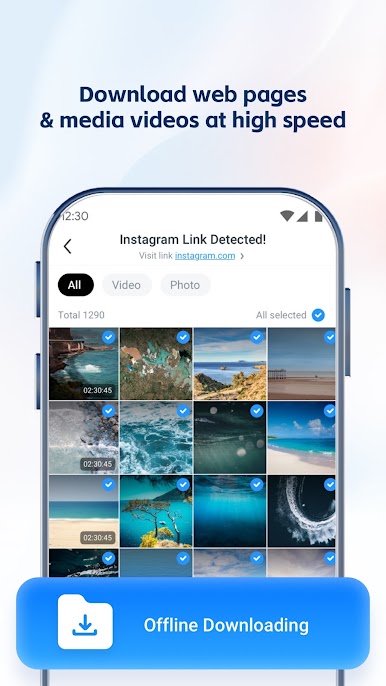
It enables users to enjoy faster downloads with options to pause downloads and even start watching videos before they download completely! There are also lots of other features, such as the small window mode, which allows you to do other things simultaneously on your screen.
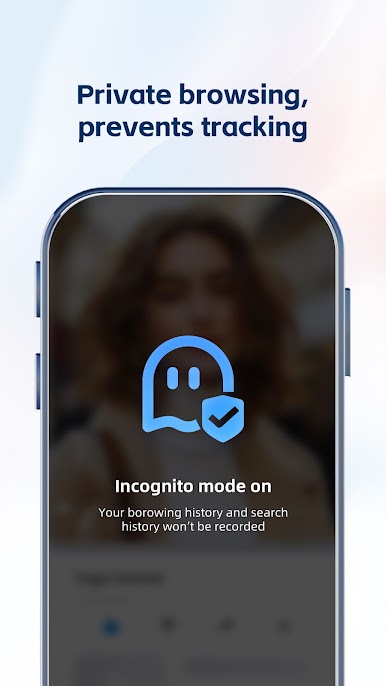
There are also different modes to enhance the user experience. The Incognito mode makes your activities completely private and secure; the Facebook mode allows for fast connectivity on Facebook even in poor network conditions, and the Night mode makes the app easier to use at night.
Download UC Browser on PC now and enjoy a new browsing experience!

Play UC Browser-Safe, Fast, Private on PC. It’s easy to get started.
-
Download and install BlueStacks on your PC
-
Complete Google sign-in to access the Play Store, or do it later
-
Look for UC Browser-Safe, Fast, Private in the search bar at the top right corner
-
Click to install UC Browser-Safe, Fast, Private from the search results
-
Complete Google sign-in (if you skipped step 2) to install UC Browser-Safe, Fast, Private
-
Click the UC Browser-Safe, Fast, Private icon on the home screen to start playing

