


Lumber Dash
Play on PC with BlueStacks – the Android Gaming Platform, trusted by 500M+ gamers.

Page Modified on: Aug 22, 2026
Play Lumber Dash on PC
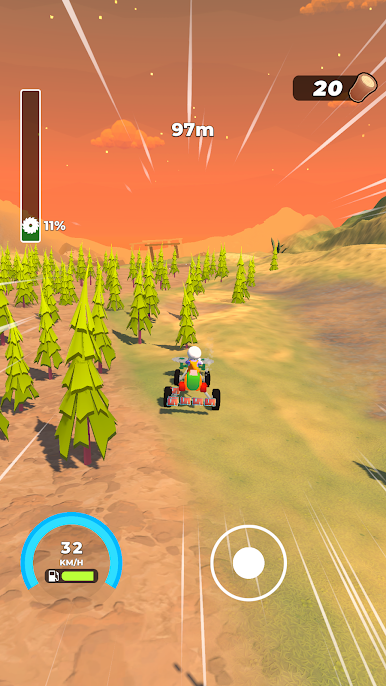
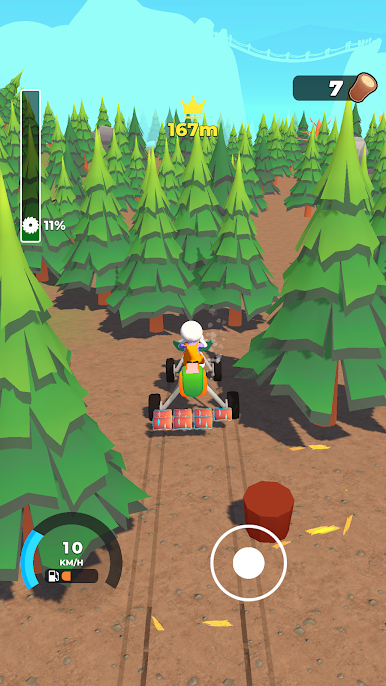
Forest Run is an arcade distance game where you launch a homemade cutting machine, steer through the forest, collect wood, and upgrade your ride to push deeper into the wilderness.
🎯 Slingshot Launch
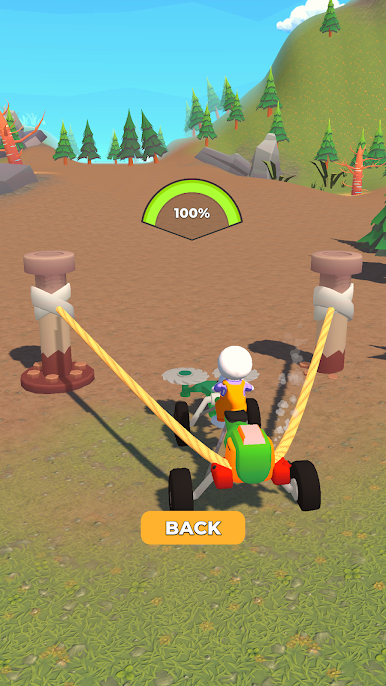
Pull back and release to launch your machine with maximum speed. Upgrade your slingshot power to start every run faster and travel farther.
🌲 Cut Through the Forest
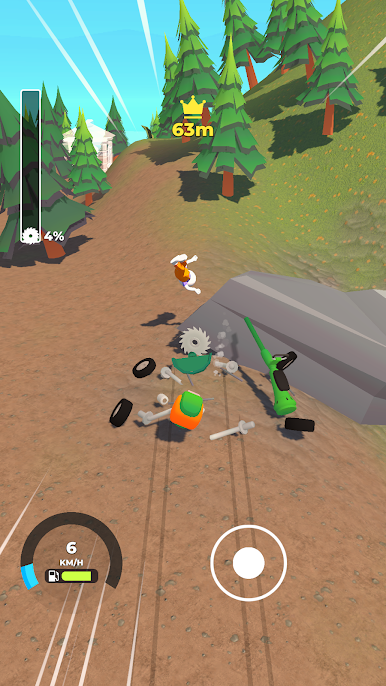
Drive straight through trees and clear your path. Every tree you cut slows you down, so keep your momentum and choose your route wisely.
🪵 Collect Wood
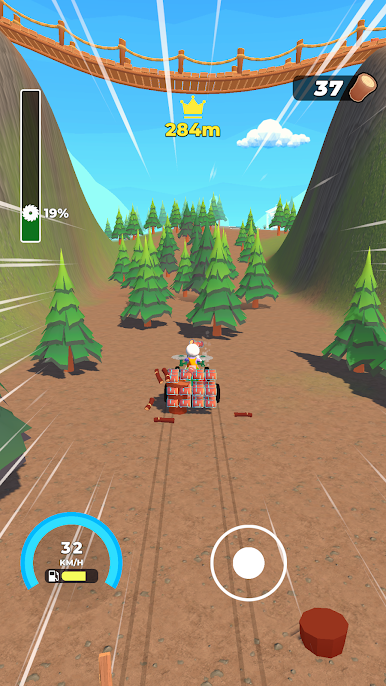
Every tree becomes a resource. Gather wood during your run and use it to unlock new paths and interact with objects along the way.
🛠️ Build & Keep Moving
Spend collected wood directly in the world to build bridges, activate stations, and overcome obstacles blocking your journey.
⚙️ Upgrade Your Machine
Improve your slingshot, body, blades, income, and other parts of your vehicle. Each upgrade helps you cut faster, survive longer, and reach new distances.
⚡ Use Nitro Boosts
Activate a burst of extra speed when you need it most and keep your run alive when momentum starts to drop.
🌳 Make Permanent Progress
Trees you cut stay gone, gradually opening the forest and helping you reach farther on future runs.
💰 Earn, Upgrade, Repeat
Push your distance, collect resources, improve your machine, and return stronger for the next run.
📲 Download Forest Run!
Launch your machine, tear through the forest, and see how far you can go!
Play Lumber Dash on PC. It’s easy to get started.
-
Download and install BlueStacks on your PC
-
Complete Google sign-in to access the Play Store, or do it later
-
Look for Lumber Dash in the search bar at the top right corner
-
Click to install Lumber Dash from the search results
-
Complete Google sign-in (if you skipped step 2) to install Lumber Dash
-
Click the Lumber Dash icon on the home screen to start playing

