


Pirate Rivals
Play on PC with BlueStacks – the Android Gaming Platform, trusted by 500M+ gamers.

Page Modified on: Apr 9, 2026
Play Pirate Rivals on PC
Command your pirate ship, choose your cannons, and blast enemy decks apart in fast tactical duels.
Cripple enemy weapons, break through the hull, and sink your rival before they do the same to you.
Rule the waves
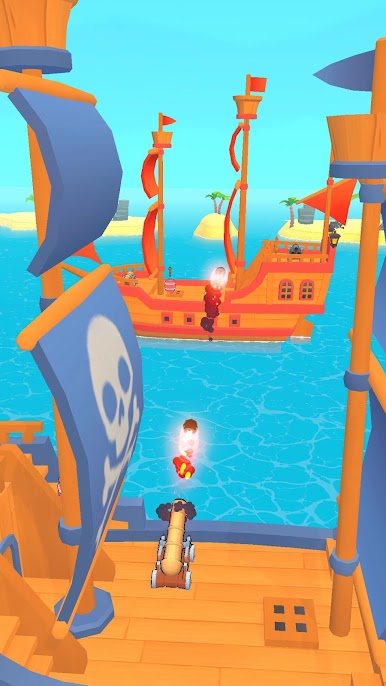
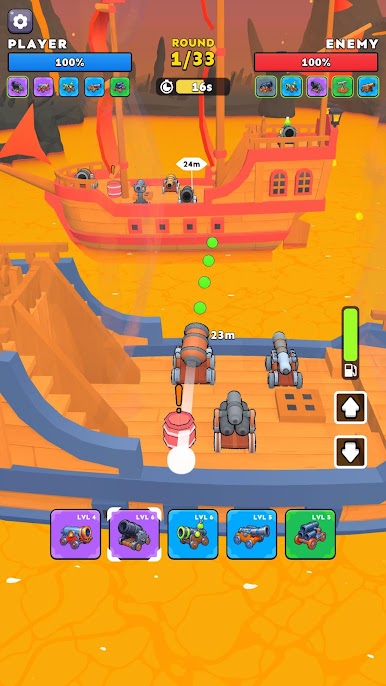
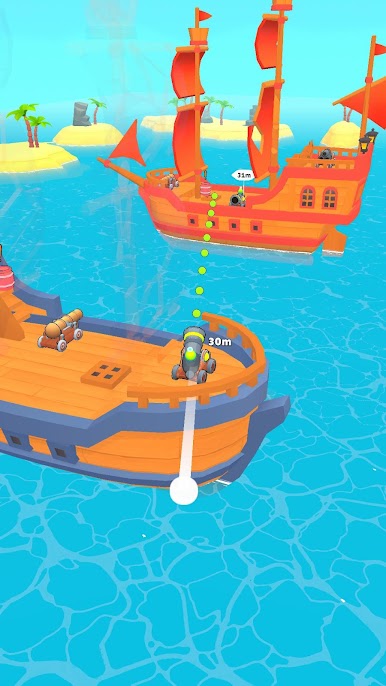
Fight in action-packed ship duels where every cannon feels different and every shot can change the battle.
Go for direct damage, spread pressure, heavy impact, or damage over time — then adapt your strategy as the enemy ship starts falling apart.
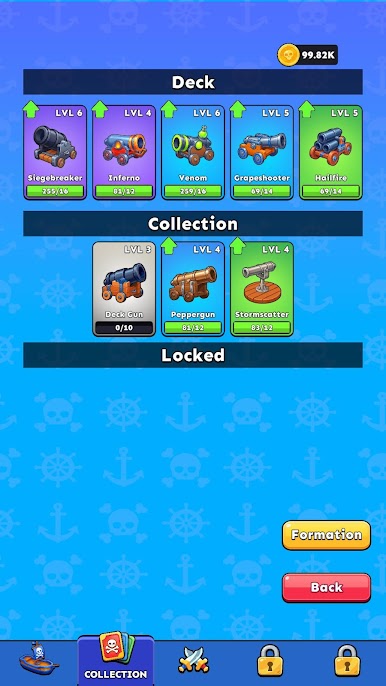
Choose your cannons
Build your battle setup from a growing collection of unique weapons:
fast pressure cannons
wide spread attacks
heavy siege shots
close-range burst weapons
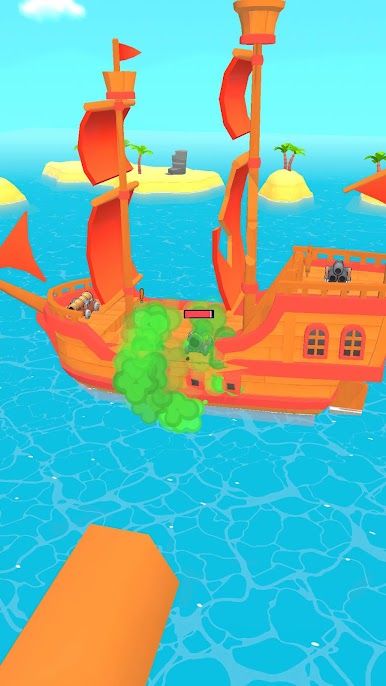
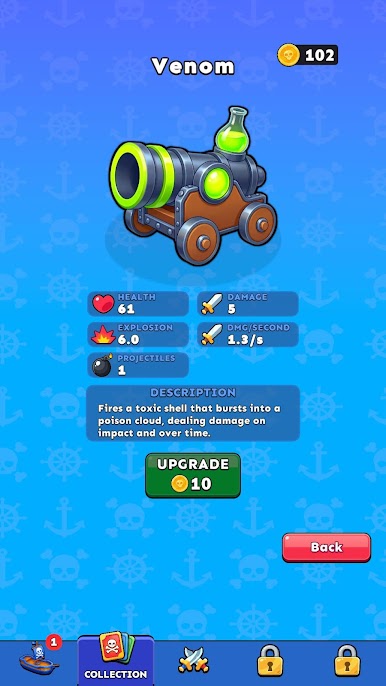
fire and poison damage
Each cannon opens different tactics and changes how you approach the fight.
Break enemy ships apart
Enemy ships are not just health bars.
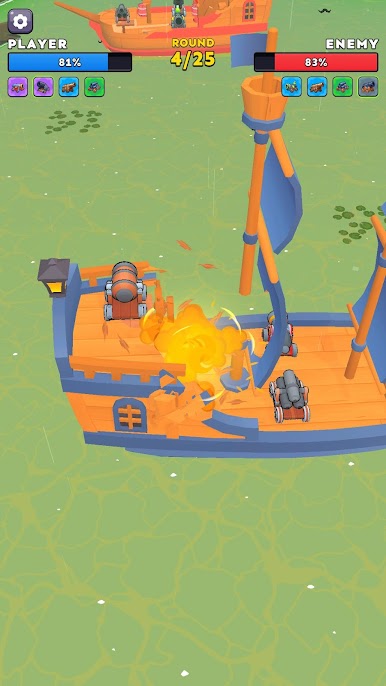
Well-placed shots can damage key sections, expose weak spots, destroy enemy cannons, and open better attack angles.
You can win by taking out all enemy weapons or by smashing through the hull and sinking the whole ship.
Upgrade and progress
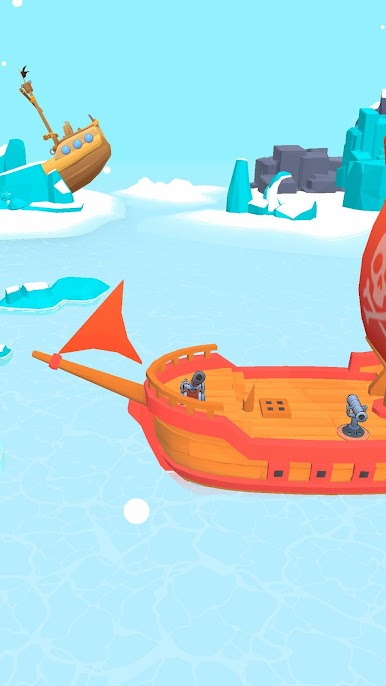
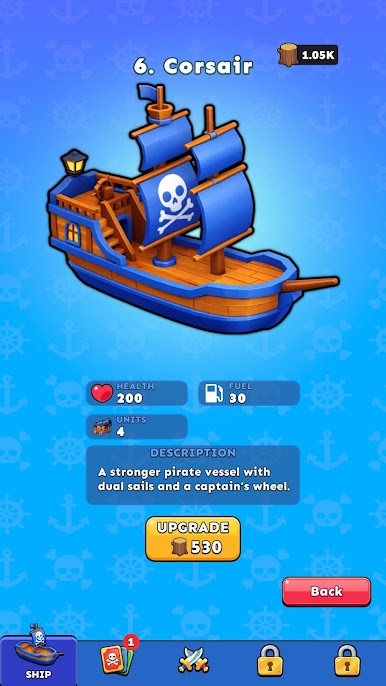
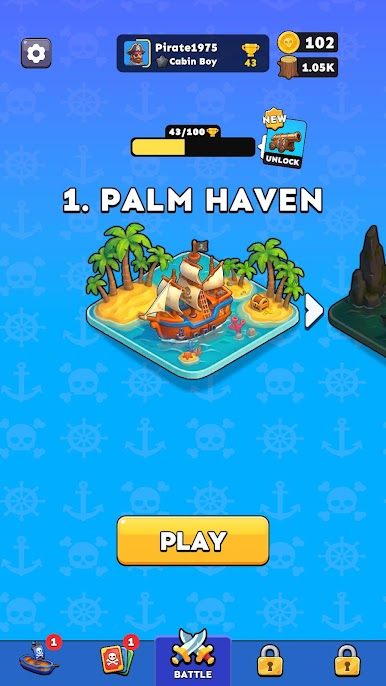
Unlock stronger ships, improve your cannons, and climb through new arenas as battles become more dangerous.
From light starter vessels to powerful war-ready ships, every upgrade brings more options and more firepower.
In Pirate Rivals you’ll find
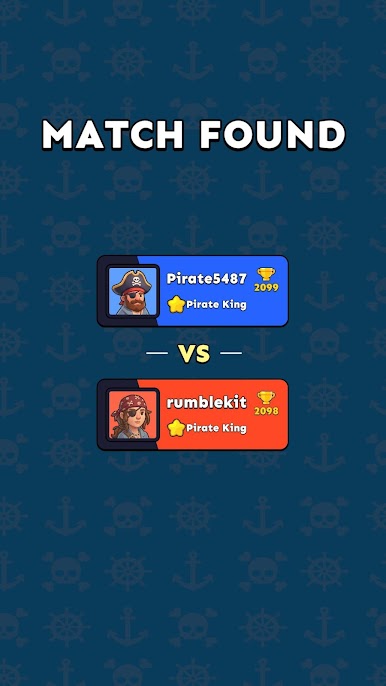
• Fast 1v1 PvP ship battles
• Unique cannons with different attack styles
• Destructible ship combat
• Tactical aiming and shot control
• Ship upgrades and progression
• New arenas and tougher rivals
• Quick matches built for mobile PvP
Raise the flag, load the guns, and prove who owns the sea.
Play Pirate Rivals on PC. It’s easy to get started.
-
Download and install BlueStacks on your PC
-
Complete Google sign-in to access the Play Store, or do it later
-
Look for Pirate Rivals in the search bar at the top right corner
-
Click to install Pirate Rivals from the search results
-
Complete Google sign-in (if you skipped step 2) to install Pirate Rivals
-
Click the Pirate Rivals icon on the home screen to start playing

