

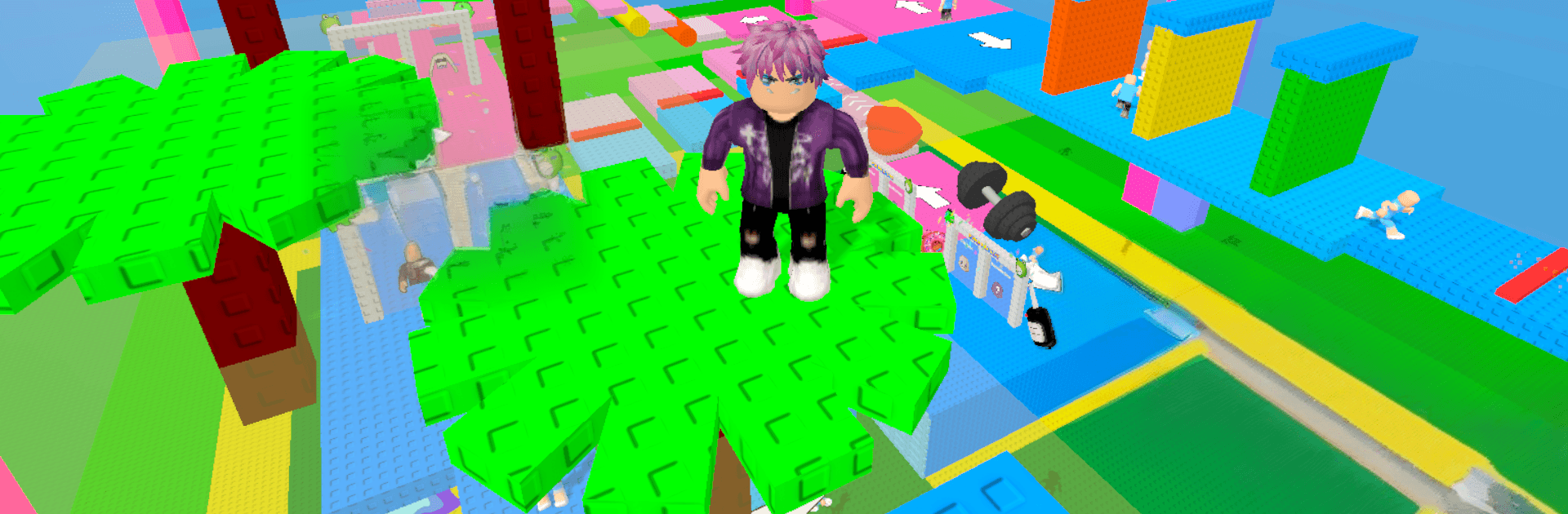
Fashion Parkour: Party Run
Play on PC with BlueStacks – the Android Gaming Platform, trusted by 500M+ gamers.

Page Modified on: Aug 11, 2026
Play Fashion Parkour: Party Run on PC or Mac
Fashion Parkour: Party Run brings the Casual genre to life, and throws up exciting challenges for gamers. Developed by Blox Global, this Android game is best experienced on BlueStacks, the World’s #1 app player for PC and Mac users.
About the Game
Fashion Parkour: Party Run turns the runway into a racetrack, letting you pick outfits on the fly while you sprint to make the party in one piece. If you’re into outfit games or dress up games with real movement—think fashion runs stitched through lively obstacle courses and snappy parkour challenges—this one clicks fast. It’s a light, pick-up-and-play Casual experience you can also enjoy on PC with BlueStacks if you’d rather see your style on a bigger screen.
Game Features
- Outfit Picks on the Fly: Hit style gates that swap tops, bottoms, and accessories, choosing the path that matches your vibe.
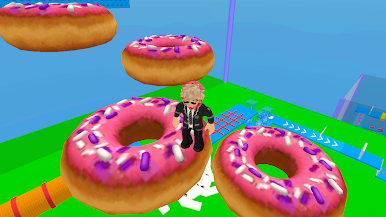
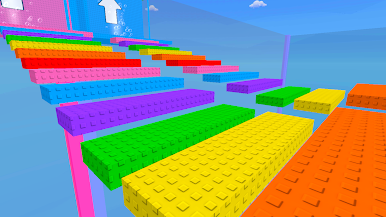
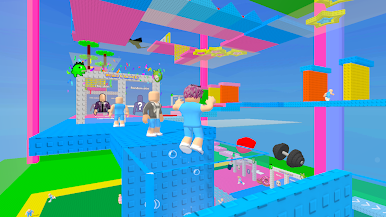
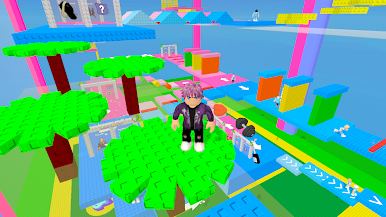
- Snappy Parkour Courses: Leap gaps, balance on moving platforms, and thread through narrow lanes to keep your momentum.
- Timing Over Tricks: Traps, shifting floors, and sudden turns reward quick reads and clean reactions.
- Party-Ready Looks: Build a cohesive ensemble as you run, then cross the finish like you’re stepping onto the dance floor.
- Rewards That Matter: Snag coins and surprises during each run to expand your wardrobe with fresh pieces and combos.
- Easy to Start, Keeps You Hooked: Simple controls get you moving right away, while new twists show up as you advance.
- Quick, Replayable Runs: Short stages make it painless to retry routes, chase cleaner lines, and refine your style.
- For Fashion-Forward Runners: A breezy blend for fans of fashion runs, parkour challenges, obstacle courses, and other outfit-focused play.
Start playing Fashion Parkour: Party Run on BlueStacks and get a smoother, more comfortable PC or Mac setup.
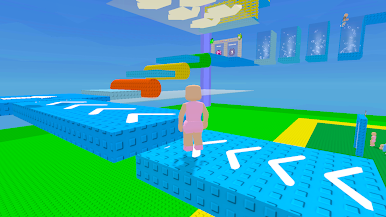
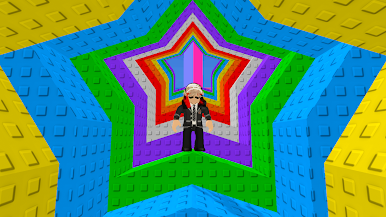
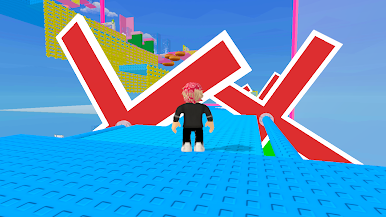
Play Fashion Parkour: Party Run on PC. It’s easy to get started.
-
Download and install BlueStacks on your PC
-
Complete Google sign-in to access the Play Store, or do it later
-
Look for Fashion Parkour: Party Run in the search bar at the top right corner
-
Click to install Fashion Parkour: Party Run from the search results
-
Complete Google sign-in (if you skipped step 2) to install Fashion Parkour: Party Run
-
Click the Fashion Parkour: Party Run icon on the home screen to start playing

