


Arknights
Play on PC with BlueStacks – the Android Gaming Platform, trusted by 500M+ gamers.

Page Modified on: Aug 13, 2026
Play Arknights on PC or Mac
Arknights is a Strategy game developed by Yostar Limited. BlueStacks app player is the best platform to play this Android game on your PC or Mac for an immersive gaming experience.
About the Game
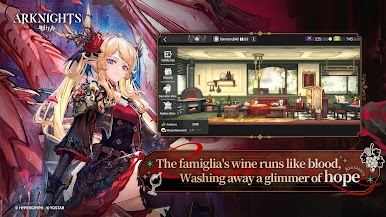
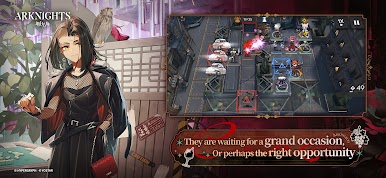
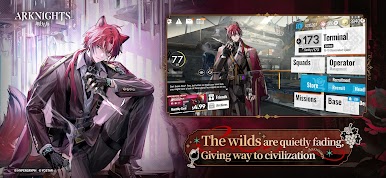
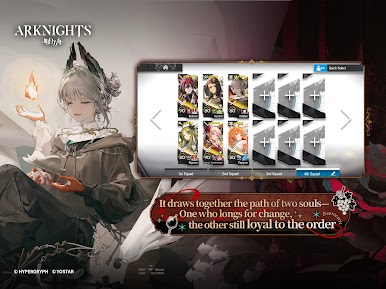
Arknights puts you in the middle of the battle against a deadly outbreak of infection. You have to take on the role of a key member and team up with Amiya, the leader of Rhodes Island, a Pharmaceutical company focused on eradicating the infection. The game lets you recruit operators to join your cause and help you save the world.
Game Features
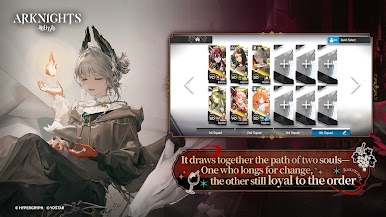
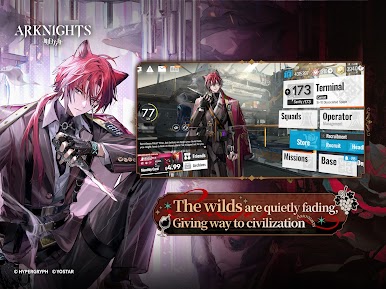
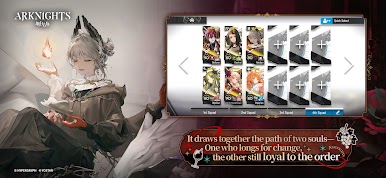
- Over 100 Operators: Recruit hundreds of unique operators in different classes. You can train your operators to enhance their skills and assign them to different operations.
- Auto Deploy System: The auto deploy system records your moves, timing, and placement to recreate them and save you time. This allows you to farm repeatedly without manual input, so you can free up your hands.
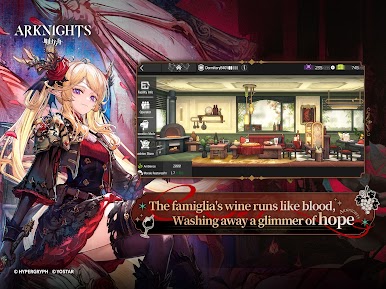
- Base Building: Create a formidable base for your operators to rest and enjoy the spoils of victory. You can customize your base with unique elements to ensure it suits your style.
- Professional Voice Acting: This game brings some of the most famous Japanese voice actors and actresses together to breathe life into the characters and add depth to interactions.
How to Play?
Download Arknights for free from the Google Play Store using the BlueStacks app player.
Play Arknights on your PC or Mac with BlueStacks Air. Now works on Mac M1, M2, M3, and M4. Experience buttery smooth Android gaming on both Windows and macOS.
What’s New?
Game introduces a new event for players to enjoy, accompanied by enhanced localization quality to improve understanding across various languages.
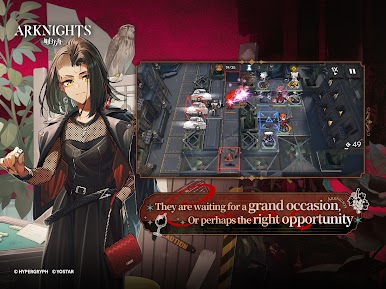
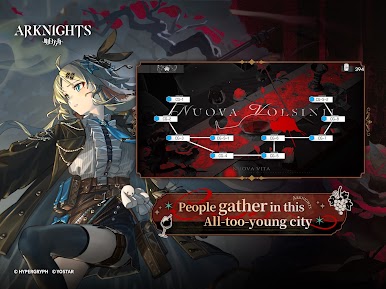
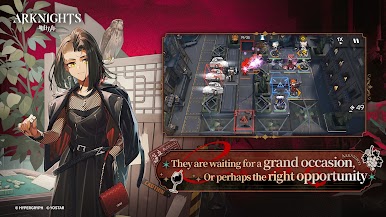


Play Arknights on PC. It’s easy to get started.
-
Download and install BlueStacks on your PC
-
Complete Google sign-in to access the Play Store, or do it later
-
Look for Arknights in the search bar at the top right corner
-
Click to install Arknights from the search results
-
Complete Google sign-in (if you skipped step 2) to install Arknights
-
Click the Arknights icon on the home screen to start playing

