


Material Shifter
Play on PC with BlueStacks – the Android Gaming Platform, trusted by 500M+ gamers.

Page Modified on: Oct 13, 2025
Play Material Shifter on PC or Mac
Material Shifter brings the Casual genre to life, and throws up exciting challenges for gamers. Developed by Yso Corp, this Android game is best experienced on BlueStacks, the World’s #1 app player for PC and Mac users.
About the Game
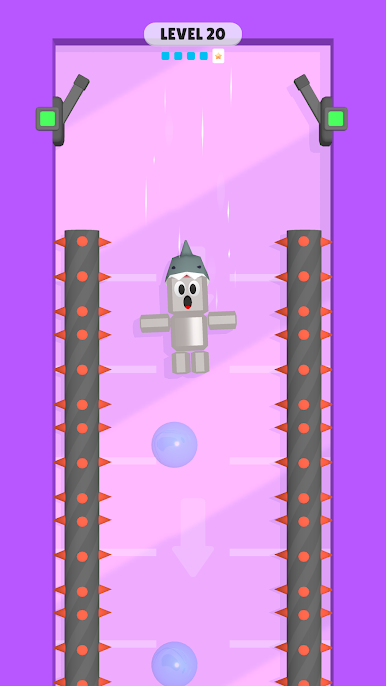
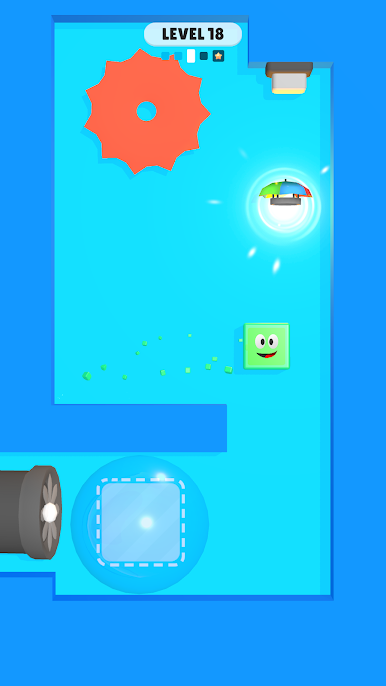
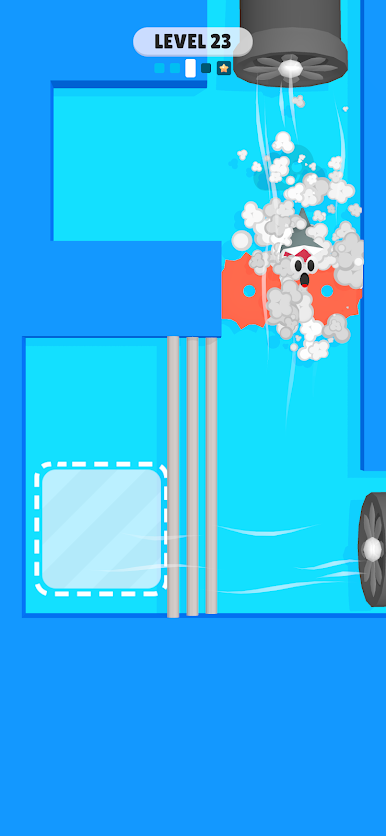
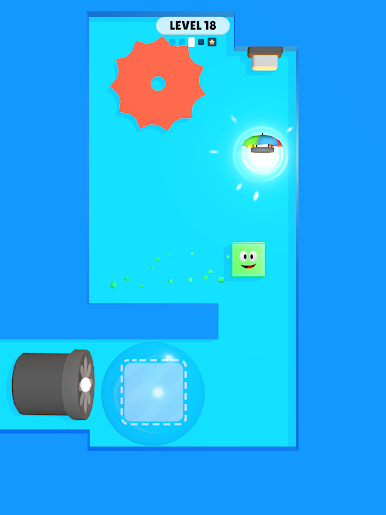
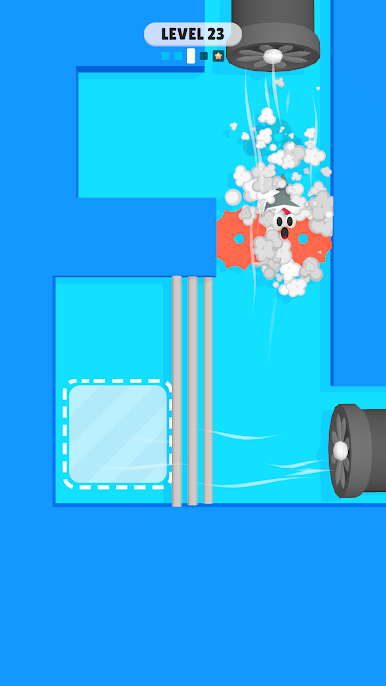
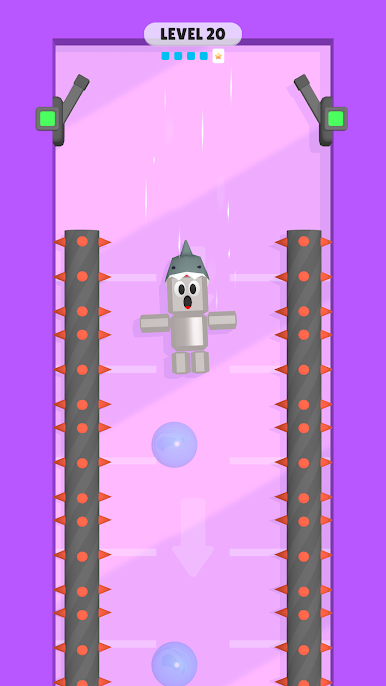
Material Shifter is a clever, bite-size Casual puzzler from Yso Corp where your best move is changing what you’re made of. You’ll swap between different forms to handle gravity, movement, and obstacles in totally different ways. It’s all about timing your shifts and reading the level so you can reach the goal without getting tripped up.
Prefer a bigger screen and crisp controls? You can also play Material Shifter on PC with BlueStacks.
Game Features
-
Shape-Shifting Core
Change between Balloon, Metal, Slime, and Cloud forms on the fly. Each form behaves differently, giving you new ways to move, survive, and outsmart obstacles. -
Balloon = Upward Momentum
Need height or a gentle ascent? Switch to Balloon to ride air currents and clear vertical gaps without breaking a sweat. -
Metal = Fast Drop
When you’ve got to cut through space quickly or press something below, Metal’s heavy fall gets you down in a hurry. -
Slime = Sticky Control
Slime helps you slip through tight spots and cling to surfaces with more control, perfect for tricky sections that demand precision. -
Cloud = Smooth Glide
Cloud form softens your movement and lets you float and glide through hazards that punish rushed decisions. -
Smart, Level-Based Challenges
Each stage asks you to read the layout, pick the right form at the right time, and keep your cool as the challenges stack up. -
Easy to Learn, Satisfying to Master
Simple inputs keep the focus on your decisions and timing, making it great for quick sessions or longer runs.
Start your journey now. Download the game on BlueStacks, invite your friends, and march on a new adventure.
















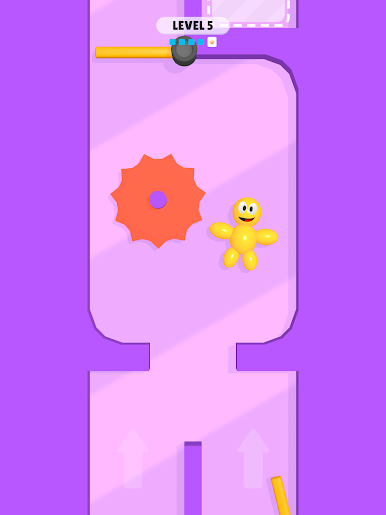
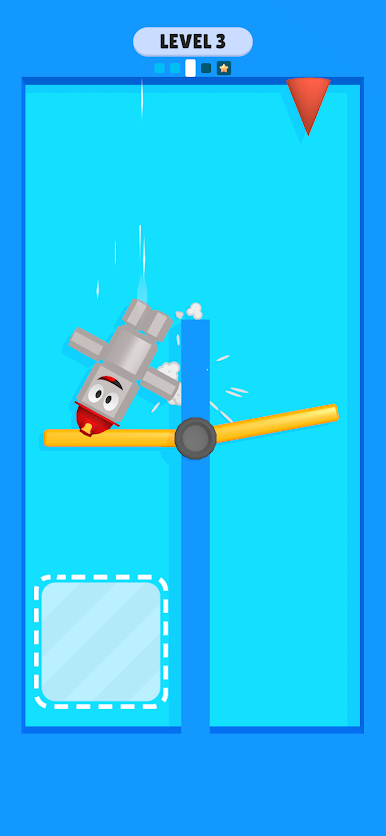


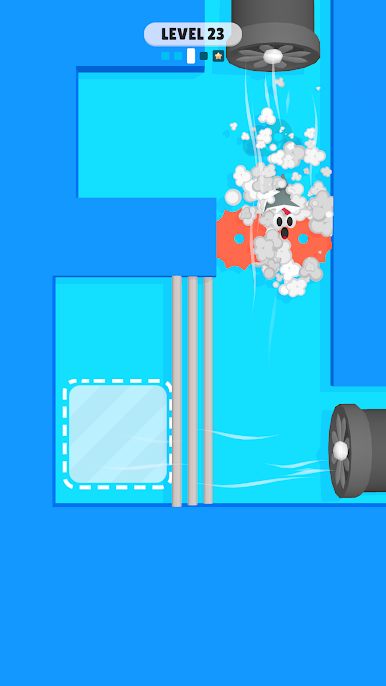


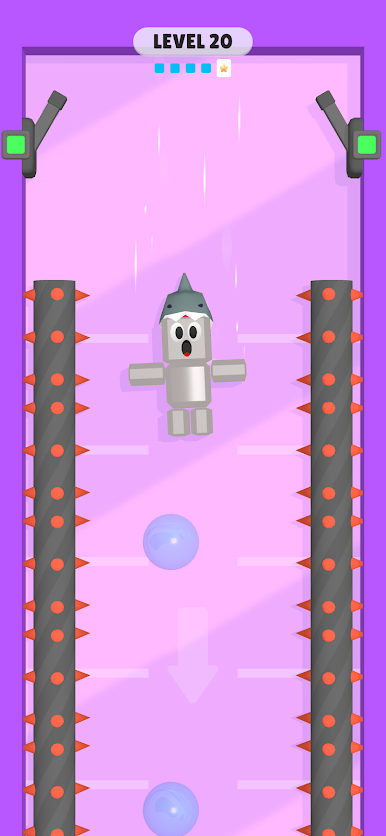


Play Material Shifter on PC. It’s easy to get started.
-
Download and install BlueStacks on your PC
-
Complete Google sign-in to access the Play Store, or do it later
-
Look for Material Shifter in the search bar at the top right corner
-
Click to install Material Shifter from the search results
-
Complete Google sign-in (if you skipped step 2) to install Material Shifter
-
Click the Material Shifter icon on the home screen to start playing

