


Slash Royal
Play on PC with BlueStacks – the Android Gaming Platform, trusted by 500M+ gamers.

Page Modified on: Jun 23, 2026
Main Slash Royal on PC
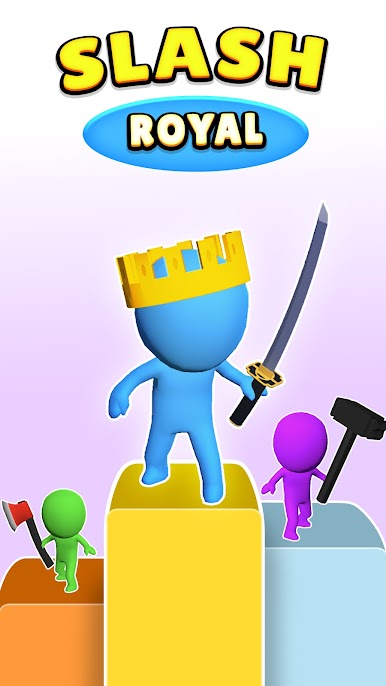
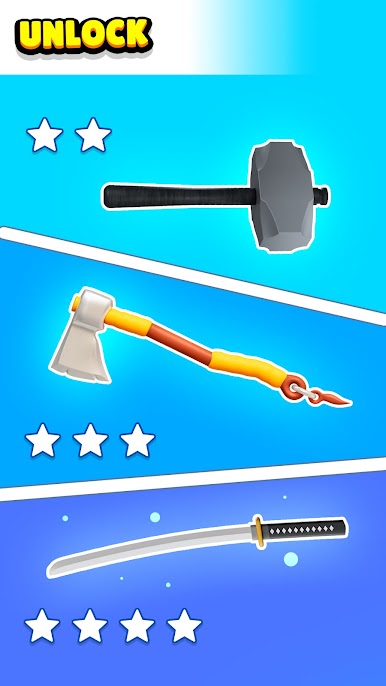
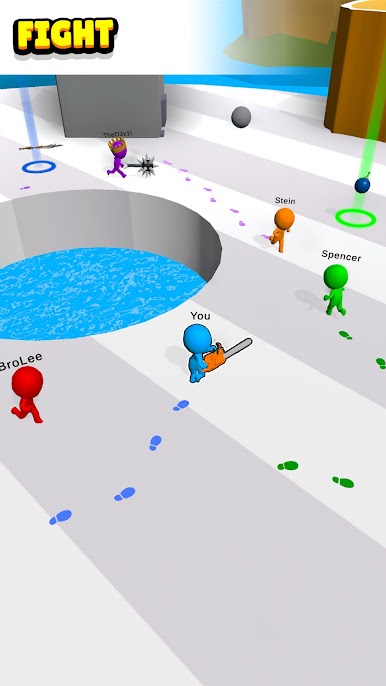
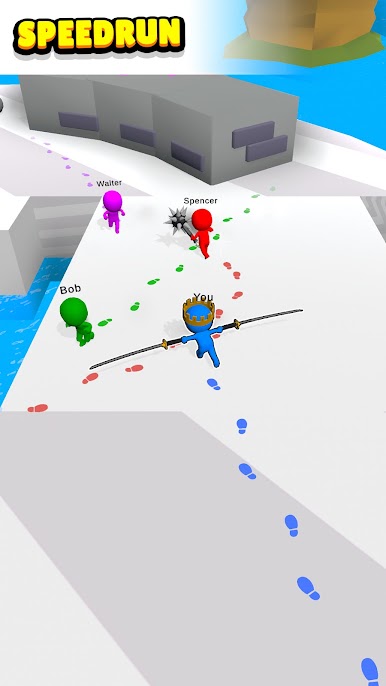
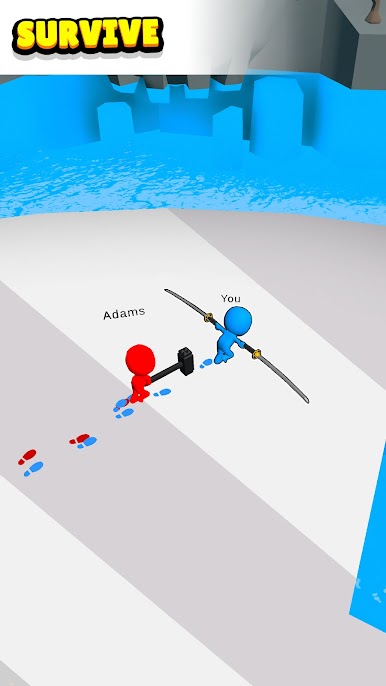
Engage in thrilling battles as you navigate through dynamic environments, dodging obstacles and outmaneuvering opponents to claim victory. With an arsenal at your disposal including daggers, hammers, and bows, the possibilities for strategic gameplay are endless.
As you climb the ranks, unlock new levels and discover increasingly powerful weapons to dominate the battlefield. Will you rise to the challenge and become the ultimate champion, earning the prestigious title of rank one?
With easy-to-learn controls and addictive gameplay, Slash Royal promises endless excitement for players of all skill levels. Whether you prefer to go head-to-head against friends or compete against skilled AI opponents, Slash Royal offers heart-pounding action and non-stop fun.
Download Slash Royal now and unleash your inner warrior in the ultimate battle royale showdown! Can you emerge as the last one standing amidst the chaos? Join the fight and claim your rightful place at the top of the leaderboard!

Play Slash Royal on PC. It’s easy to get started.
-
Download and install BlueStacks on your PC
-
Complete Google sign-in to access the Play Store, or do it later
-
Look for Slash Royal in the search bar at the top right corner
-
Click to install Slash Royal from the search results
-
Complete Google sign-in (if you skipped step 2) to install Slash Royal
-
Click the Slash Royal icon on the home screen to start playing

