


Super Thief Auto
Play on PC with BlueStacks – the Android Gaming Platform, trusted by 500M+ gamers.

Page Modified on: May 29, 2026
Main Super Thief Auto on PC
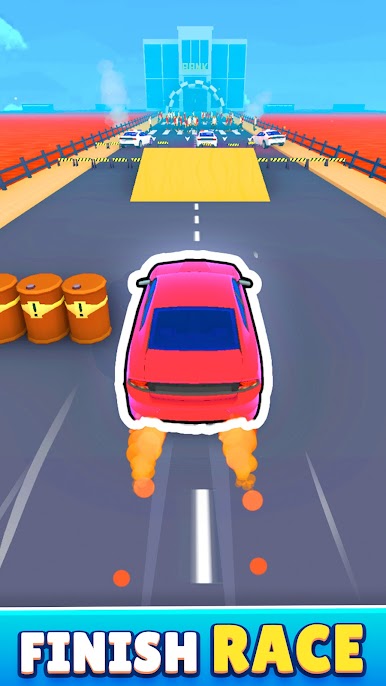
- High-Speed Heists: Experience heart-pounding action as you navigate through traffic, avoiding obstacles and police pursuit, in a race to reach the bank.
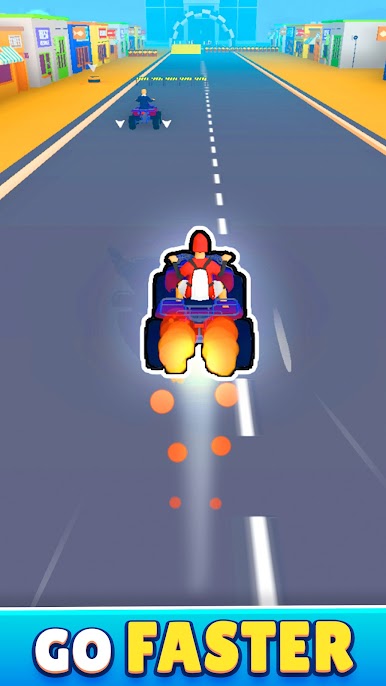
- Vehicle Theft: Hijack cars along the way to gain speed and momentum, using stolen vehicles to outpace your competitors and secure your spot at the bank.
- Dynamic Gameplay: Adapt your strategy on the fly, using different bonuses and power-ups strategically to gain an edge over your rivals.
- Multiplayer Competition: Compete against other players in real-time, using your skills and cunning to outsmart and outmaneuver them on the road.
- Bank Heist Challenges: Encounter various challenges and obstacles as you progress towards the bank, testing your reflexes and quick thinking.
Are you ready to become the ultimate thief and claim your prize at the bank? Download Super Thief Auto now and start your high-speed heist today!




Play Super Thief Auto on PC. It’s easy to get started.
-
Download and install BlueStacks on your PC
-
Complete Google sign-in to access the Play Store, or do it later
-
Look for Super Thief Auto in the search bar at the top right corner
-
Click to install Super Thief Auto from the search results
-
Complete Google sign-in (if you skipped step 2) to install Super Thief Auto
-
Click the Super Thief Auto icon on the home screen to start playing

