


Brainrot Block: Obby World
Play on PC with BlueStacks – the Android Gaming Platform, trusted by 500M+ gamers.

Page Modified on: Feb 12, 2026
Play Brainrot Block: Obby World on PC
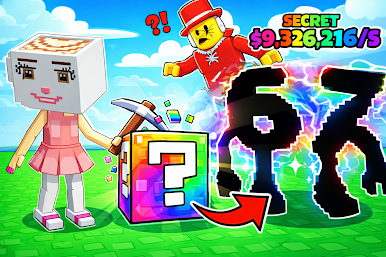
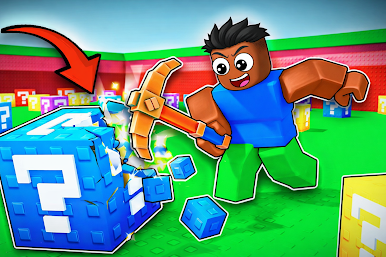
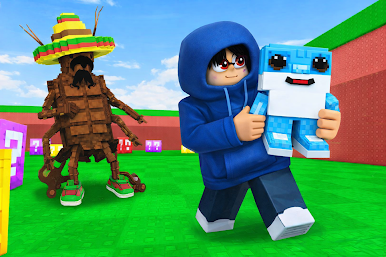
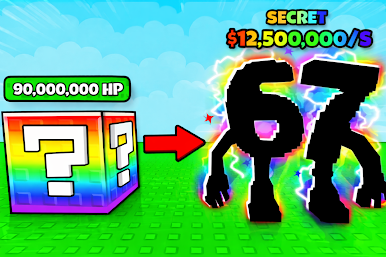
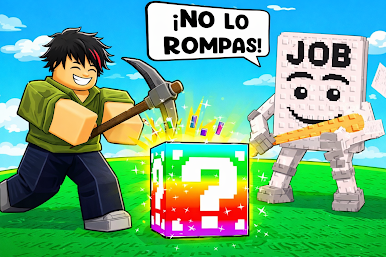
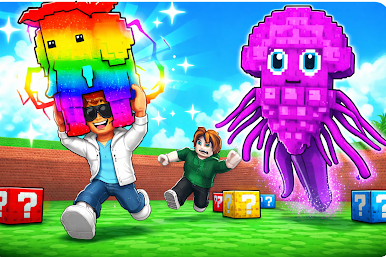
In this chaotic world of lucky blox, your mission is simple but intense: break blox before your enemy catches you, collect the mysterious brainrot items that spawn, and survive the madness for as long as you can.
💥 Why You’ll Love Break and Run from Brainzot
Smash unpredictable lucky blox packed with surprises
Break blocks quickly to open escape paths and gain advantages
Grab every brainrot that spawns to boost your score and power
Feel the thrill of nonstop pursuit and high-pressure decisions
Simple controls, addictive gameplay, endless replay value
🕹️ How to Play
Run fast and stay alert—the enemy is always chasing.
Break luck block before they block your path or slow you down.
Collect every brainrot you see—they spawn randomly and vanish fast.
Keep moving, keep breaking, and don’t get caught!
🚀 What Makes This Game Unique
Unlike typical runner games, Break and Run from Brainzot mixes destruction, strategy, and pure chaos. The combination of lucky blox mechanics and brainrot spawning creates unpredictable gameplay that keeps every run fresh and exciting. No two chases ever feel the same.
Players love the adrenaline rush, the satisfying feeling of break blox destruction, and the mysterious excitement behind every lucky blox they smash.
🔥 Ready to Test Your Reflexes?
Can you outsmart the chase, destroy the right lucky blox, and collect enough brainrot to survive?
👉 Download Break and Run now and break your way to freedom!
Play Brainrot Block: Obby World on PC. It’s easy to get started.
-
Download and install BlueStacks on your PC
-
Complete Google sign-in to access the Play Store, or do it later
-
Look for Brainrot Block: Obby World in the search bar at the top right corner
-
Click to install Brainrot Block: Obby World from the search results
-
Complete Google sign-in (if you skipped step 2) to install Brainrot Block: Obby World
-
Click the Brainrot Block: Obby World icon on the home screen to start playing

