

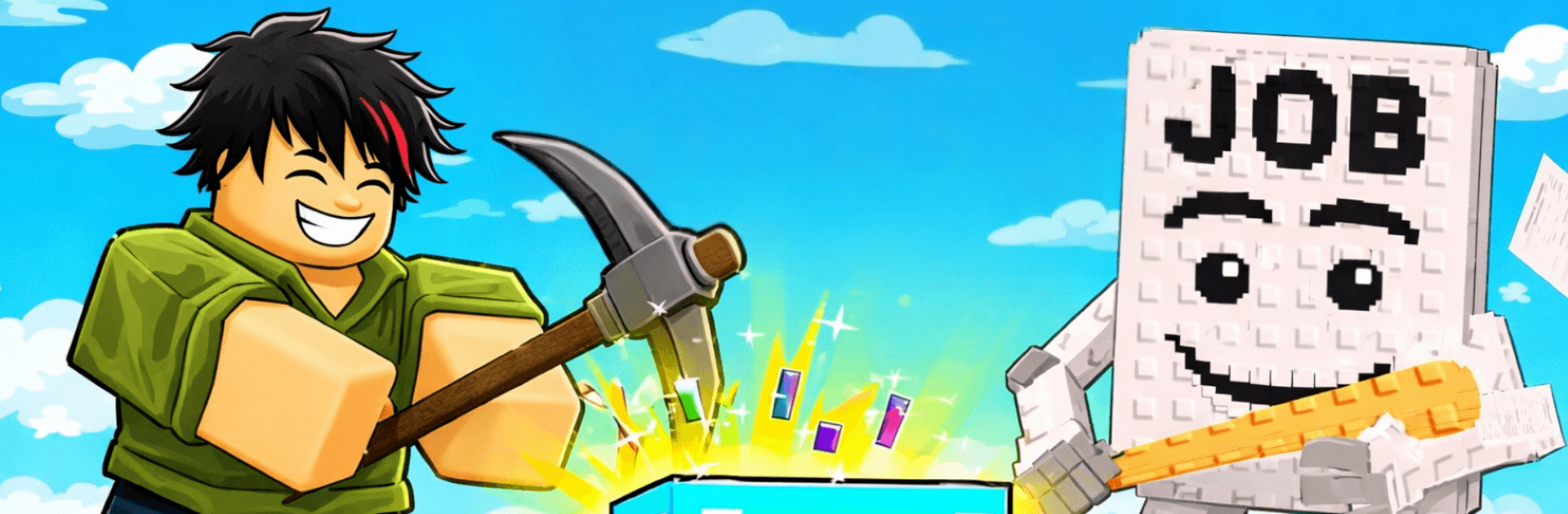
Brainrot Block: Obby World
Play on PC with BlueStacks – the Android Gaming Platform, trusted by 500M+ gamers.

Page Modified on: Mar 9, 2026
Play Brainrot Block: Obby World on PC or Mac
Step into the World of Brainrot Block: Obby World, a thrilling Arcade game from the house of Koci Game. Play this Android game on BlueStacks App Player and experience immersive gaming on PC or Mac.
About the Game
Brainrot Block: Obby World is an Arcade sprint-and-smash challenge from Koci Game where panic, luck, and quick thinking collide. You’re racing through obby-style courses with a relentless foe closing in, breaking blocks to carve a path while snagging brainrot pickups before they blink out. It’s fast, chaotic, and surprisingly tactical—one smart smash can save you, a careless one can trap you.
Game Features
- Relentless Chase: There’s always something on your tail, which means zero downtime and constant pressure to move, react, and outsmart.
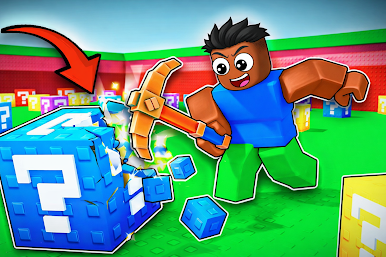
- Break to Survive: Punch through blocks to open shortcuts, expose hazards, or trigger odd effects—each swing is a gamble and a strategy at once.
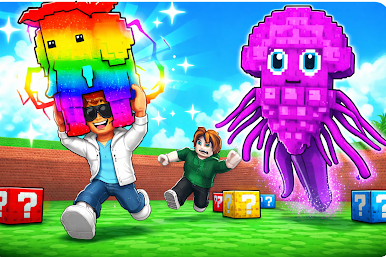
- Brainrot Pickups: Grab brainrot items the second they appear; they boost your score and can tilt a bad run back in your favor if you’re quick.
- Obby-Style Courses: Tight jumps, shifting platforms, and sneaky traps keep you thinking a step ahead while you’re sprinting full tilt.
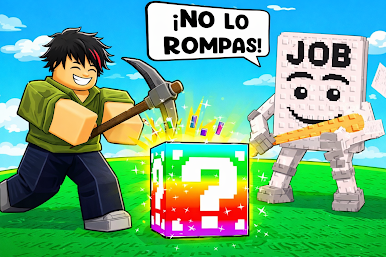
- Risk vs. Reward: Mystery cubes can speed you up, slow you down, or rewrite the route—adapt on the fly or get boxed in.
- Easy to Learn, Hard to Shake: Simple controls make it instantly playable; mastering timing and block choices is where the depth kicks in.
- Fresh Every Run: Randomized spawns and reactive layouts keep things unpredictable, so your best route today might be a disaster tomorrow.
- Play Your Way: Quick sessions for on-the-go chaos, or longer grinds when you want to chase a personal best—also smooth on PC with BlueStacks.
Ready to top the leaderboard? We bet you do. Let precise controls and sharp visuals optimized on BlueStacks lead you to victory.
Play Brainrot Block: Obby World on PC. It’s easy to get started.
-
Download and install BlueStacks on your PC
-
Complete Google sign-in to access the Play Store, or do it later
-
Look for Brainrot Block: Obby World in the search bar at the top right corner
-
Click to install Brainrot Block: Obby World from the search results
-
Complete Google sign-in (if you skipped step 2) to install Brainrot Block: Obby World
-
Click the Brainrot Block: Obby World icon on the home screen to start playing

