


Ones: 1v1 Basketball
Play on PC with BlueStacks – the Android Gaming Platform, trusted by 500M+ gamers.

Page Modified on: Oct 29, 2026
Play Ones: 1v1 Basketball on PC
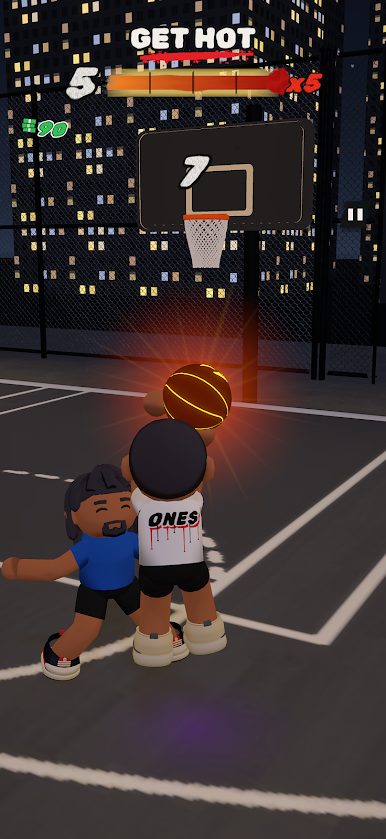
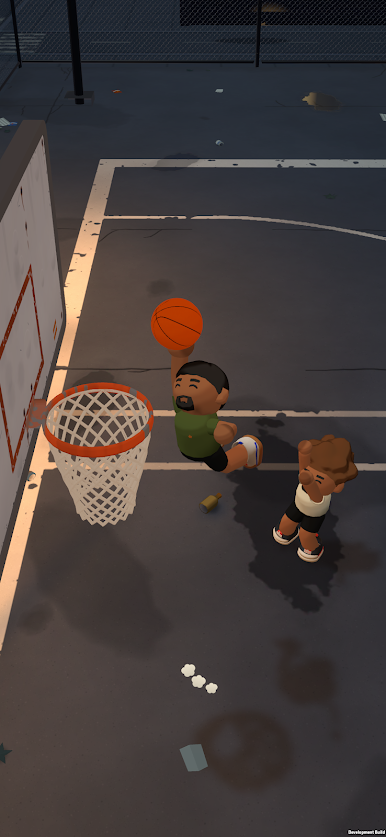
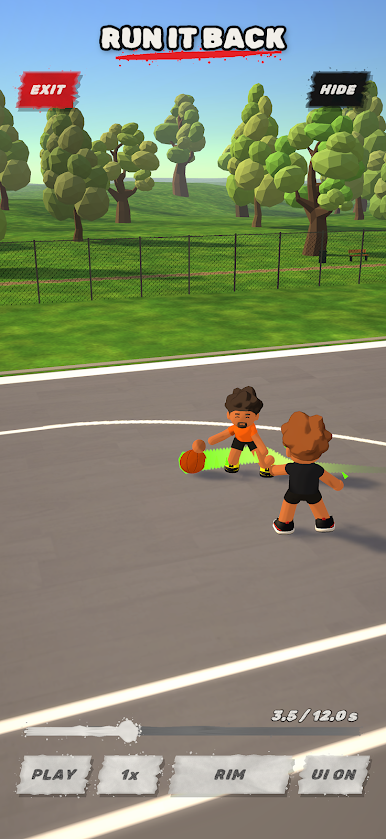
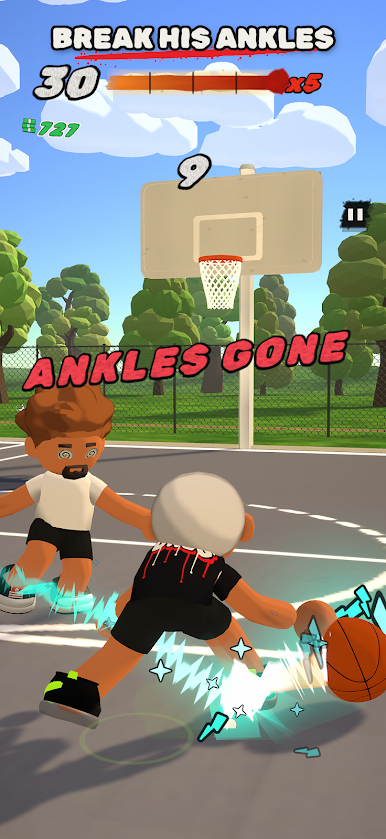
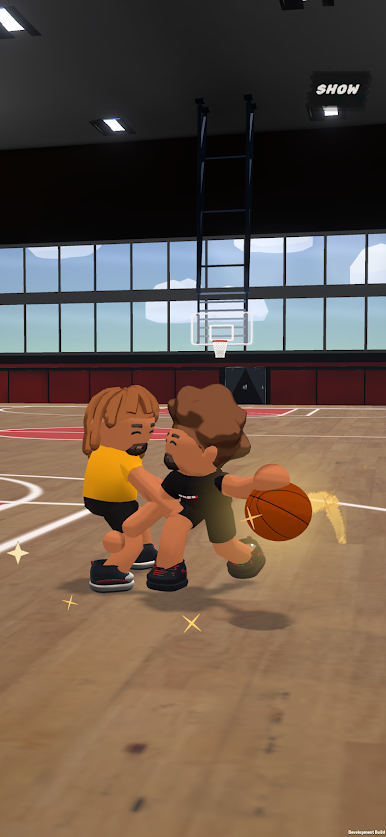
No team, no plays, no timeouts. Just you, the ball, and a defender who reads you better every time you score. Drive on him, cross him over, go between the legs, spin, snatch it back. Hit the right move against the wrong lean and his ankles are gone. Hesitate and he takes it off you.
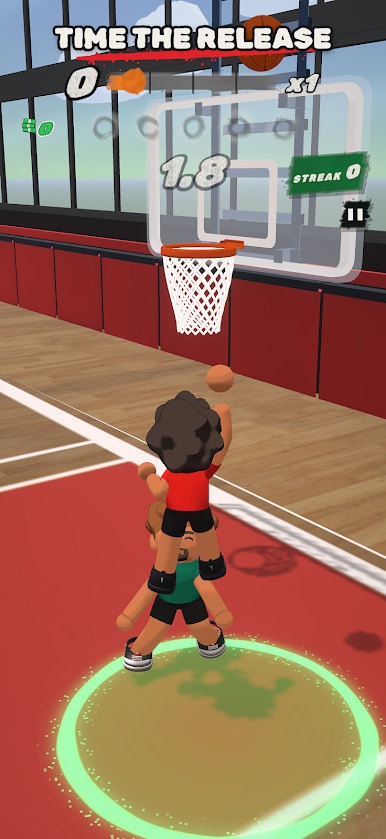
The shot is its own skill. Double tap and hold to get into it, swipe up to rise, let go at the top. The window is tight, and you feel every make.
Three ways to run it: ALL DAY, OVERTIME and HOT SPOT. ALL DAY is you against a defender who never stops getting harder. HOT SPOT puts you in the circle: score from it, miss and you lose a life, and the cash is boosted. Each mode lays out its rules the first time you play it.
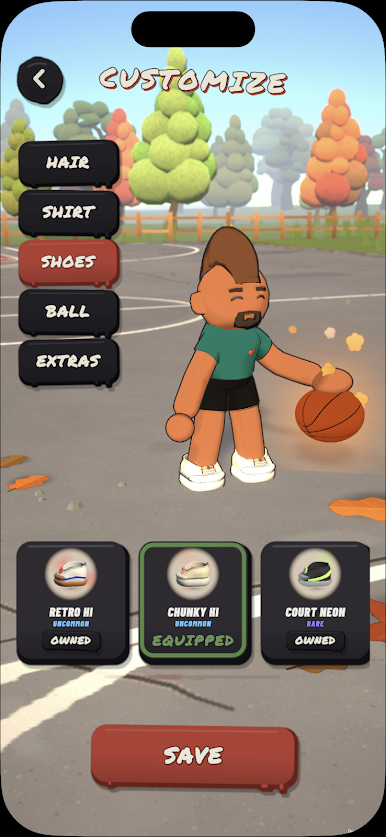
Every game pays. Spend it on shoes with their own step effects, ball effects, hair and tees, or climb the Pass and the Event for the rare stuff.
Built for one thumb. Portrait or landscape, sessions as short as one possession, no account, no sign up, and it works offline.
Play Ones: 1v1 Basketball on PC. It’s easy to get started.
-
Download and install BlueStacks on your PC
-
Complete Google sign-in to access the Play Store, or do it later
-
Look for Ones: 1v1 Basketball in the search bar at the top right corner
-
Click to install Ones: 1v1 Basketball from the search results
-
Complete Google sign-in (if you skipped step 2) to install Ones: 1v1 Basketball
-
Click the Ones: 1v1 Basketball icon on the home screen to start playing

