


y2k: 2000s photo editor
Play on PC with BlueStacks – the Android Gaming Platform, trusted by 500M+ gamers.

Page Modified on: Sep 22, 2026
Play y2k: 2000s photo editor on PC
we’re not about hyper-polished perfection.
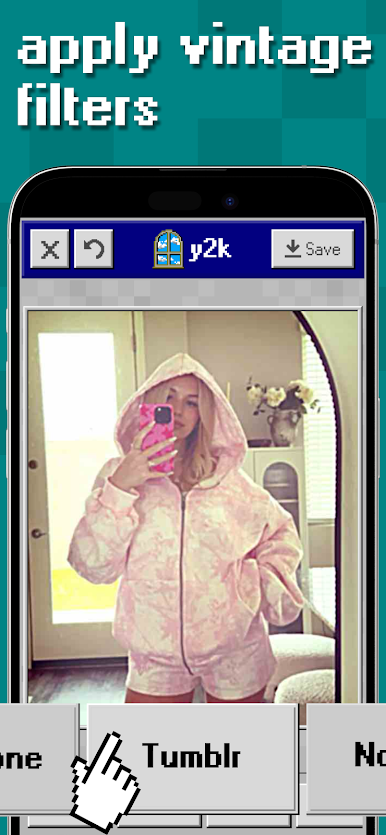
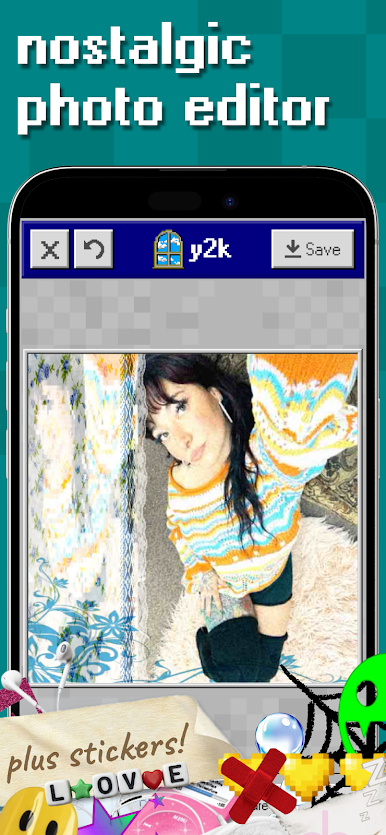
edit your photos with vintage effects, collage layouts, and stickers straight out of the 2000s. every tool is designed to make your photos look effortlessly authentic, like they were taken on a 3.2mp digicam in your best friend’s bedroom.
features:
• vintage camera effects & filters inspired by old digicams
• create unique profile pictures of your OC
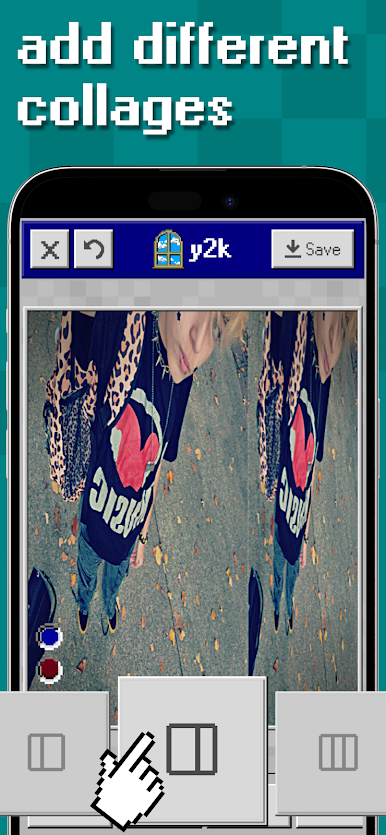
• add aesthetic collages & rant backgrounds
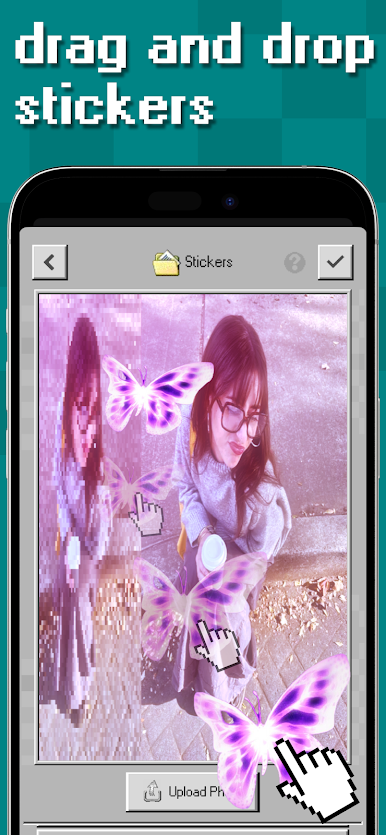
• stickers & overlays to give that tumblr feel
• adjustable film grain, blur, and glow
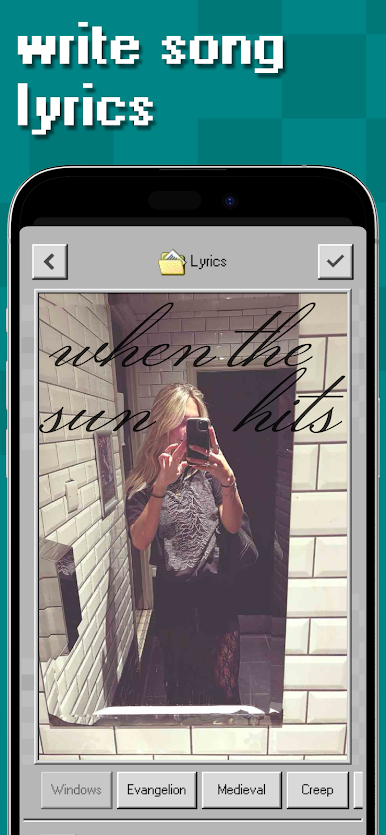
• add lyrics and text to your images
we also have an optional subscription to unlock all premium filters and stickers. this isn’t just a photo editor app, it’s a time machine. from dreamy flash shots to grungy lo-fi edits, y2k lets you recreate the feeling of digging through an old digital camera’s memory card. y2k is for anyone who misses the era of pixelated charm, chaotic collages, and flash-lit mirror selfies.
ready to make your feed look like 2006? open y2k, drop a photo, add your effects or collages, drag stickers, and download your photo.
all processing happens on your device. no ads. just pure nostalgia.
----
Privacy Policy: https://www.y2kapp.com/privacy-policy
Terms of Service: https://www.y2kapp.com/terms-of-service
Play y2k: 2000s photo editor on PC. It’s easy to get started.
-
Download and install BlueStacks on your PC
-
Complete Google sign-in to access the Play Store, or do it later
-
Look for y2k: 2000s photo editor in the search bar at the top right corner
-
Click to install y2k: 2000s photo editor from the search results
-
Complete Google sign-in (if you skipped step 2) to install y2k: 2000s photo editor
-
Click the y2k: 2000s photo editor icon on the home screen to start playing

