


Block Art: Gem Sort Puzzle
Play on PC with BlueStacks – the Android Gaming Platform, trusted by 500M+ gamers.

Page Modified on: Apr 12, 2026
Play Block Art: Gem Sort Puzzle on PC
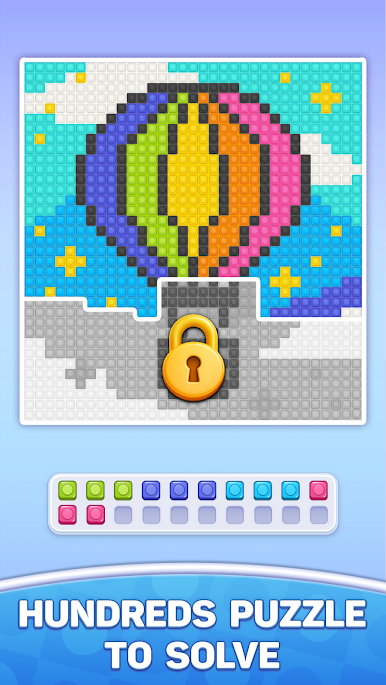
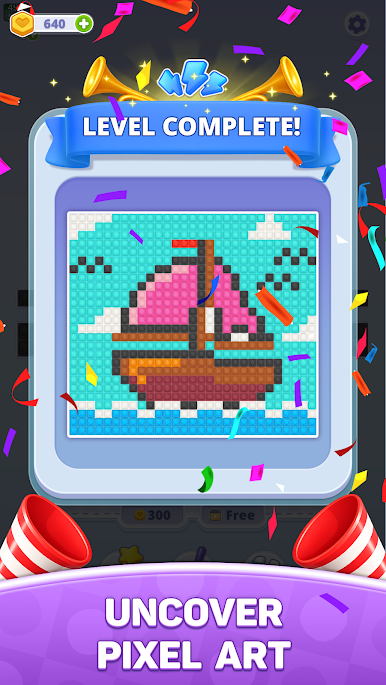
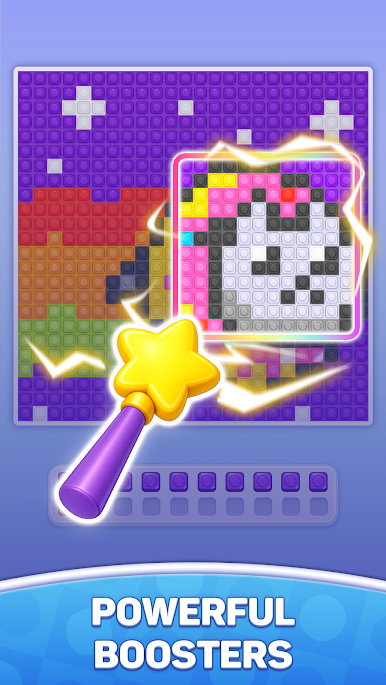
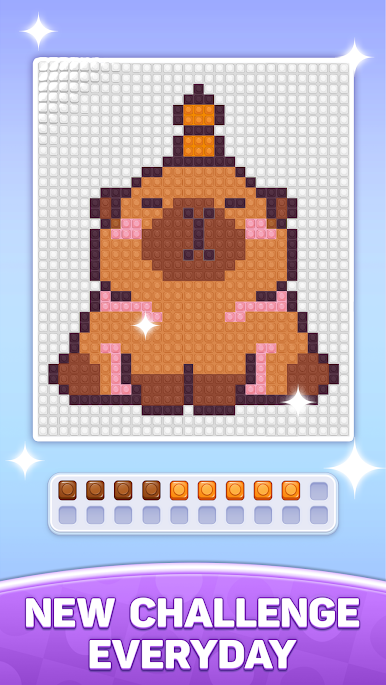
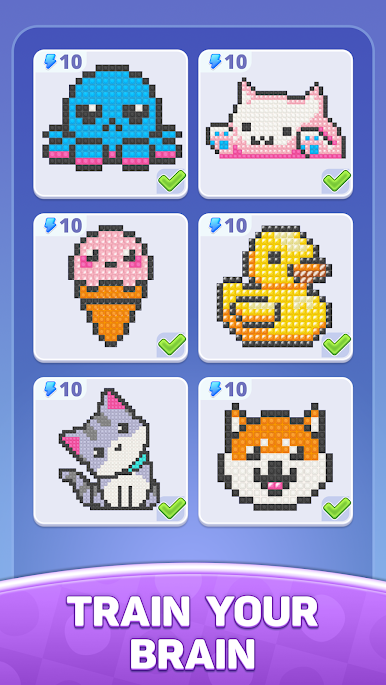
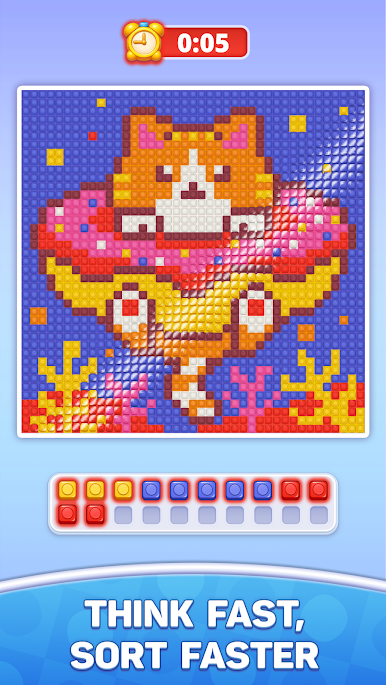
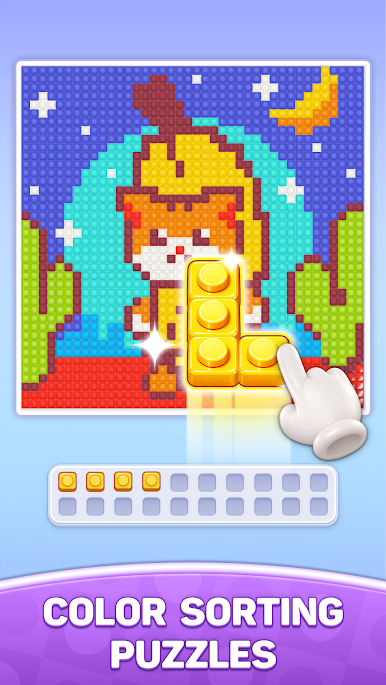
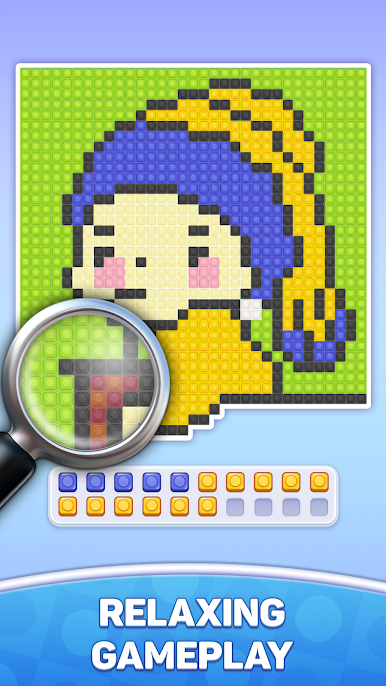
Dive into a world of vibrant block art and calming gameplay. Each level challenges your logic and attention as you carefully move and arrange gems to complete the puzzle. Simple to play but increasingly challenging, this game is perfect for unwinding while keeping your mind sharp.
✨ FEATURES:
- Addictive and satisfying gem sorting gameplay
- Beautiful block art visuals and smooth animations
- Hundreds of fun and challenging levels
- Easy to learn, hard to master
- Relaxing experience with no time pressure
Whether you're looking to relax after a long day or challenge your brain with clever puzzles, Block Art: Gem Sort Puzzle delivers the perfect balance of fun and relaxation.
Start sorting and enjoy the satisfying journey today!
Play Block Art: Gem Sort Puzzle on PC. It’s easy to get started.
-
Download and install BlueStacks on your PC
-
Complete Google sign-in to access the Play Store, or do it later
-
Look for Block Art: Gem Sort Puzzle in the search bar at the top right corner
-
Click to install Block Art: Gem Sort Puzzle from the search results
-
Complete Google sign-in (if you skipped step 2) to install Block Art: Gem Sort Puzzle
-
Click the Block Art: Gem Sort Puzzle icon on the home screen to start playing

