

Colony Flow!
Play on PC with BlueStacks – the Android Gaming Platform, trusted by 500M+ gamers.

Page Modified on: Oct 19, 2026
Play Colony Flow! on PC or Mac
Explore a whole new adventure with Colony Flow!, a Puzzle game created by ABI GAMES PTE. LTD.. Experience great gameplay with BlueStacks, the most popular gaming platform to play Android games on your PC or Mac.
About the Game
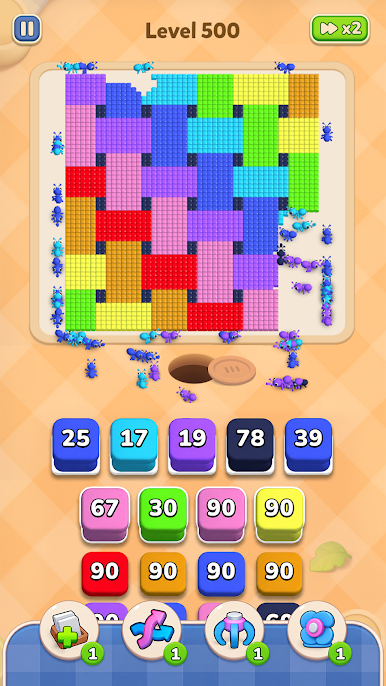
Colony Flow! is a cozy Puzzle that turns tiny ant chores into a super satisfying sorting challenge. You’ll send little workers to haul colorful cubes to their matching spots, clear the clutter, and watch a hidden pixel picture come to life as the board opens up. It’s calm, smart, and a little bit addictive—in a good way.
Game Features
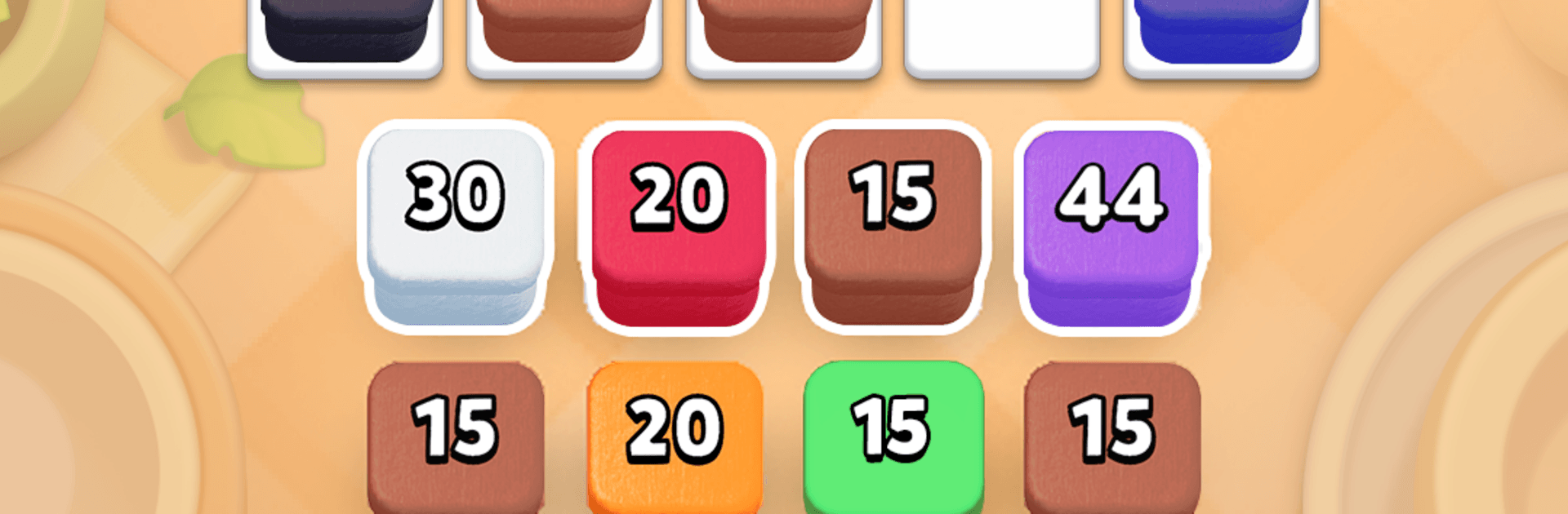
- Tap-to-send ants: Pick a cube stack, tap once, and an ant gets to work. Simple controls keep the focus on planning instead of fiddly inputs.
- Match and deliver: Each worker carries cubes to the same-colored holes. Clear every color to finish the board and reveal a crisp pixel scene.
- Tight space, clever moves: Your storage slots are limited, so one hasty tap can jam the whole line. Think ahead, free a lane, and keep the flow going.
- Picture-by-picture payoff: Animals, snacks, flowers, nature, holidays, toys, rockets, castles—you’ll uncover tons of playful pixel art as puzzles click into place.
- Gentle, no-timer pacing: No countdowns, no stress. Just smooth marching animations and chill audio that make it perfect for quick breaks or winding down.
- Easy to learn, surprisingly deep: Early stages teach the ropes, then the puzzle logistics ramp up with trickier layouts and satisfying “aha!” moments.
- Play anywhere: Works offline whenever you’ve got a few minutes. Prefer a bigger screen? Colony Flow! also plays nicely on PC with BlueStacks.
- Clean, tactile feel: Snappy taps, neat paths, and colorful cubes make every move feel crisp, whether you’re rescuing a blocked slot or completing the final match.
Ready to top the leaderboard? We bet you do. Let precise controls and sharp visuals optimized on BlueStacks lead you to victory.


Play Colony Flow! on PC. It’s easy to get started.
-
Download and install BlueStacks on your PC
-
Complete Google sign-in to access the Play Store, or do it later
-
Look for Colony Flow! in the search bar at the top right corner
-
Click to install Colony Flow! from the search results
-
Complete Google sign-in (if you skipped step 2) to install Colony Flow!
-
Click the Colony Flow! icon on the home screen to start playing

