


Foodie Pop!
Play on PC with BlueStacks – the Android Gaming Platform, trusted by 500M+ gamers.

Page Modified on: Nov 5, 2026
Play Foodie Pop! on PC
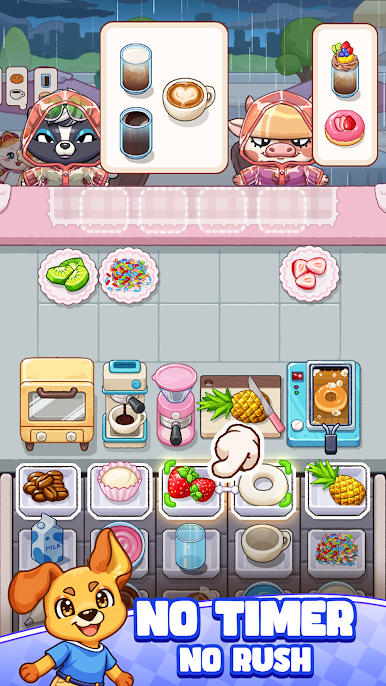
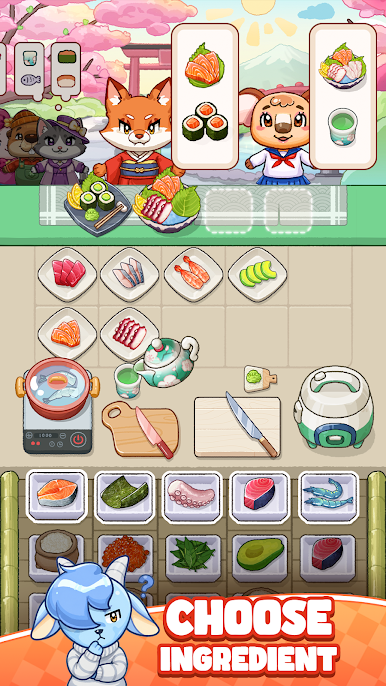
Your mission? Simply choose the right ingredients - the rest of the cooking happens automatically!
HOW TO PLAY:
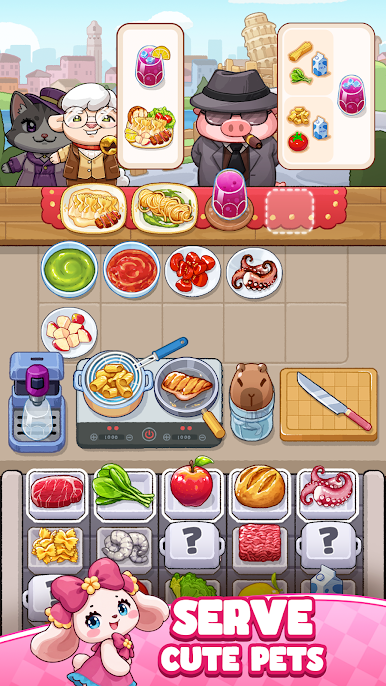
👀 Check what your cute customers order
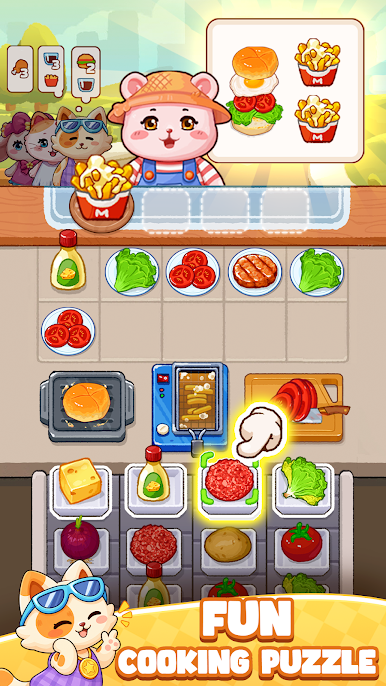
🧩 Choose the right ingredients from the puzzle grid
⚡ Watch them cook automatically in ovens, blenders, grills & more
🍩 Serve the finished dish and keep your customers smiling!
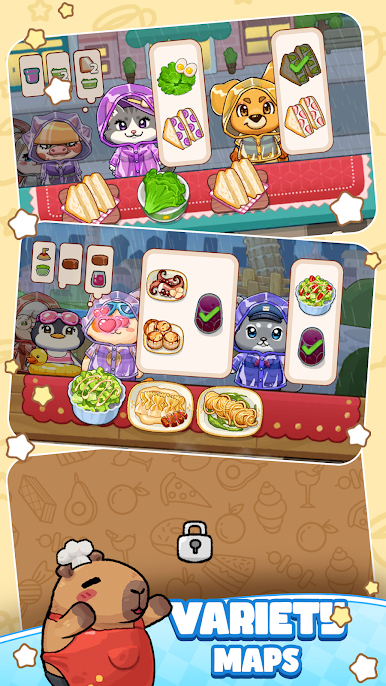
More and more customers are piling up! Serve them fast and in order to keep everyone satisfied. Don't let them get angry and leave!
WHY YOU'LL LOVE IT:
🐶 Meet a whole cast of lovable pet characters
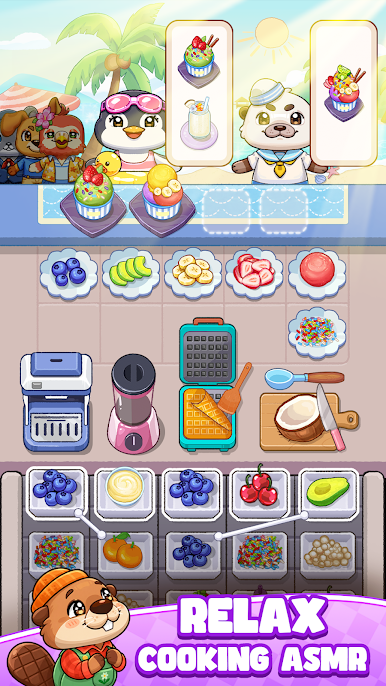
💗Relaxing ASMR-style cooking sounds make every order satisfying to watch
🍰 Cook a huge variety of dishes — donuts, cupcakes, burgers, fries, drinks, and more
🧩 Addictive puzzle mechanics that combine matching with time management
🏭 Upgrade your kitchen and unlock new ingredients, serve orders faster
📅 Progress through days with increasing challenges that keep gameplay fresh
⏩ 2x speed mode so you can play at your own pace
🔓 Unlock new ingredients, recipes, and kitchen areas as you grow
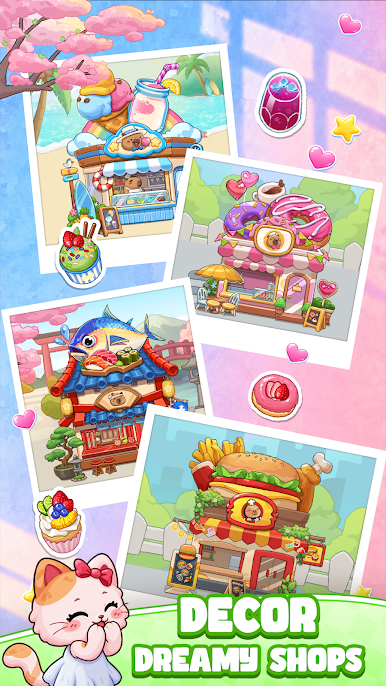
💰 Earn coins and stars to expand and customize your very own restaurant
Sounds easy — until the orders start piling up! Foodie Pop! blends the calm, feel-good vibe of a cooking game with the brain-teasing satisfaction of a puzzle game. Match fast, think ahead, and keep every customer happy.
With charming visuals, simple controls, Foodie Pop! is perfect for casual gamers, puzzle lovers, and cooking game fans looking to unwind.
Somewhere out there, a hungry pet customer is tapping their paw, waiting for their order. The grill's heating up, the blender's spinning — Foodie Pop! is ready when you are.

Play Foodie Pop! on PC. It’s easy to get started.
-
Download and install BlueStacks on your PC
-
Complete Google sign-in to access the Play Store, or do it later
-
Look for Foodie Pop! in the search bar at the top right corner
-
Click to install Foodie Pop! from the search results
-
Complete Google sign-in (if you skipped step 2) to install Foodie Pop!
-
Click the Foodie Pop! icon on the home screen to start playing

