


Beautiful Desert Night
Play on PC with BlueStacks – the Android Gaming Platform, trusted by 500M+ gamers.

Page Modified on: Nov 1, 2018
Play Beautiful Desert Night on PC
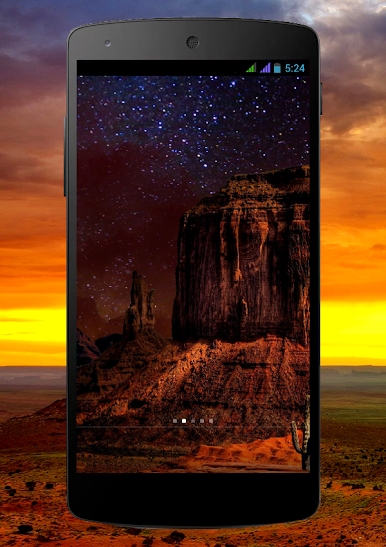
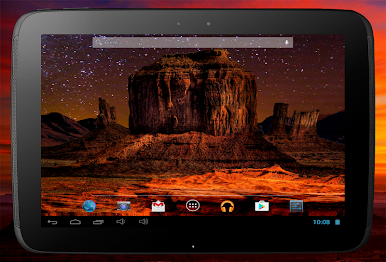
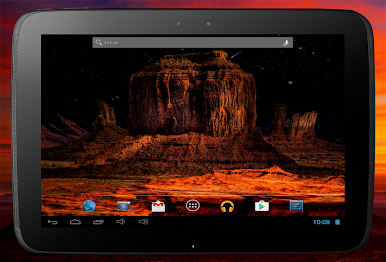
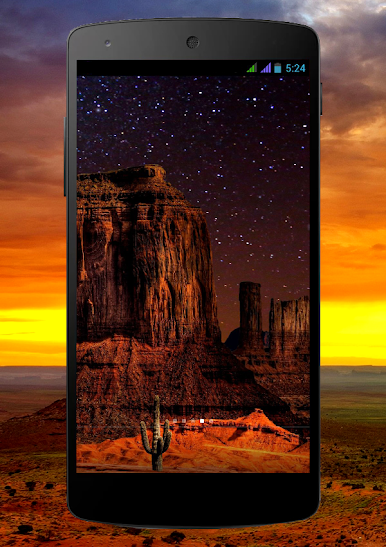
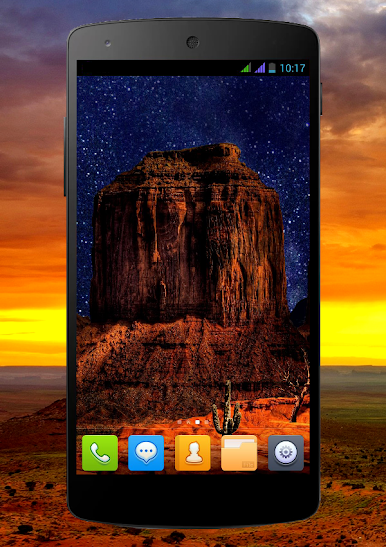
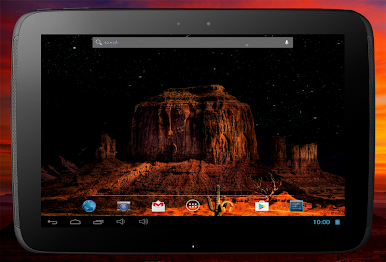
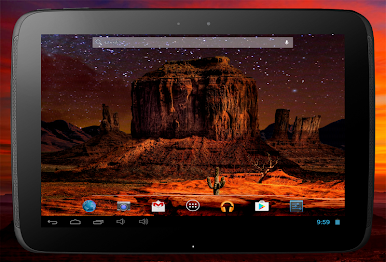
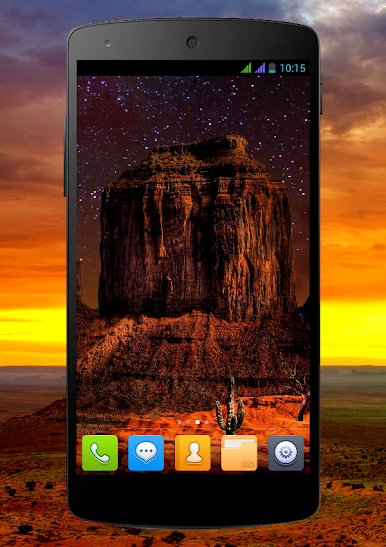
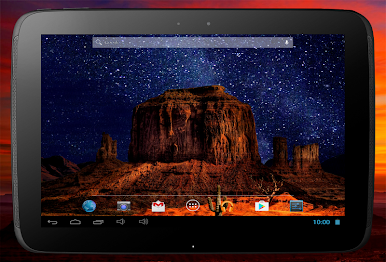
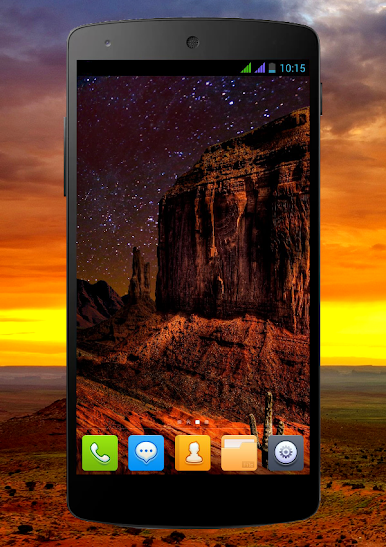
As you install these amazing live wallpapers, you will be surrounded by the unrivaled celestial map and enchanted by the passing clouds and animated sky. Listen to the lovely song of the desert by double-clicking, and watch the 3D background move and incline as you tilt your device.
With full HD textures and a user-friendly menu, this live wallpaper will take you on an exciting and slightly dangerous journey through a piece of ancient history of the local Indians and legendary cowboys. So saddle up and take the path of the warrior, the way of a lone rider, and let your Android device become your trusty steed.
Play Beautiful Desert Night on PC. It’s easy to get started.
-
Download and install BlueStacks on your PC
-
Complete Google sign-in to access the Play Store, or do it later
-
Look for Beautiful Desert Night in the search bar at the top right corner
-
Click to install Beautiful Desert Night from the search results
-
Complete Google sign-in (if you skipped step 2) to install Beautiful Desert Night
-
Click the Beautiful Desert Night icon on the home screen to start playing

