


Evil Sword
Play on PC with BlueStacks – the Android Gaming Platform, trusted by 500M+ gamers.

Page Modified on: May 19, 2026
Main Evil Sword on PC
◆ The Moment Darkness Awakens, the Boy’s Fate Is Rewritten ◆
The boy left his village for training.
But upon his return, what awaited him was a land ravaged by monsters—
a silent ruin where not a single breath remained.
In the ashes touched by fading flames, his heart sank deep and still.
And into that hollow space rose a slowly consuming, darkness-like fury.
When that feeling reached its breaking point, the air trembled,
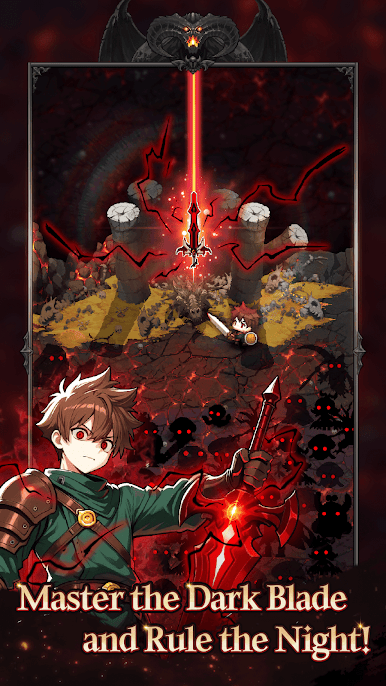
the space around him subtly warped, and the Evil Sword revealed itself—
a blade that seemed to pierce straight into his spirit.
His vision was drowned in rage, and his hand finally gripped the sword.
In that instant, a black aura surged around him
as the blade slipped into the darkness within him,
devouring the boy whole.
◆ Auto Combat & Passive Rewards ◆
Even while you're away, battles continue and valuable core resources accumulate automatically.
◆ Evil Sword Enhancement ◆
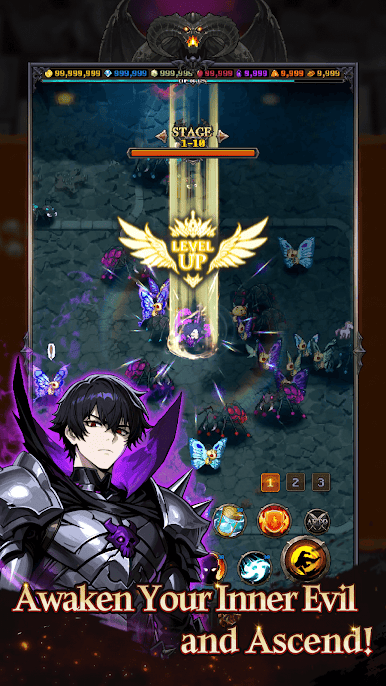
Use collected resources to enhance the sword’s abilities, skills, and traits to create your ideal combat style.
◆ Ultimate Skill Awakening ◆
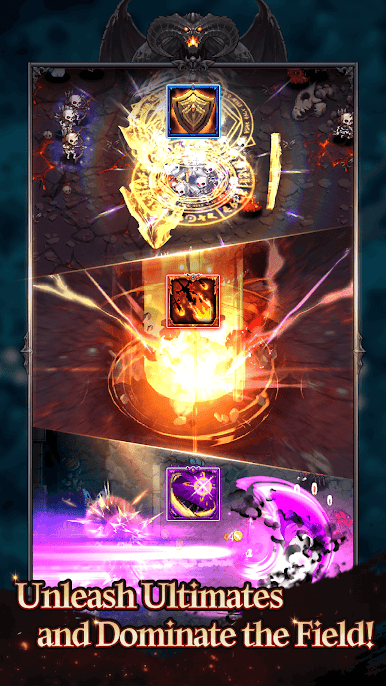
When enough dark energy gathers, unleash overwhelming ultimate skills.
◆ Endless Adventure & Gear Growth ◆
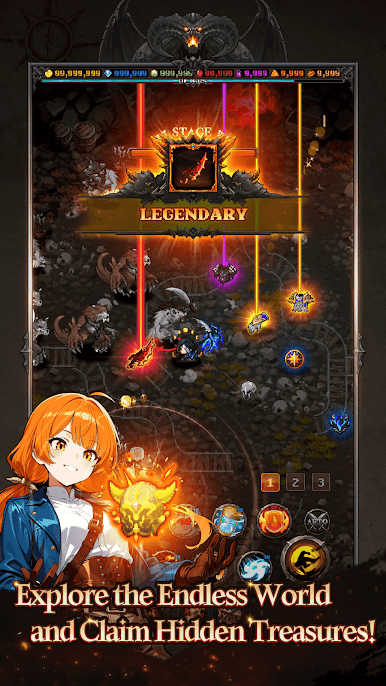
Venture through endless regions and claim rare treasures and powerful equipment.
◆ Become a Hunter of Darkness ◆
Accumulate dark power, strengthen the Evil Sword, and rise as an even stronger hunter.
Play Evil Sword on PC. It’s easy to get started.
-
Download and install BlueStacks on your PC
-
Complete Google sign-in to access the Play Store, or do it later
-
Look for Evil Sword in the search bar at the top right corner
-
Click to install Evil Sword from the search results
-
Complete Google sign-in (if you skipped step 2) to install Evil Sword
-
Click the Evil Sword icon on the home screen to start playing

