


Video Game
Play on PC with BlueStacks – the Android Gaming Platform, trusted by 500M+ gamers.

Page Modified on: Aug 29, 2026
Main Video Game on PC
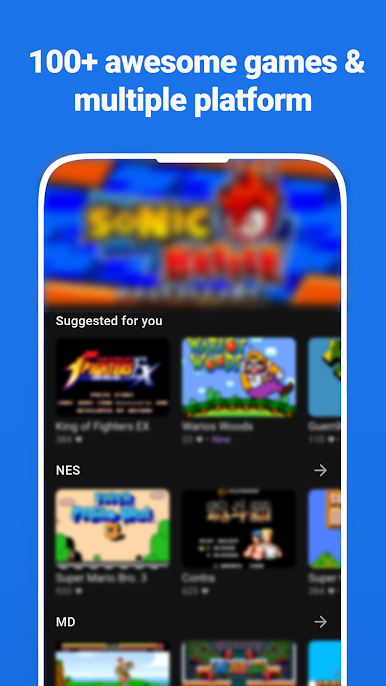
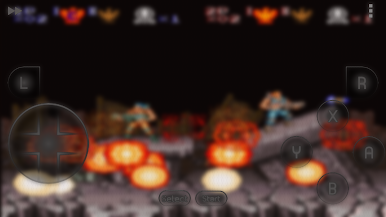
First of all let us introduce it for you, If you want to play classical games and relive your favorite retro games from other platforms directly on your Android, Our Video Game is a good choice. This app can emulating any platform you can imagine. Download games for any console and enjoy it.
Please visit http://www.actduck.com for more information
Thank you for using this app!
Play Video Game on PC. It’s easy to get started.
-
Download and install BlueStacks on your PC
-
Complete Google sign-in to access the Play Store, or do it later
-
Look for Video Game in the search bar at the top right corner
-
Click to install Video Game from the search results
-
Complete Google sign-in (if you skipped step 2) to install Video Game
-
Click the Video Game icon on the home screen to start playing

