


One Shot Soccer: Swipe & Score
Play on PC with BlueStacks – the Android Gaming Platform, trusted by 500M+ gamers.

Page Modified on: Jun 24, 2026
Play One Shot Soccer: Swipe & Score on PC
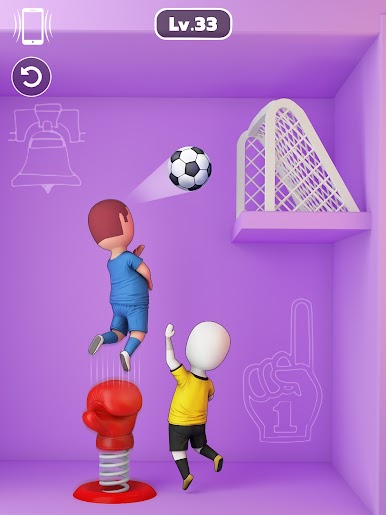
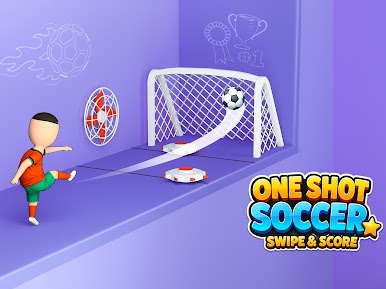
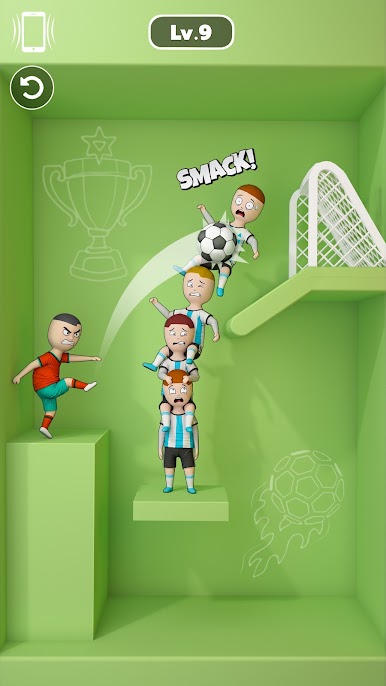
Test your timing and precision as every level brings new challenges, moving obstacles, and exciting goal puzzles. Easy to play with simple swipe controls, but every shot feels satisfying.
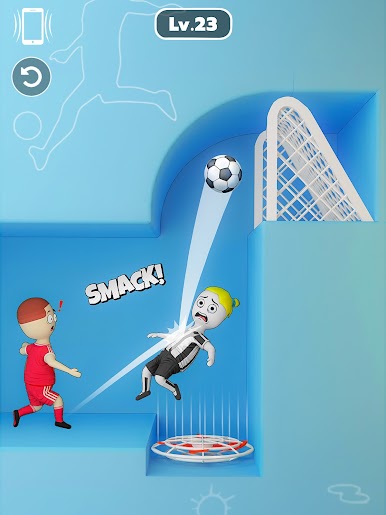

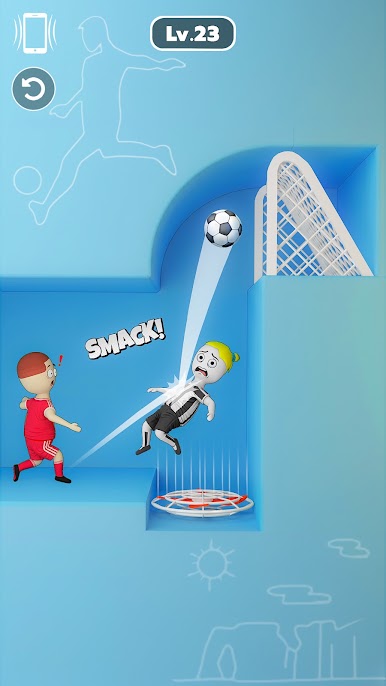

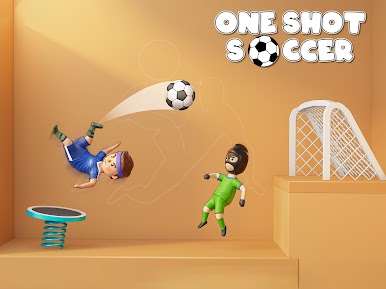
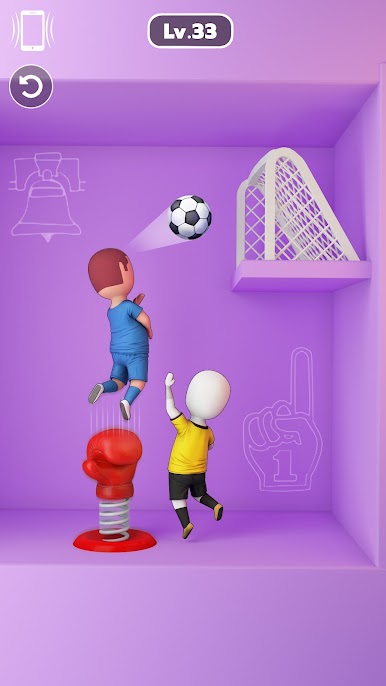

Play One Shot Soccer: Swipe & Score on PC. It’s easy to get started.
-
Download and install BlueStacks on your PC
-
Complete Google sign-in to access the Play Store, or do it later
-
Look for One Shot Soccer: Swipe & Score in the search bar at the top right corner
-
Click to install One Shot Soccer: Swipe & Score from the search results
-
Complete Google sign-in (if you skipped step 2) to install One Shot Soccer: Swipe & Score
-
Click the One Shot Soccer: Swipe & Score icon on the home screen to start playing

