


Mobile Manager - Eagle
Play on PC with BlueStacks – the Android Gaming Platform, trusted by 500M+ gamers.

Page Modified on: Dec 4, 2025
Run Mobile Manager - Eagle on PC or Mac
Upgrade your experience. Try Mobile Manager – Eagle, the fantastic Productivity app from Epicor Software Corporation, from the comfort of your laptop, PC, or Mac, only on BlueStacks.
About the App
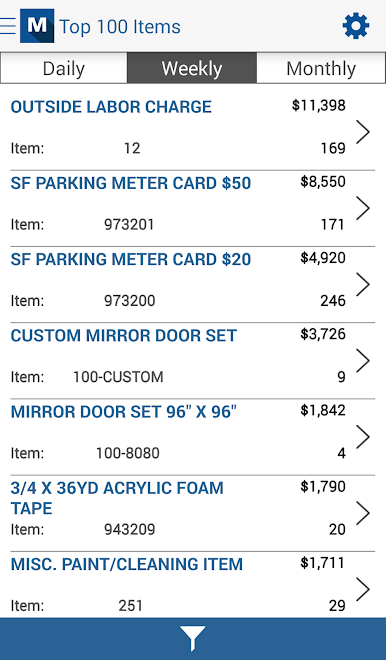
Looking to keep an eye on your retail business even when you’re away from the store? Mobile Manager – Eagle brings the essentials right to your phone, making it easier to check in and act quickly no matter where you are. Designed by Epicor Software Corporation, this productivity tool pairs up with the Eagle Retail Management Solution to give you real-time access and control at your fingertips.
App Features
-
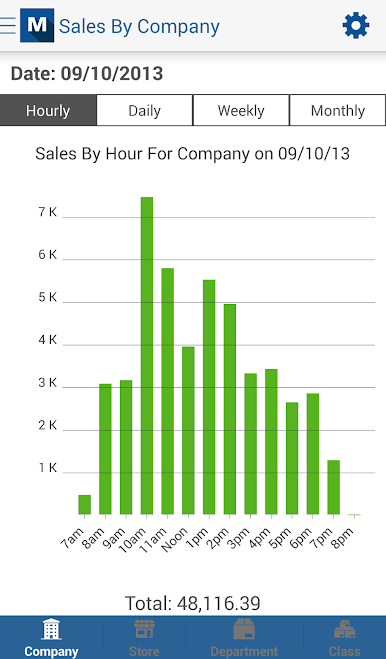
Business Snapshots on the Go
Need to see how your shop’s doing today? Peek at live sales and get fresh updates on key business stats anytime, straight from your device. -
Easy Barcode Scanning
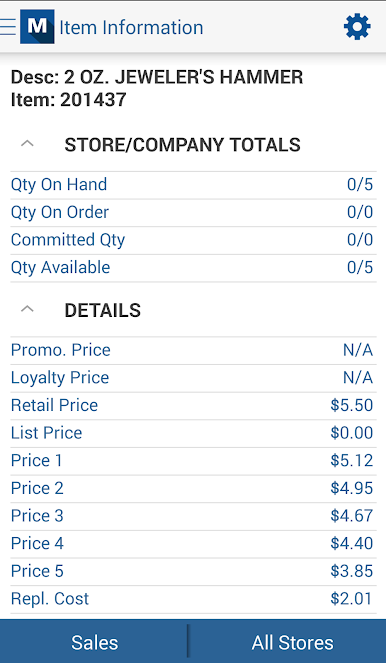
Got your phone handy? If it has an auto-focus camera, you can quickly scan barcodes to look up items or manage inventory without the hassle. -
Role-Based Security
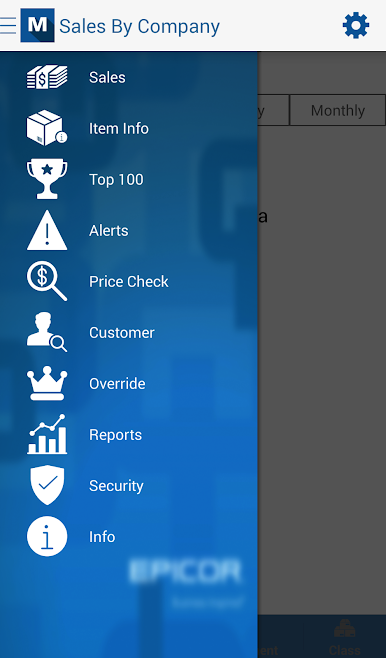
User access is kept under control with role-based security, so only the right people see the right info. Handy for managers who want easy delegation without security headaches. -
Real-Time Decision Making
Keep your finger on the pulse and make business calls fast—spot trends, track numbers, and respond immediately, no matter where you are. -
Seamless Eagle Integration
Built to work hand-in-hand with Epicor’s Eagle, you get all your vital data without having to juggle different apps or platforms.
You can always try out Mobile Manager – Eagle through BlueStacks if you feel like checking things out on a bigger screen.
BlueStacks brings your apps to life on a bigger screen—seamless and straightforward.
Play Mobile Manager - Eagle on PC. It’s easy to get started.
-
Download and install BlueStacks on your PC
-
Complete Google sign-in to access the Play Store, or do it later
-
Look for Mobile Manager - Eagle in the search bar at the top right corner
-
Click to install Mobile Manager - Eagle from the search results
-
Complete Google sign-in (if you skipped step 2) to install Mobile Manager - Eagle
-
Click the Mobile Manager - Eagle icon on the home screen to start playing

