


Call of Duty®: Mobile
Play on PC with BlueStacks – the Android Gaming Platform, trusted by 500M+ gamers.

Page Modified on: Jun 23, 2026
Play Call of Duty®: Mobile on PC or Mac
Call of Duty®: Mobile is an Action game developed by Activision Publishing, Inc. BlueStacks app player is the best platform to play this Android game on your PC or Mac for an immersive gaming experience.
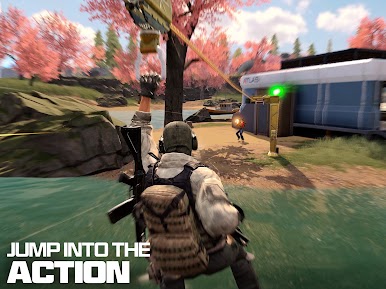
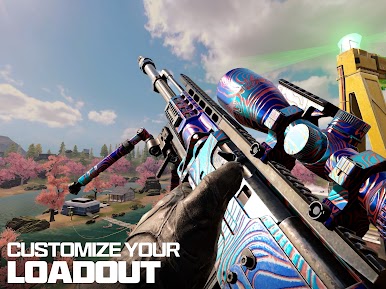
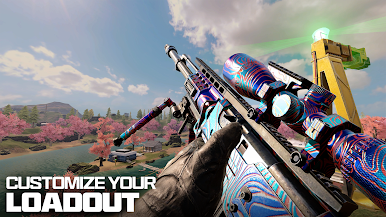
Step into the Call of Duty® Universe to showcase your shooting skills in different exciting gameplay modes. Select formidable operators and customize your loadout with lethal weapons to dominate the battlefields.
About the Game
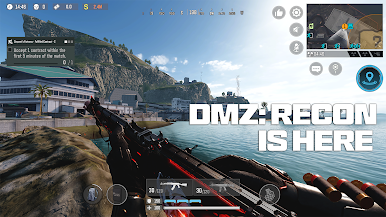
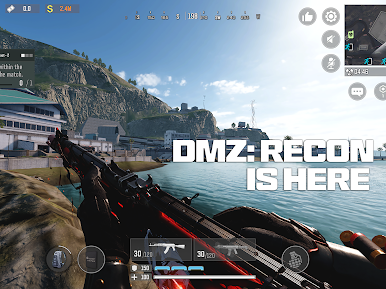
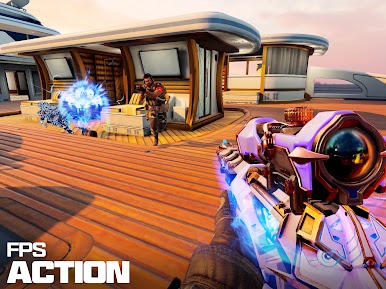
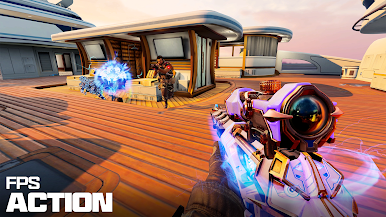
Call of Duty®: Mobile is a first-person shooter adventure where you need to be tactical and quick to survive. It tests your skills across several gameplay modes such as Multiplayer, Ranked Multiplayer, League Play, Battle Royale, Zombies, and DMZ: Recon. This game brings together iconic maps, weapons, gameplay, and operators to deliver an authentic experience.
Game Features
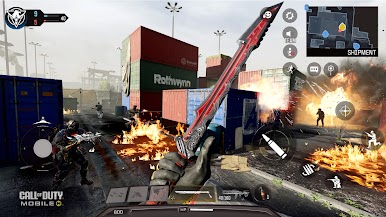
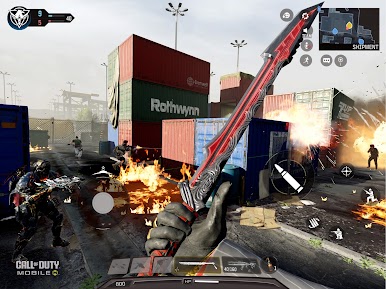
- Legendary Maps: Take your battle to legendary maps like Nuketown, Shipment, Rust, Terminal, Raid, Hijacked, and several others across the franchise.
- Historical Weapons: You get access to exclusive weapons across Call of Duty history. You can unlock them outrightly or draw inspiration to customize your own weapon.
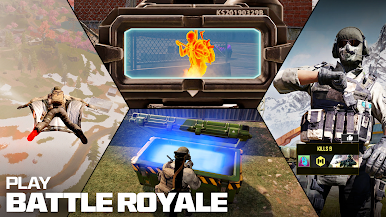
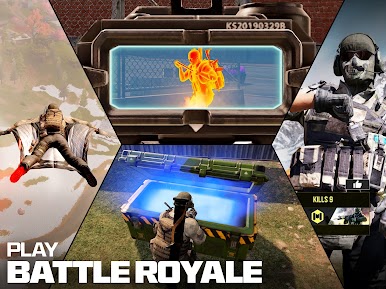
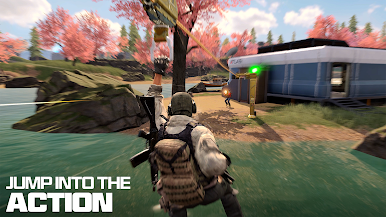
- Realistic Battle Royale: This game combines dynamic elements like expansive maps, vehicles, and others to make every moment of Battle Royale feel real.
- Diverse Multiplayer: Participate in classic multiplayer like Team Deathmatch, Domination, Search & Destroy, and more.
- Frequent Content Updates: The game provides regular content updates, including new maps, weapons, operators, events, modes, and even rewards.
How to Play?
Download Call of Duty®: Mobile for free from the Google Play Store using the BlueStacks app player.
What’s New?
A new Persona 5 Royal themed game mode arrives with a fresh take on Battle Royale Plunder, where players race to treasure caches, battle shadows and treasure demons, and compete against rival squads for valuable rewards.





Play Call of Duty®: Mobile on PC. It’s easy to get started.
-
Download and install BlueStacks on your PC
-
Complete Google sign-in to access the Play Store, or do it later
-
Look for Call of Duty®: Mobile in the search bar at the top right corner
-
Click to install Call of Duty®: Mobile from the search results
-
Complete Google sign-in (if you skipped step 2) to install Call of Duty®: Mobile
-
Click the Call of Duty®: Mobile icon on the home screen to start playing

