


Acumatica
Play on PC with BlueStacks – the Android Gaming Platform, trusted by 500M+ gamers.

Page Modified on: Nov 13, 2025
Play Acumatica on PC
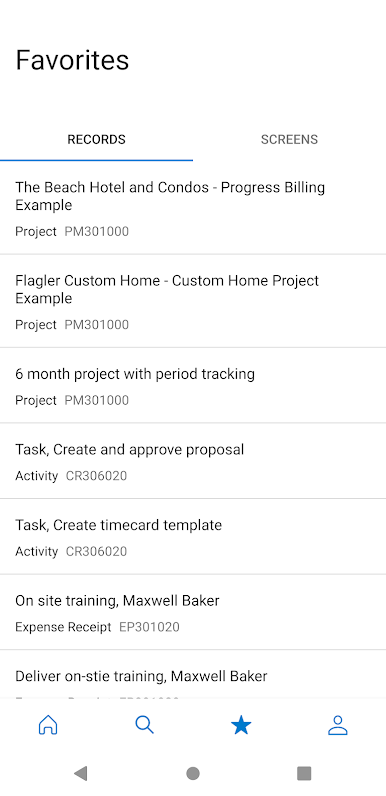
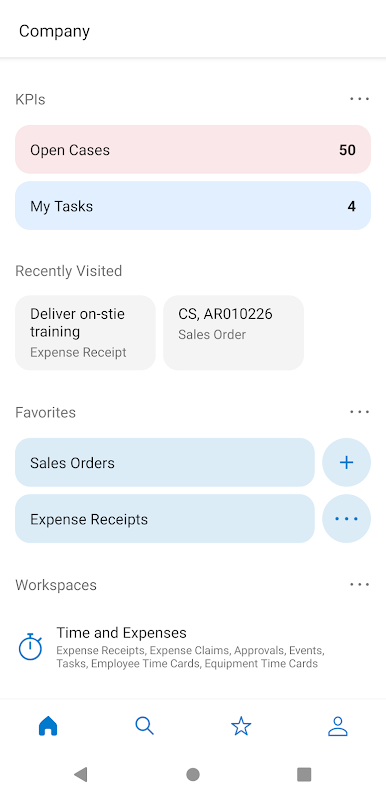
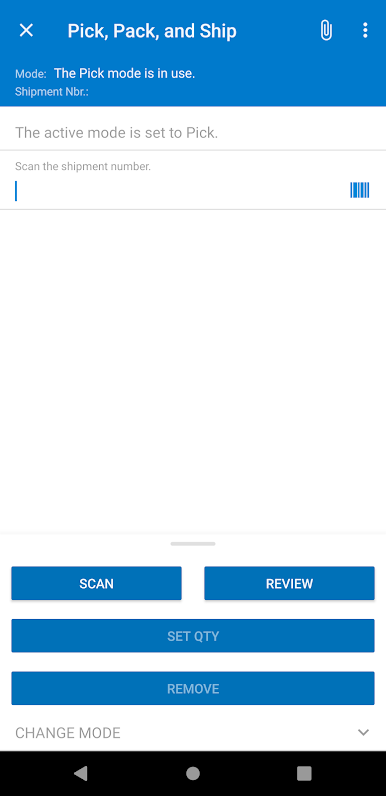
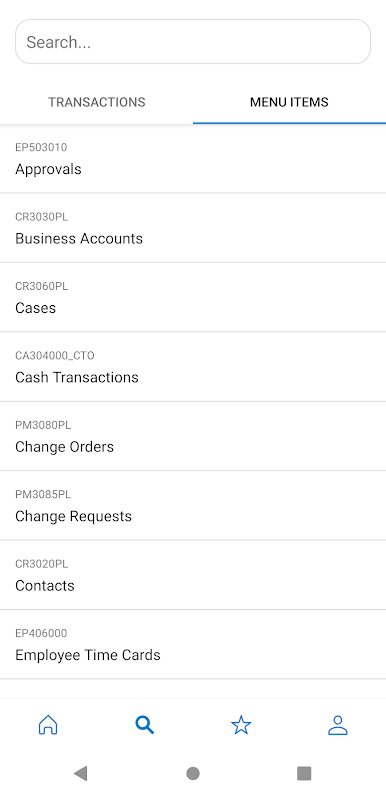
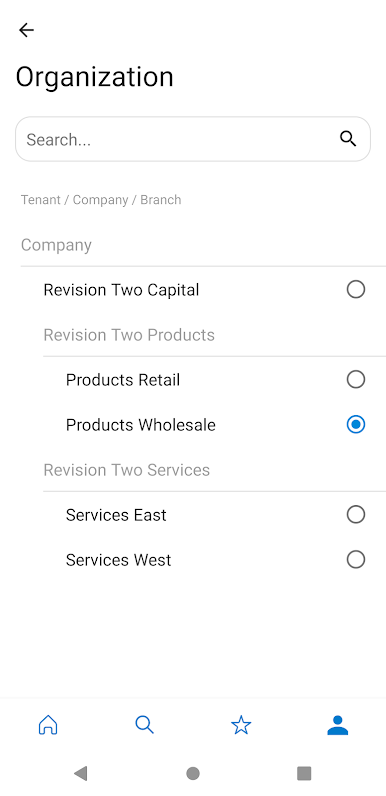
Acumatica Cloud ERP Software enables small and mid-sized businesses to access financials, inventory, sales, purchases, and more from any web browser on any device. This allows your entire workforce to get real-time data and manage business processes using an Android device.
Key Features:
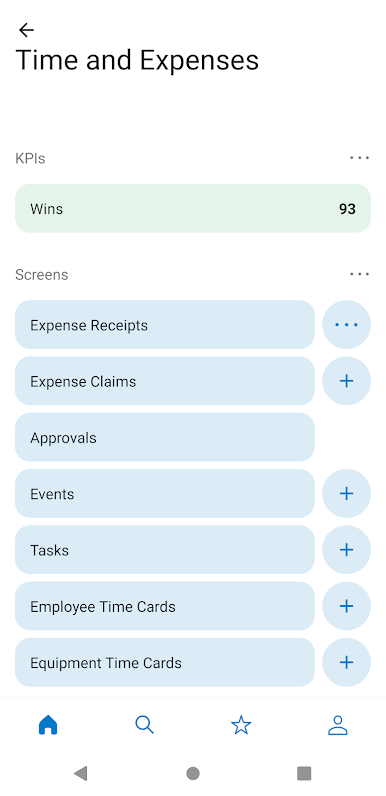
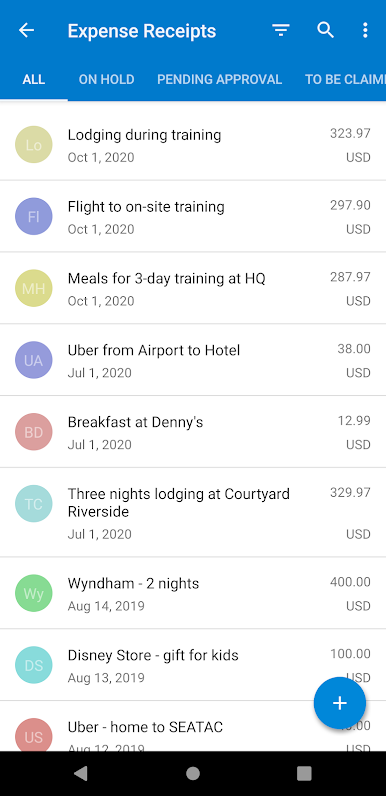
- Expense receipts and claims: submit new expenses using the camera on your device to photograph receipts. View submitted expense claims to see if they have been approved.
- Reports and dashboards: view real-time reports and dashboards.
- Time cards: enter time sheets and follow up on tasks.
- Approvals: review and complete approvals in just a few clicks.
Role Specific Features:
- Support: create and work on cases including adding pictures with your camera and taking notes using voice to text.
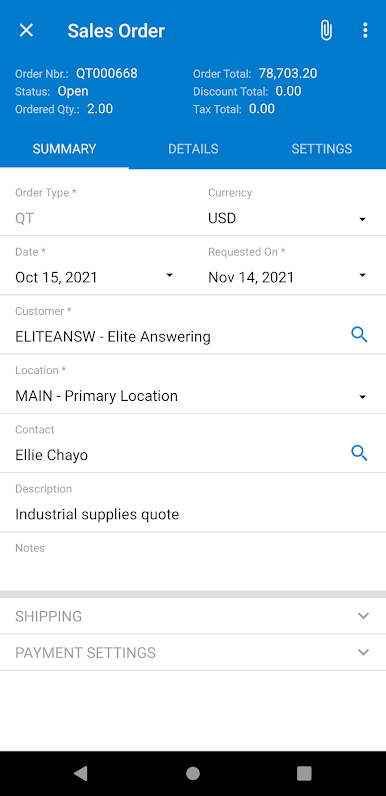
- Sales: manage contacts, your opportunity pipeline, create sales orders, and check order status.
- Purchasing: manage purchase orders and receipts
- Field services: perform daily appointment work including driving directions, taking notes using voice to text, entering inventory, lookup past appointments, recording time, taking pictures from the job site, and more.
Extensible:
- Developers, partners, and ISVs can create new applets without programming skills so users can access any data or Acumatica screen function.
Cost:
The Acumatica mobile app is available at no extra cost for Acumatica customers. Download the app, login, and begin accessing features.
Play Acumatica on PC. It’s easy to get started.
-
Download and install BlueStacks on your PC
-
Complete Google sign-in to access the Play Store, or do it later
-
Look for Acumatica in the search bar at the top right corner
-
Click to install Acumatica from the search results
-
Complete Google sign-in (if you skipped step 2) to install Acumatica
-
Click the Acumatica icon on the home screen to start playing

