


Moto Rider 3D: City Racing
Play on PC with BlueStacks – the Android Gaming Platform, trusted by 500M+ gamers.

Page Modified on: Apr 8, 2026
Play Moto Rider 3D: City Racing on PC
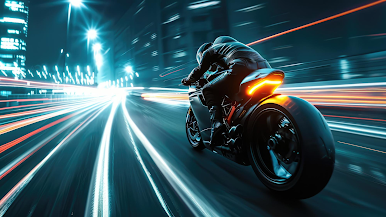
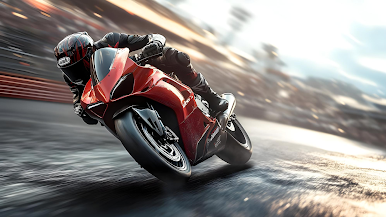
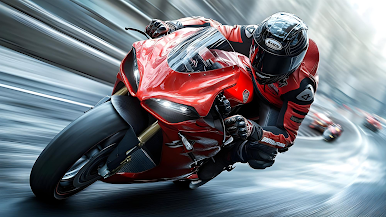
🏍️ High-Speed Bike Racing
Feel the adrenaline as you ride powerful motorbikes at top speed through endless roads filled with traffic and obstacles.
🌆 Real City Environment
Explore immersive 3D city maps with dynamic traffic, realistic roads, and smooth controls.
🔥 Challenging Gameplay
Avoid crashes, complete missions, and test your reflexes in intense racing scenarios.
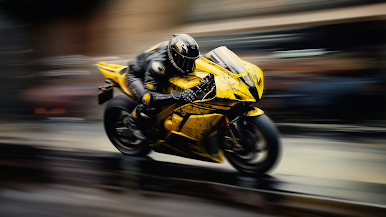
⚡ Multiple Bikes & Upgrades
Unlock new motorcycles and improve performance to dominate every ride.
🎮 Easy Controls, Addictive Gameplay
Simple controls make it easy to play, but hard to master!
If you love bike racing games, simulator games, and endless driving challenges, this game is for you!
👉 Download now and become the king of the road!
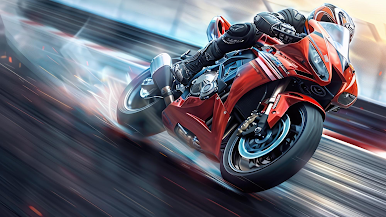
Play Moto Rider 3D: City Racing on PC. It’s easy to get started.
-
Download and install BlueStacks on your PC
-
Complete Google sign-in to access the Play Store, or do it later
-
Look for Moto Rider 3D: City Racing in the search bar at the top right corner
-
Click to install Moto Rider 3D: City Racing from the search results
-
Complete Google sign-in (if you skipped step 2) to install Moto Rider 3D: City Racing
-
Click the Moto Rider 3D: City Racing icon on the home screen to start playing

