


B Player
Play on PC with BlueStacks – the Android Gaming Platform, trusted by 500M+ gamers.

Page Modified on: Jun 2, 2022
Overview
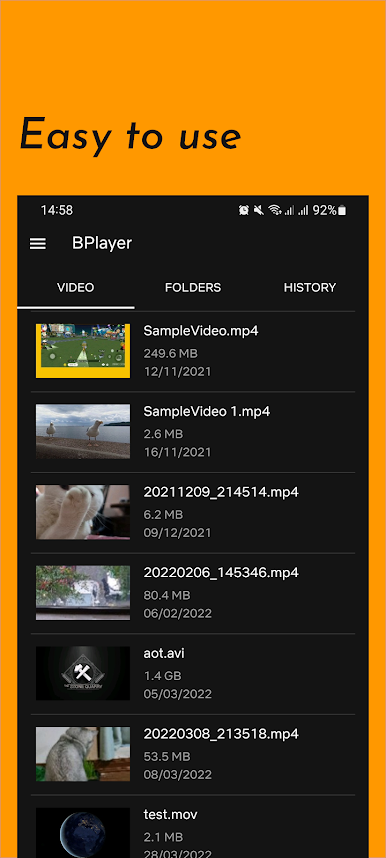
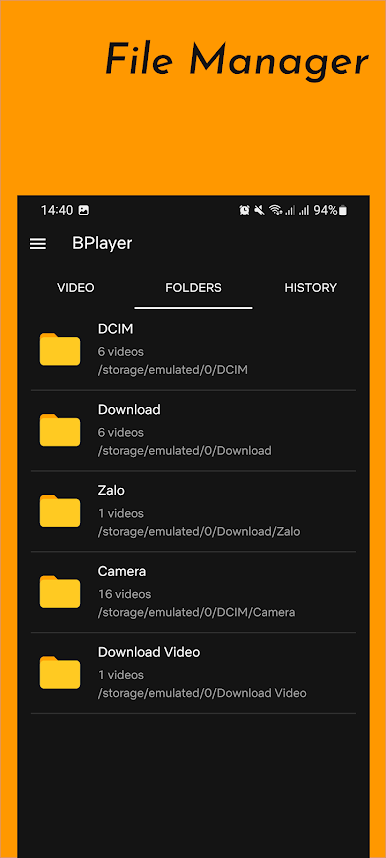
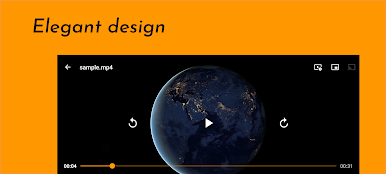
- Play most local video and audio files, as well as network stream
- Stream videos online by simple touchs.
- Support download subtitles and more.
Play B Player on PC. It’s easy to get started.
-
Download and install BlueStacks on your PC
-
Complete Google sign-in to access the Play Store, or do it later
-
Look for B Player in the search bar at the top right corner
-
Click to install B Player from the search results
-
Complete Google sign-in (if you skipped step 2) to install B Player
-
Click the B Player icon on the home screen to start playing

