


AFA: Meet People, Play Sports
Play on PC with BlueStacks – the Android Gaming Platform, trusted by 500M+ gamers.

Page Modified on: May 8, 2026
Main AFA: Meet People, Play Sports on PC
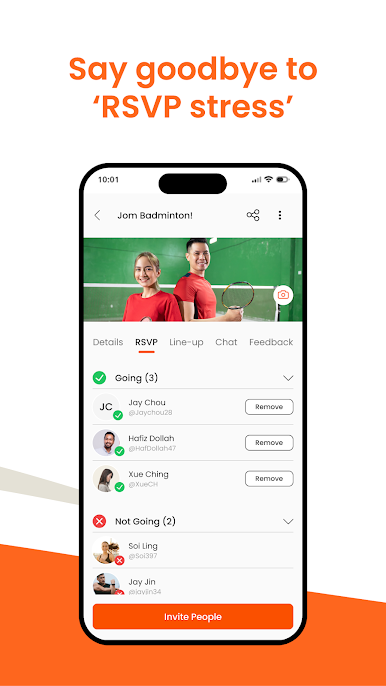
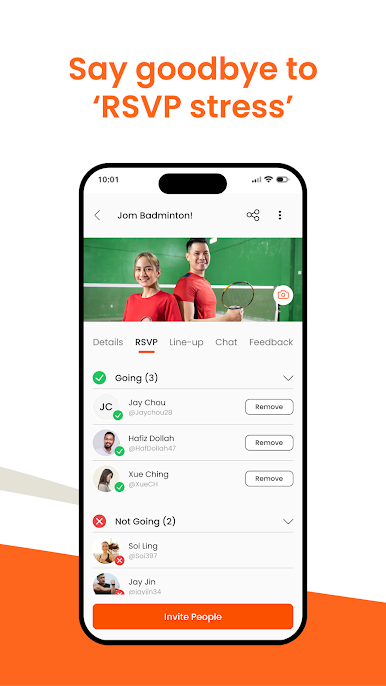
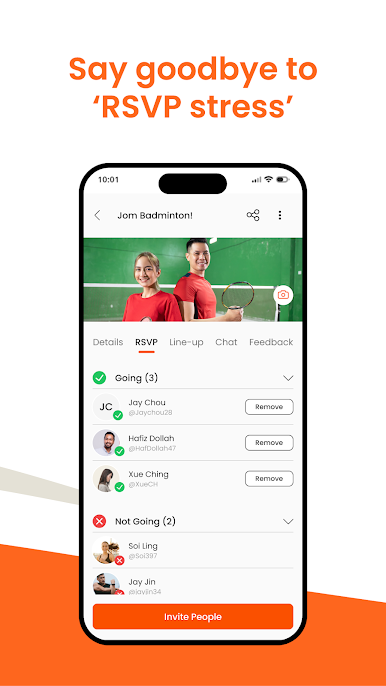
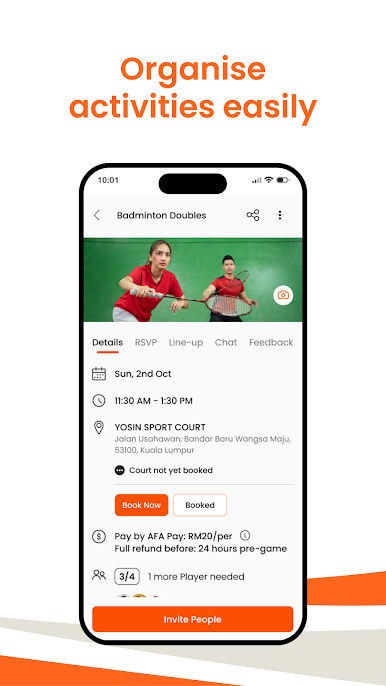
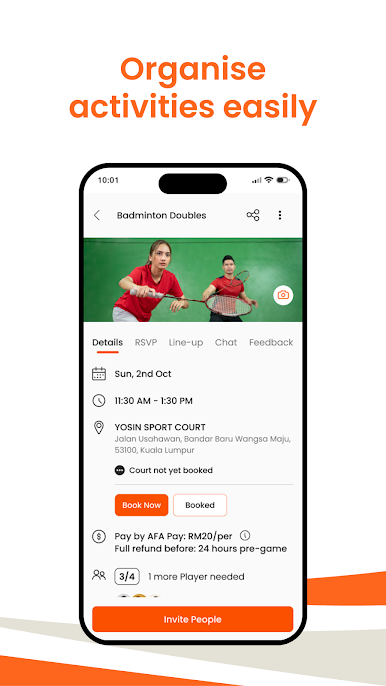
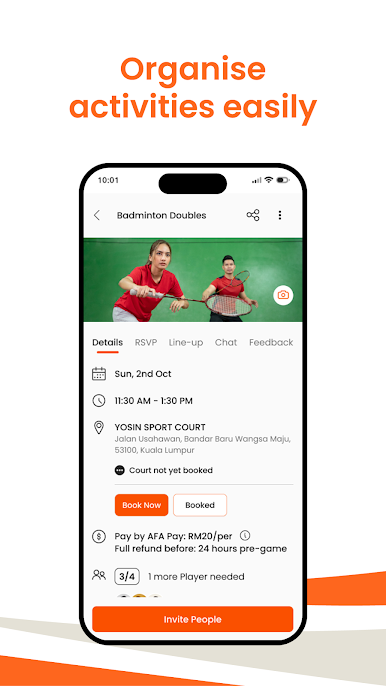
1. Easily create activities, invite friends, manage RSVPs, team grouping, and split payments for venue fees. Say goodbye to RSVP stress!
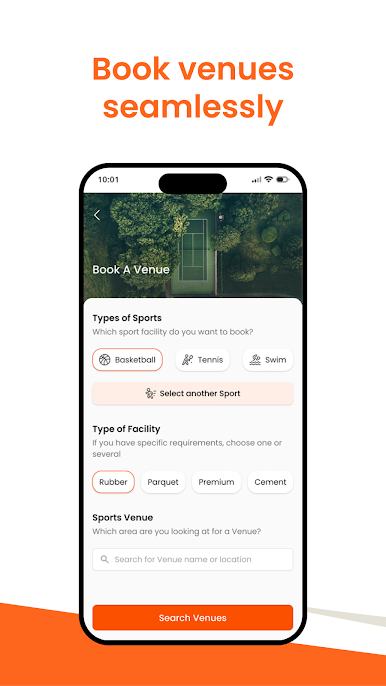
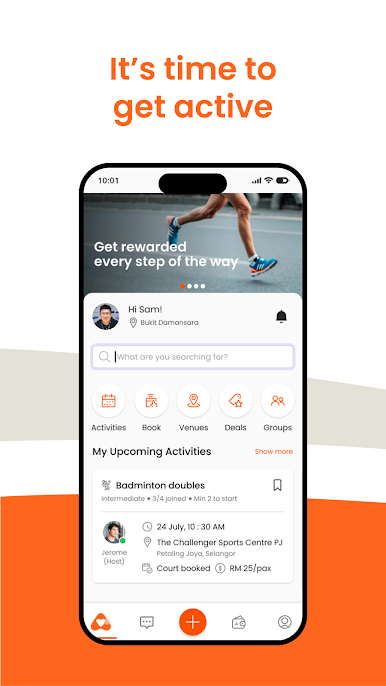
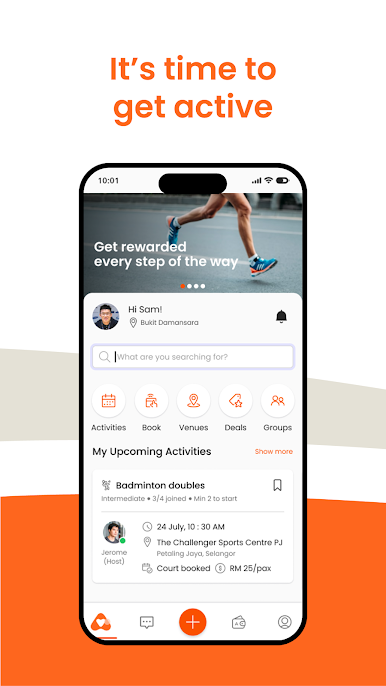
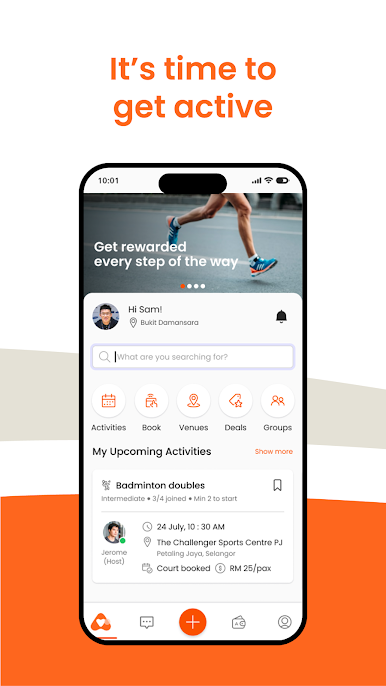
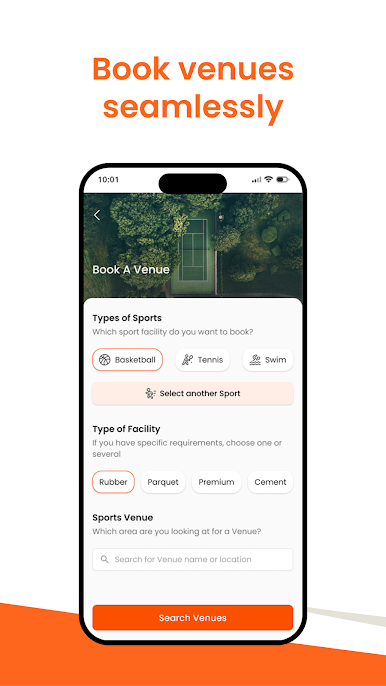
2. Book venues instantly, with over 90 partners nationwide, pay securely with AFA Pay, and get reminders for upcoming events.
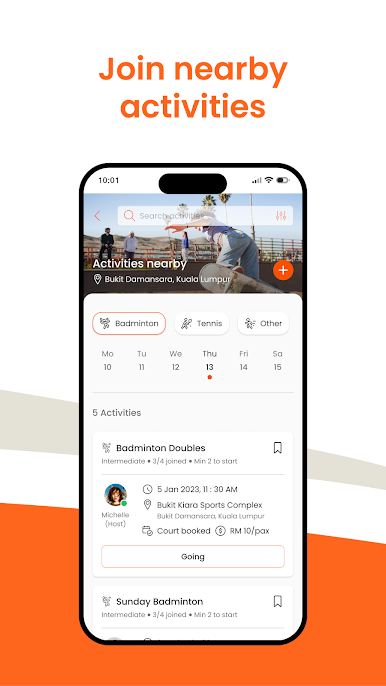
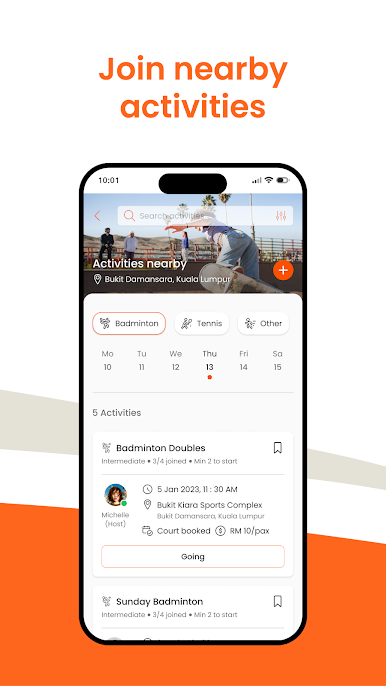
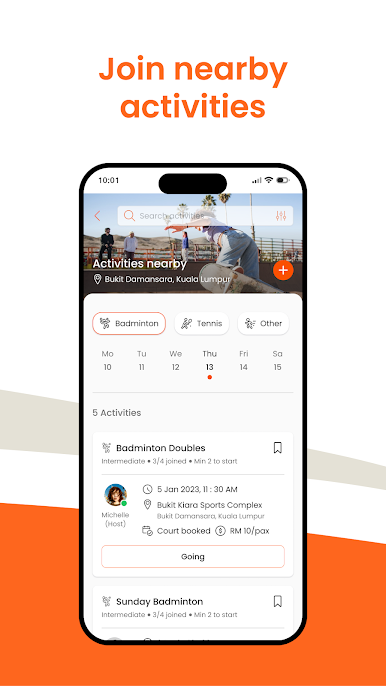
3. Find and join existing groups for all kinds of sports near you, with only a few taps.
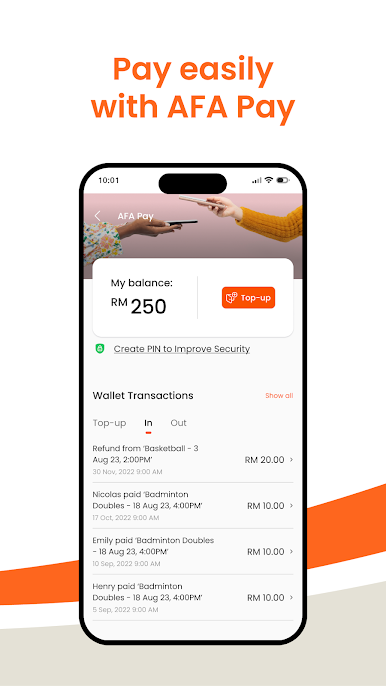
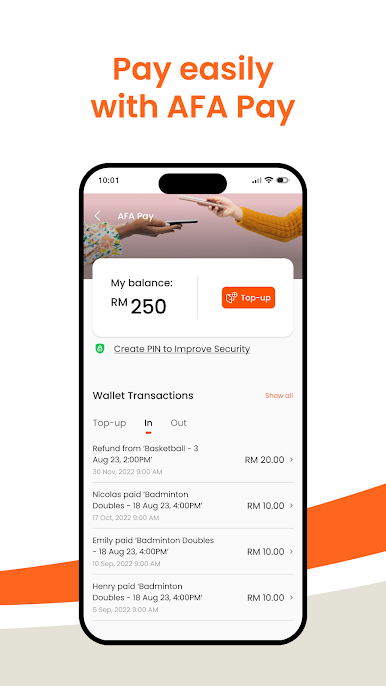
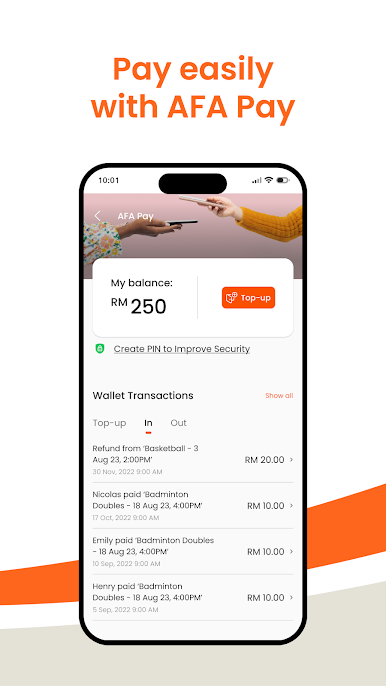
4. Use AFA Pay, a secure e-wallet within the app, to make smooth and easy payments. Keep track of your spending history and wallet transactions.
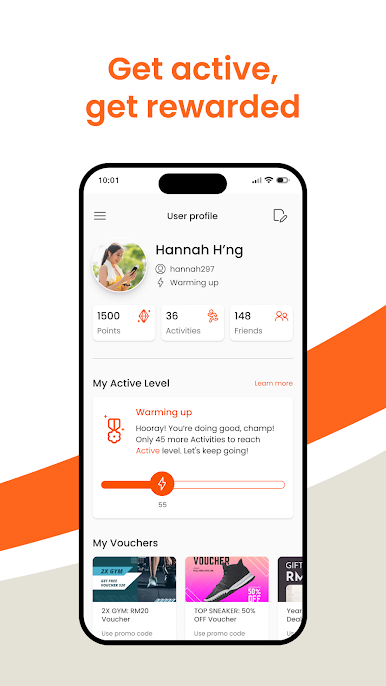
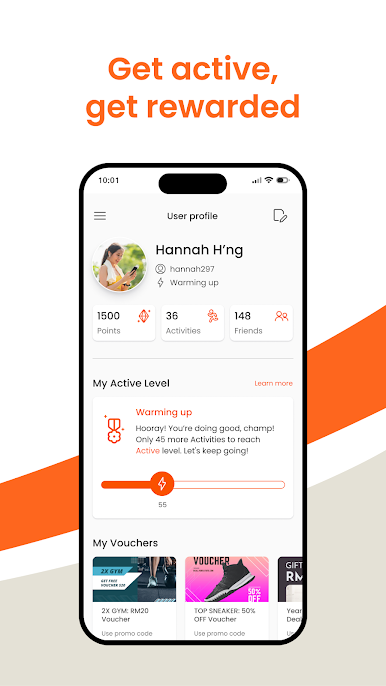
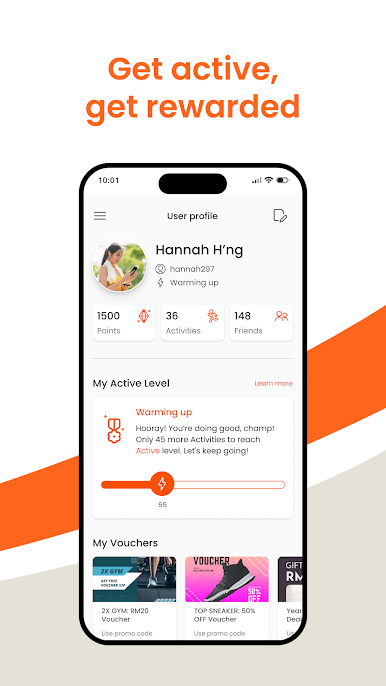
5. Earn reward points for being active, get discounts on venue bookings, redeem rewards from partners, and access special perks. Stay active and have fun!
And more to come!
We are constantly working behind-the-scenes to improve the experience for all types of users: Curious app users, casual sport players, active game organisers and you! Stick with us. :)
AFA is the sports community superapp you’ve always wanted!
[Developer disclaimer]
The developer, AFA Community Sdn Bhd indicated that the app’s privacy practices may include handling of data as described below. For more information, see the developer’s privacy policy.
Play AFA: Meet People, Play Sports on PC. It’s easy to get started.
-
Download and install BlueStacks on your PC
-
Complete Google sign-in to access the Play Store, or do it later
-
Look for AFA: Meet People, Play Sports in the search bar at the top right corner
-
Click to install AFA: Meet People, Play Sports from the search results
-
Complete Google sign-in (if you skipped step 2) to install AFA: Meet People, Play Sports
-
Click the AFA: Meet People, Play Sports icon on the home screen to start playing

