


Hidden Match
Play on PC with BlueStacks – the Android Gaming Platform, trusted by 500M+ gamers.

Page Modified on: Sep 10, 2026
Overview
How to Play:
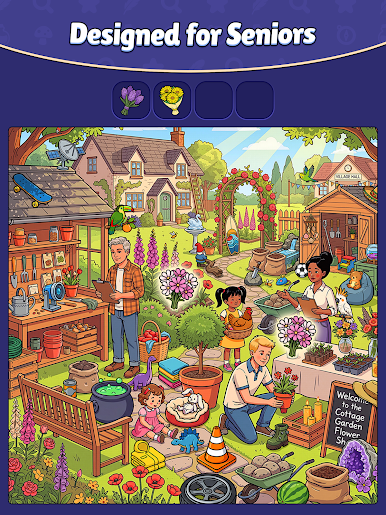
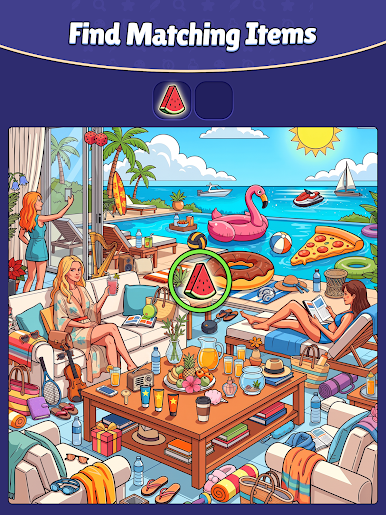
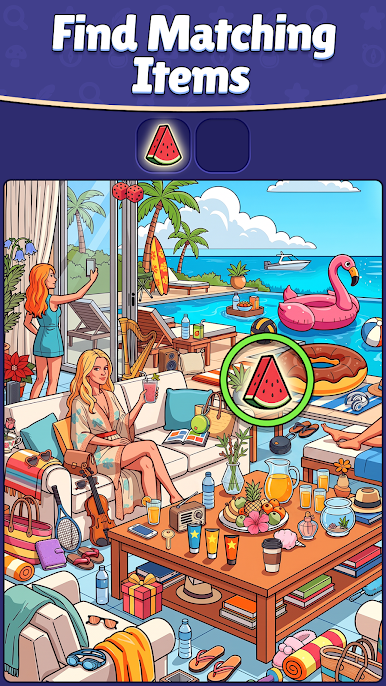
Read the category, like Animals, Food or Toys.
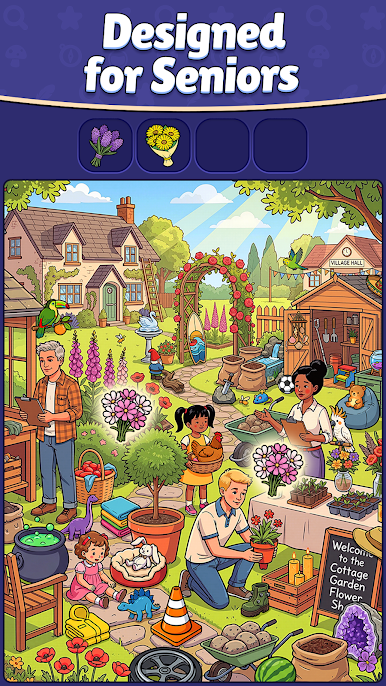
Look at the picture and find two objects that match within that category.
Tap the pairs to collect them and finish the level!
What's Inside:
Many Categories: Animals, food, plants, clothes, tools and many more.
Lots of Levels: Every scene is a brand new picture with new pairs to find.
Easy to Play: Simple and clear for kids and adults.
Play at Your Own Pace: There is no rush. Take your time and enjoy every picture.
Why You Will Love It:
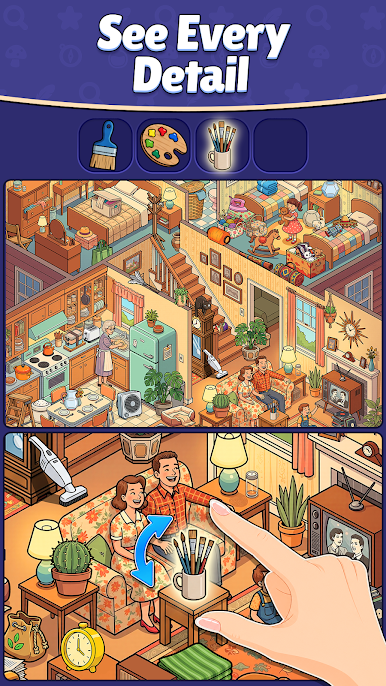
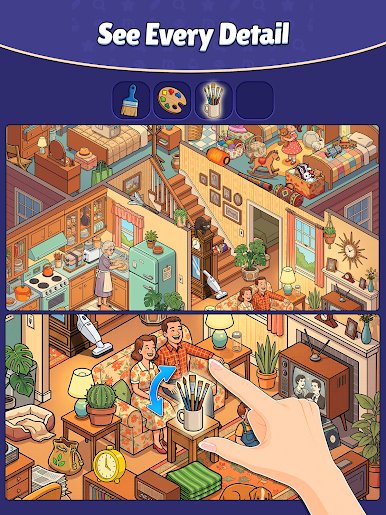
Beautiful Pictures: Every level is bright, warm and full of little details.
Great for Your Eyes and Mind: Relaxing to play, and just tricky enough to keep you looking.
New Levels Often: We add new categories and new scenes all the time!
Free to Play: Download it and start matching right now.
Can you find every pair? Download Hidden Match today and see!
Terms of use: https://agave.games/terms-of-use/
Privacy Policy: https://agave.games/privacy-policy/hidden-match/

Play Hidden Match on PC. It’s easy to get started.
-
Download and install BlueStacks on your PC
-
Complete Google sign-in to access the Play Store, or do it later
-
Look for Hidden Match in the search bar at the top right corner
-
Click to install Hidden Match from the search results
-
Complete Google sign-in (if you skipped step 2) to install Hidden Match
-
Click the Hidden Match icon on the home screen to start playing

