


Soda Match - Water Sort Puzzle
Play on PC with BlueStacks – the Android Gaming Platform, trusted by 500M+ gamers.

Page Modified on: Feb 26, 2026
Play Soda Match - Water Sort Puzzle on PC
How to Play:
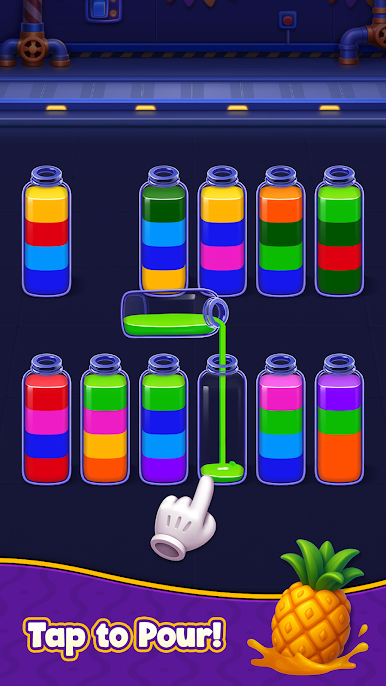
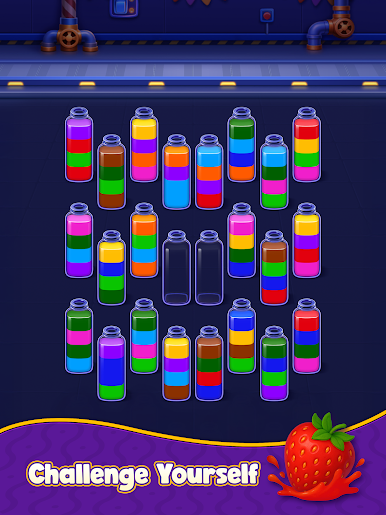
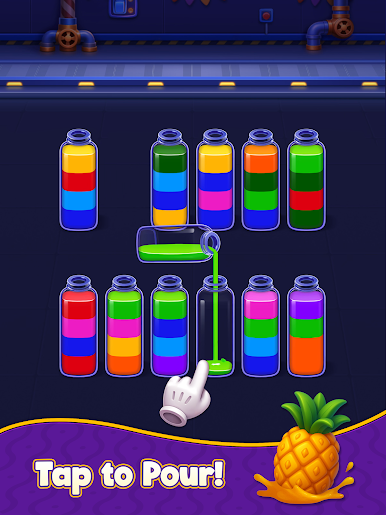
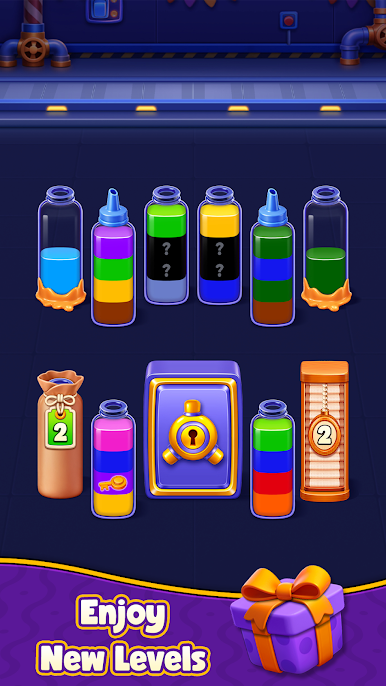
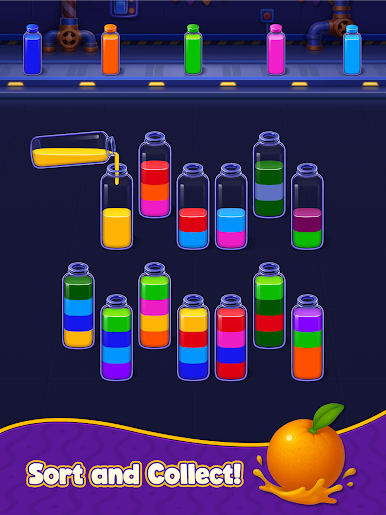
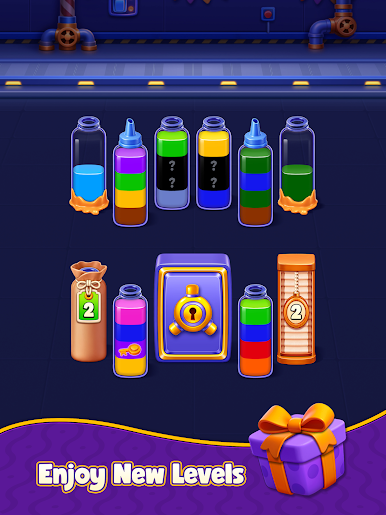
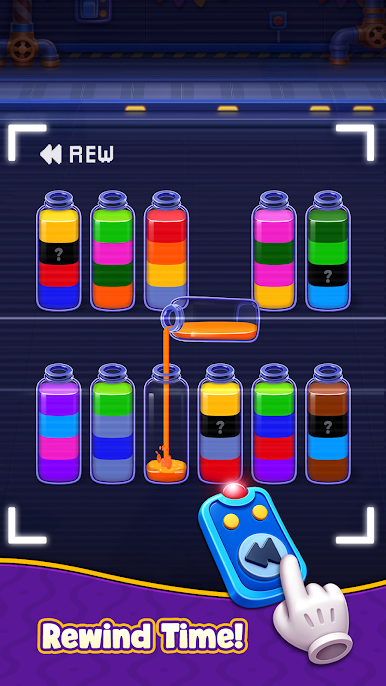
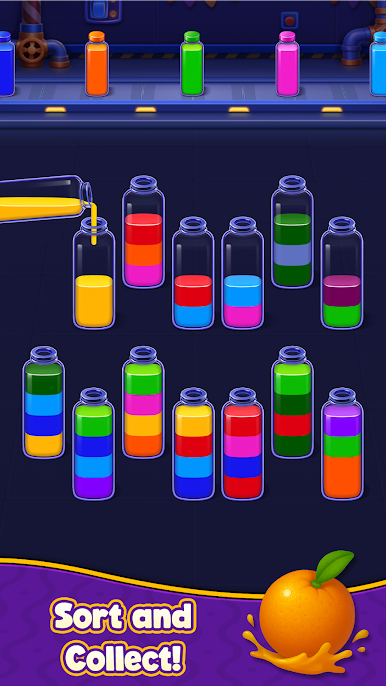
• Tap any bottle to pour the soda into another bottle.
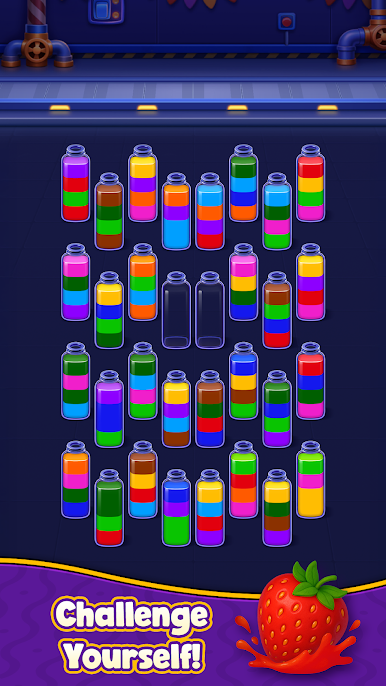
• Match the colors until each bottle is filled with just one.
• Think ahead to make sure you don't get stuck!
Why You’ll Love Soda Match?
• Simple controls: Just one finger to tap and play.
• No stress: There are no timers. Take all the time you need.
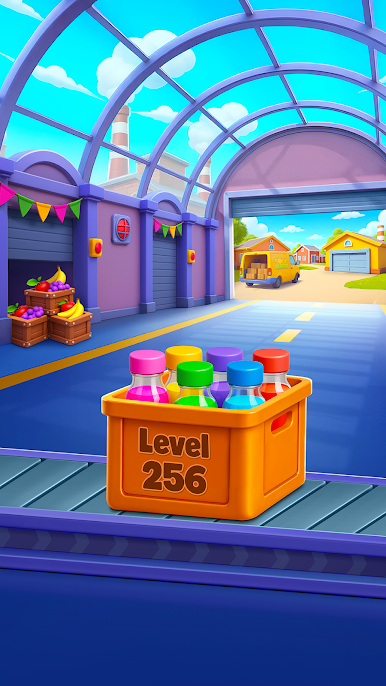
• Fun levels: Start easy and unlock harder puzzles as you go.
Start sorting now and see how many levels you can beat. Download Soda Match today!
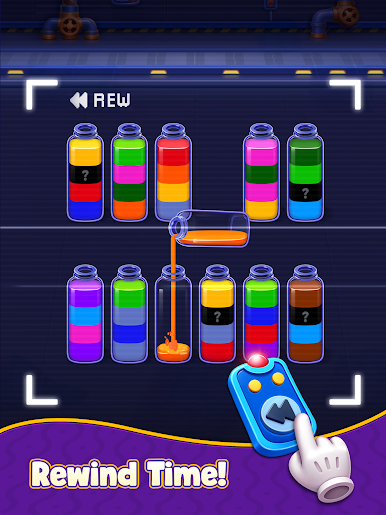
Play Soda Match - Water Sort Puzzle on PC. It’s easy to get started.
-
Download and install BlueStacks on your PC
-
Complete Google sign-in to access the Play Store, or do it later
-
Look for Soda Match - Water Sort Puzzle in the search bar at the top right corner
-
Click to install Soda Match - Water Sort Puzzle from the search results
-
Complete Google sign-in (if you skipped step 2) to install Soda Match - Water Sort Puzzle
-
Click the Soda Match - Water Sort Puzzle icon on the home screen to start playing

