


Charades - Guess Word
Play on PC with BlueStacks – the Android Gaming Platform, trusted by 500M+ gamers.

Page Modified on: Sep 26, 2025
Play Charades - Guess Word on PC or Mac
Charades – Guess Word brings the Board genre to life, and throws up exciting challenges for gamers. Developed by AHB Games, this Android game is best experienced on BlueStacks, the World’s #1 app player for PC and Mac users.
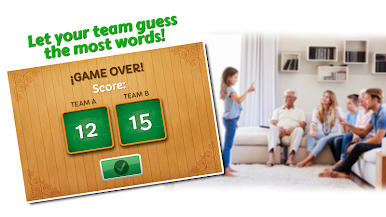
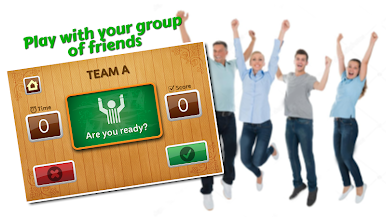
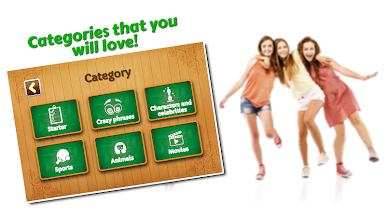
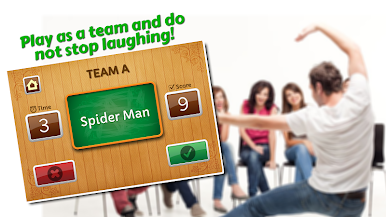
Charades – Guess Word feels like the classic living room game on a screen, fast and a bit chaotic in the best way. Players split into 2, 3, or 4 teams, choose 3, 5, or 7 rounds, and each turn is a 70 second sprint to act out or hint at words while everyone else shouts guesses. The categories are simple and fun to jump between, things like characters, objects, animals, artists, actors, cartoons, plus a bunch of other everyday stuff. What stands out is how quickly a group can get started. There is no confusing setup, the timer is clear, and the words are readable, so the focus stays on laughing at terrible miming and surprising correct guesses. It works with a pair or with a big group of friends, up to twenty if they really want to be loud about it.
On PC with BlueStacks, it is easy to pop it on a bigger screen so the whole table can see the word, and someone can just click pass or correct without juggling a phone. That small change makes it feel more like a party game that sits in the middle of the room. The flow is light and family friendly, so it fits birthdays, baby showers, class hangouts, or a quick break during a study night. There is no deep meta or tricky rules to remember. It is simply guessing lots of words before the buzzer goes off, scoring points, then swapping teams for the next round, and the laughter sort of takes care of itself.
Start your journey now. Download the game on BlueStacks, invite your friends, and march on a new adventure.
Play Charades - Guess Word on PC. It’s easy to get started.
-
Download and install BlueStacks on your PC
-
Complete Google sign-in to access the Play Store, or do it later
-
Look for Charades - Guess Word in the search bar at the top right corner
-
Click to install Charades - Guess Word from the search results
-
Complete Google sign-in (if you skipped step 2) to install Charades - Guess Word
-
Click the Charades - Guess Word icon on the home screen to start playing

