

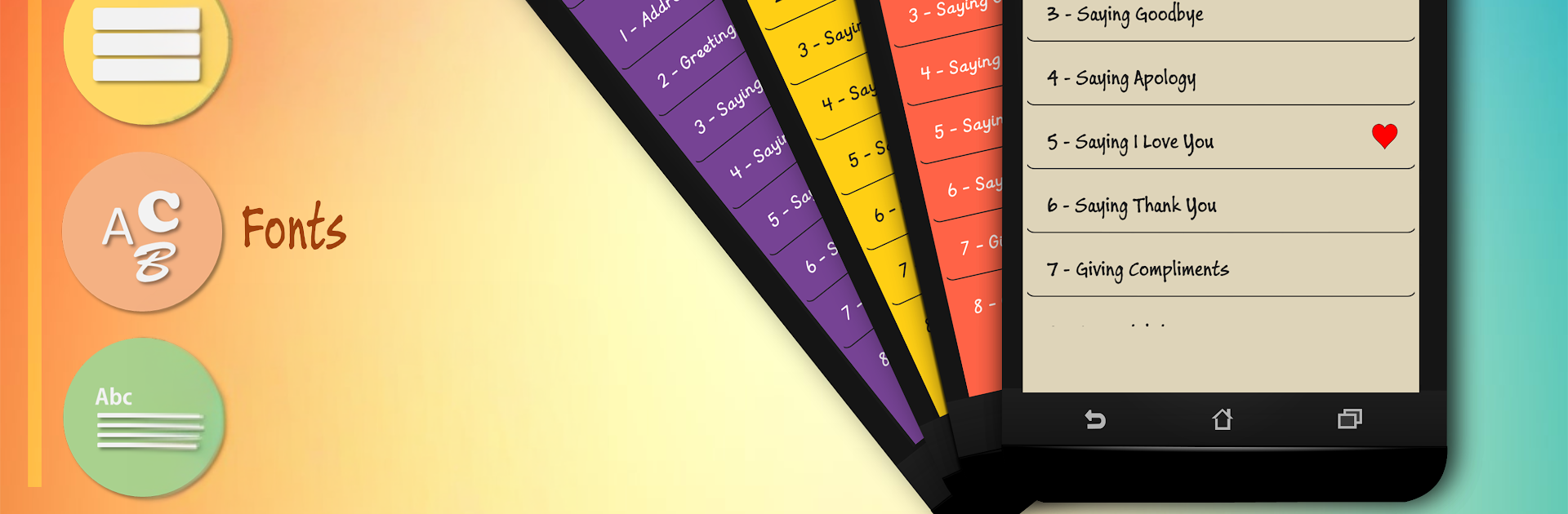
English Phrases In Use
Play on PC with BlueStacks – the Android Gaming Platform, trusted by 500M+ gamers.

Page Modified on: Jan 5, 2023
Run English Phrases In Use on PC or Mac
Upgrade your experience. Try English Phrases In Use, the fantastic Education app from AhihiDev Studio, from the comfort of your laptop, PC, or Mac, only on BlueStacks.
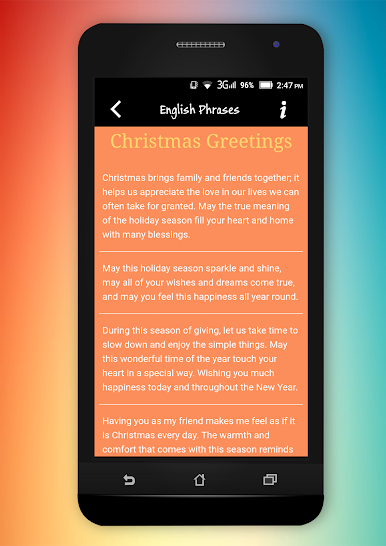
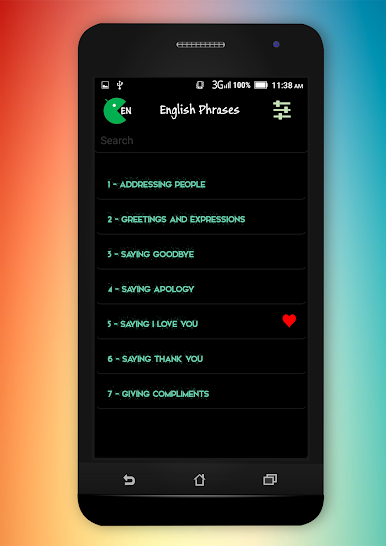
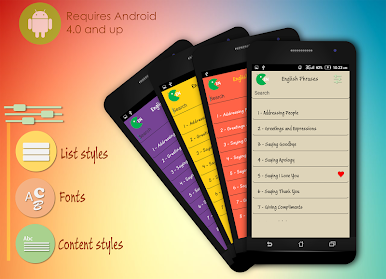
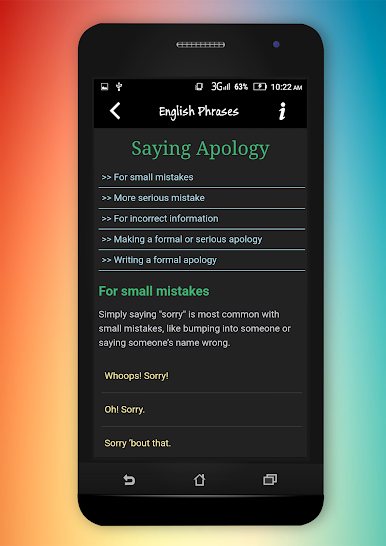
English Phrases In Use feels like a friendly phrasebook that actually makes sense in real life. It is not trying to teach grammar rules or long lectures. You open it, pick a situation, and it gives short, natural lines people actually say. The categories are super clear, so someone can jump right to greetings, apologies, giving opinions, asking for directions, calling a friend, writing an email, even handling a complaint. There are formal and informal options, plus a little slang here and there, so it helps with tone, not just meaning. It keeps the focus on sounding natural and precise, which is the hard part when phrases look similar but carry different weight.
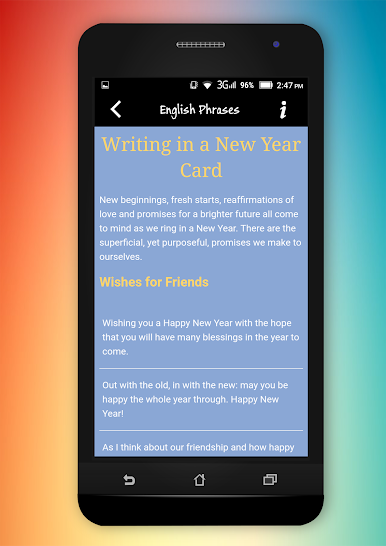
There is no fluff. It is basically quick lists that are easy to skim, then you grab a phrase and use it. That makes it great for daily stuff like restaurant small talk, bank visits, shopping, or sending a quick thank you that does not sound awkward. The holiday bits are fun too, like Christmas or New Year card lines, and little things like responding to congratulations or giving compliments feel handy when the right words will not come. On PC with BlueStacks, scrolling through the topics is smooth, and it is nice for keeping a window open while writing messages in another tab. It suits learners who want practical examples over heavy lessons, or even fluent folks who want a better way to say the same thing without sounding stiff. It is simple, a bit barebones, but that is kind of the point.
Switch to BlueStacks and make the most of your apps on your PC or Mac.
Play English Phrases In Use on PC. It’s easy to get started.
-
Download and install BlueStacks on your PC
-
Complete Google sign-in to access the Play Store, or do it later
-
Look for English Phrases In Use in the search bar at the top right corner
-
Click to install English Phrases In Use from the search results
-
Complete Google sign-in (if you skipped step 2) to install English Phrases In Use
-
Click the English Phrases In Use icon on the home screen to start playing

