


G.AI - AI Chat & AI Chatbot
Play on PC with BlueStacks – the Android Gaming Platform, trusted by 500M+ gamers.

Page Modified on: Jan 29, 2026
Run G.AI - AI Chat Assistant on PC or Mac
Curious about AI tools and AI agents? Here’s something you can actually try.
With BlueStacks AI, you can run OpenClaw (an AI assistant) on your PC or Mac with 1-click setup, in a sandboxed environment isolated from your files and browser, with better cost controls for API usage.
Try BlueStacks.AI
Why limit yourself to your small screen on the phone? Run G.AI – AI Chat Assistant, an app by junjunlabs, best experienced on your PC or Mac with BlueStacks, the world’s #1 Android emulator.
About the App
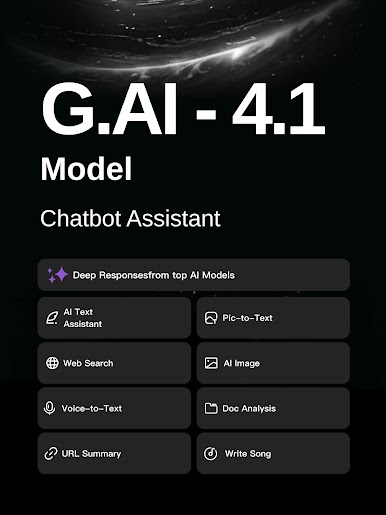
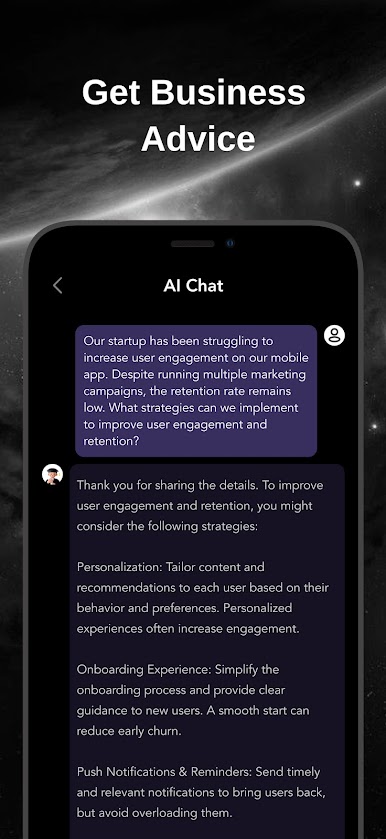
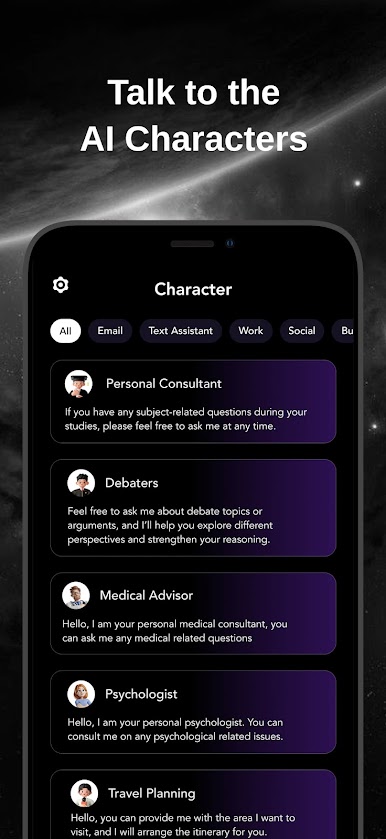
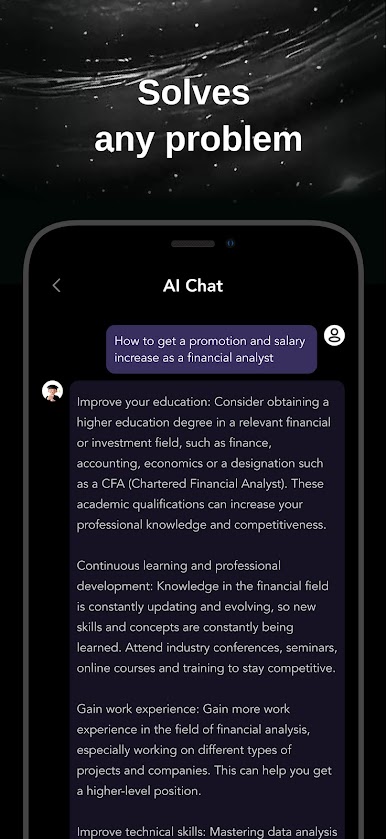
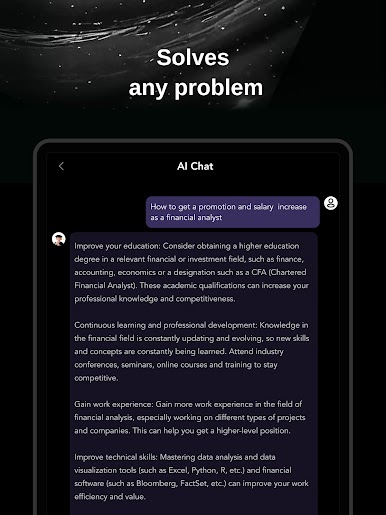
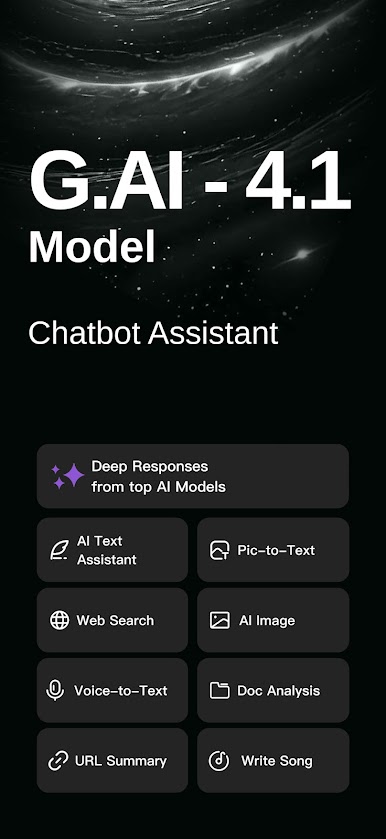
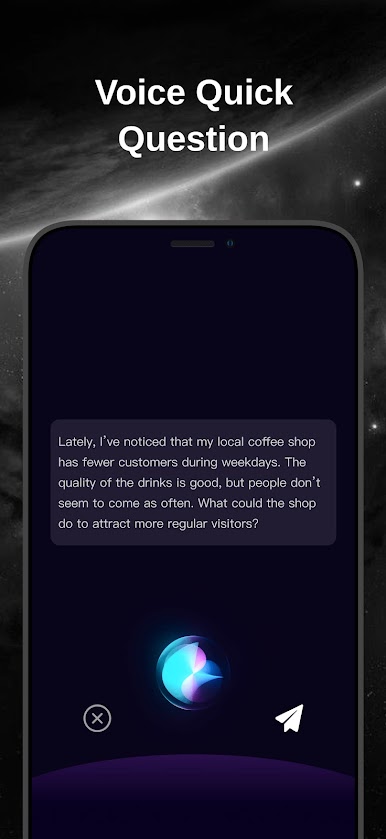
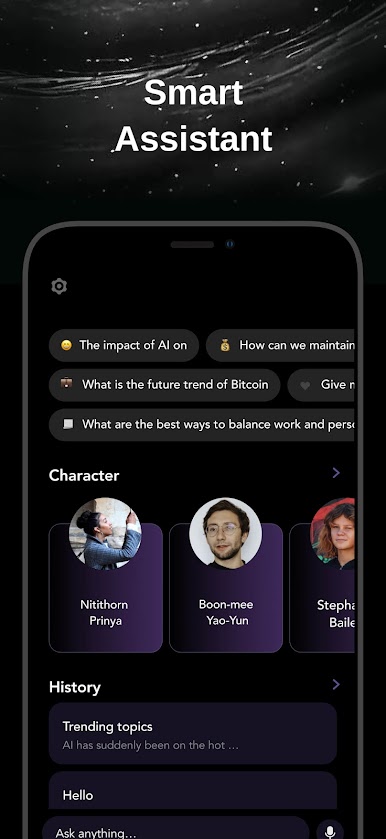
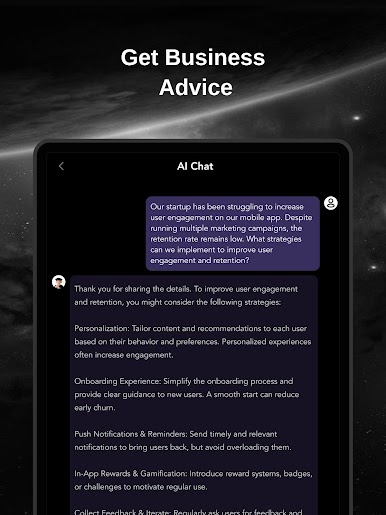
Ever wish you had a super smart assistant you could chat with anytime? G.AI – AI Chat Assistant from junjunlabs is here to make that happen. Whether you’re juggling work assignments, brainstorming ideas, or just curious about a random trivia fact, this productivity app pulls up answers faster than you can type the question. Think of it as a friendly helper that’s ready to dive into anything, from business projects to homework and daily life questions. The experience feels like talking to someone who knows a bit about, well… everything.
App Features
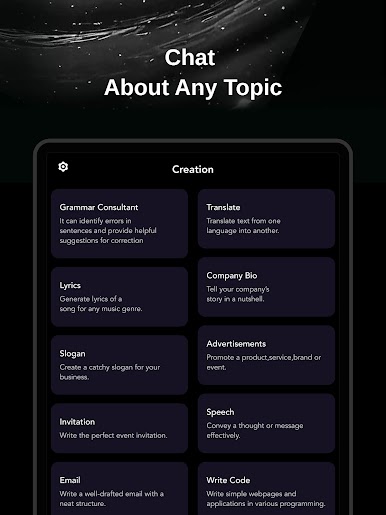
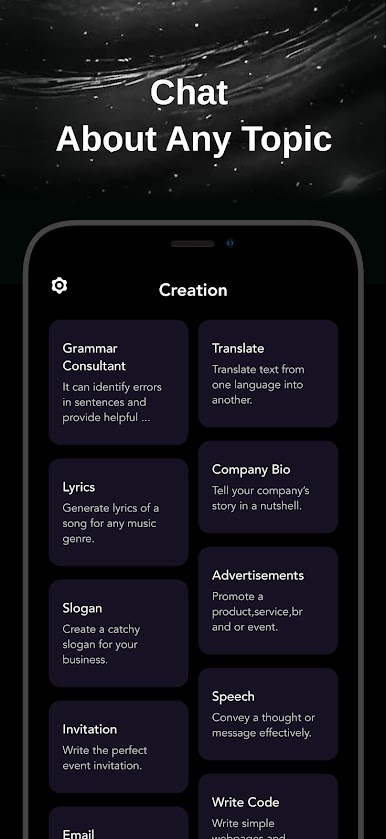
- All-in-One Writing Help
Need to whip up an essay, draft an email, or tweak something you wrote? G.AI – AI Chat Assistant can handle all sorts of writing tasks and give you ideas for better phrasing or structure. - Language Buddy
Practice your foreign language skills, get instant translations, or just chat to pick up new phrases. It’s a fun, low-pressure way to get better at another language. - Homework and Study Aid
Stuck on an assignment? Ask G.AI for help breaking things down or explaining tricky concepts. It’s like having an extra study partner without the late-night texts. - Brainstorm Central
Hit a creative block? Use the app to bounce around ideas, jot down anything from business models to brand-new stories, or get cooking suggestions when you’re bored of your usual menu. - Smart Information Retrieval
Curious about global history, science, or the latest tech trends? Fire away—G.AI gathers info across various fields, making research a breeze. - Personalized Experience
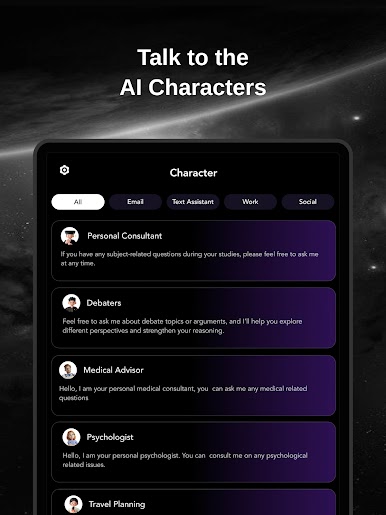
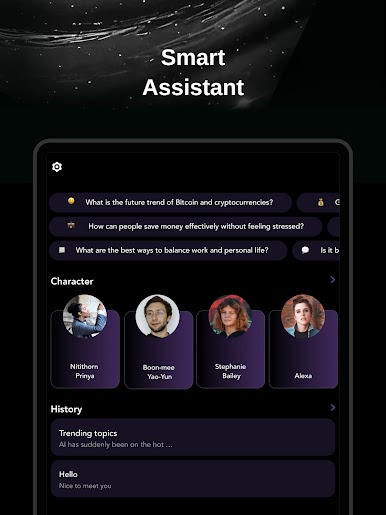
The app learns as you use it, recommending new ways to interact and fresh tips to try out, so it starts to feel tailor-made for your style. - Open Chat & Recommendations
Keep the conversation going with free-form text chat, plus get suggestions on new chatbot features or strategies to try out right in the app.
For those interested, you can easily use G.AI – AI Chat Assistant via BlueStacks if you prefer working on a bigger screen.
BlueStacks gives you the much-needed freedom to experience your favorite apps on a bigger screen. Get it now.
Play G.AI - AI Chat & AI Chatbot on PC. It’s easy to get started.
-
Download and install BlueStacks on your PC
-
Complete Google sign-in to access the Play Store, or do it later
-
Look for G.AI - AI Chat & AI Chatbot in the search bar at the top right corner
-
Click to install G.AI - AI Chat & AI Chatbot from the search results
-
Complete Google sign-in (if you skipped step 2) to install G.AI - AI Chat & AI Chatbot
-
Click the G.AI - AI Chat & AI Chatbot icon on the home screen to start playing

