


Soccer Star World: Football
Play on PC with BlueStacks – the Android Gaming Platform, trusted by 500M+ gamers.

Page Modified on: Jan 12, 2026
Main Soccer Star World: Football on PC
Master professional shooting and passing with perfect precision, climb each league, and dominate every competition like a hero. Represent your country, and compete for the cup of the world competition in intense tournaments in countries like USA, Canada, Mexico or Argentina. Feel the crowd and fans in dream stadiums, and become a legendary superstar hero around the globe. Lead your club as an international team manager and conquer the ultimate dream league soccer competition. Pure arcade fun and triumph!
GAME FEATURES:
Realistic football physics simulation
Easy flick game controls
Progressive levels across a full season
Immersive commentary simulation
Win trophies, celebrate victories, reach champion status
Train skill, become a master, shine as goalkeeper
Play offline!


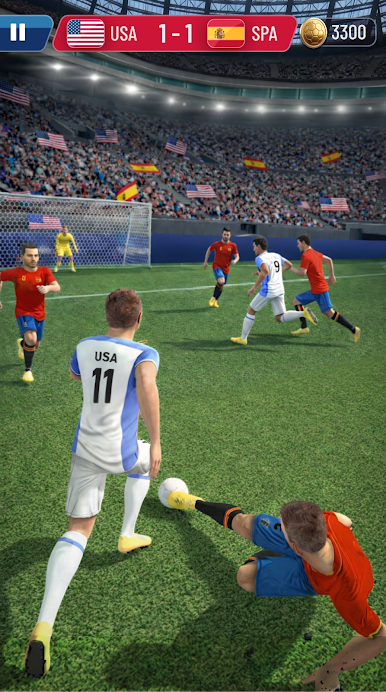


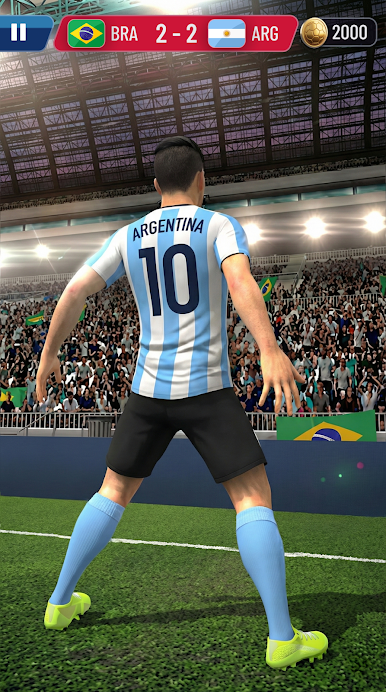
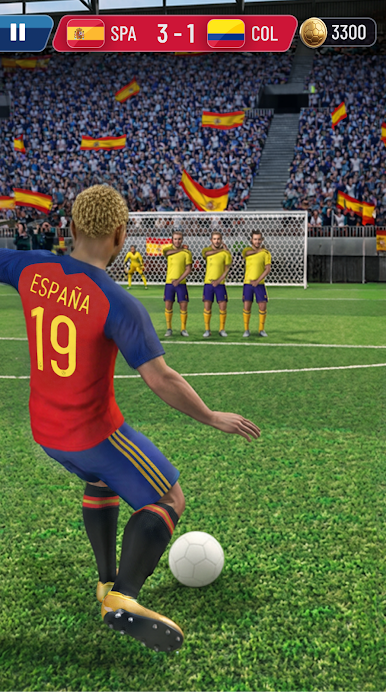
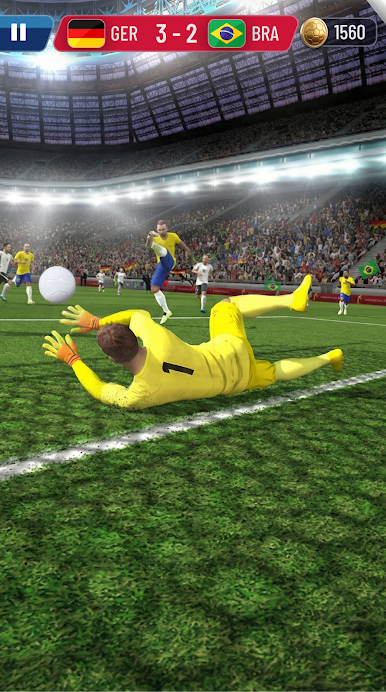
Play Soccer Star World: Football on PC. It’s easy to get started.
-
Download and install BlueStacks on your PC
-
Complete Google sign-in to access the Play Store, or do it later
-
Look for Soccer Star World: Football in the search bar at the top right corner
-
Click to install Soccer Star World: Football from the search results
-
Complete Google sign-in (if you skipped step 2) to install Soccer Star World: Football
-
Click the Soccer Star World: Football icon on the home screen to start playing

